Your own character, big
Viewers who know your channel spot your skin before they read anything. It takes the left third of the frame, from the knees up.
Add your Minecraft skin or pick a sample character, choose a scene and type a title. The AI draws a finished 16:9 YouTube thumbnail with your character in it.
Credits are refunded automatically if a run fails for a technical reason.
NOT AN OFFICIAL MINECRAFT PRODUCT. NOT APPROVED BY OR ASSOCIATED WITH MOJANG OR MICROSOFT.
The small picture in each corner is the character the run started from. These are AI-made samples, so yours may come out differently.
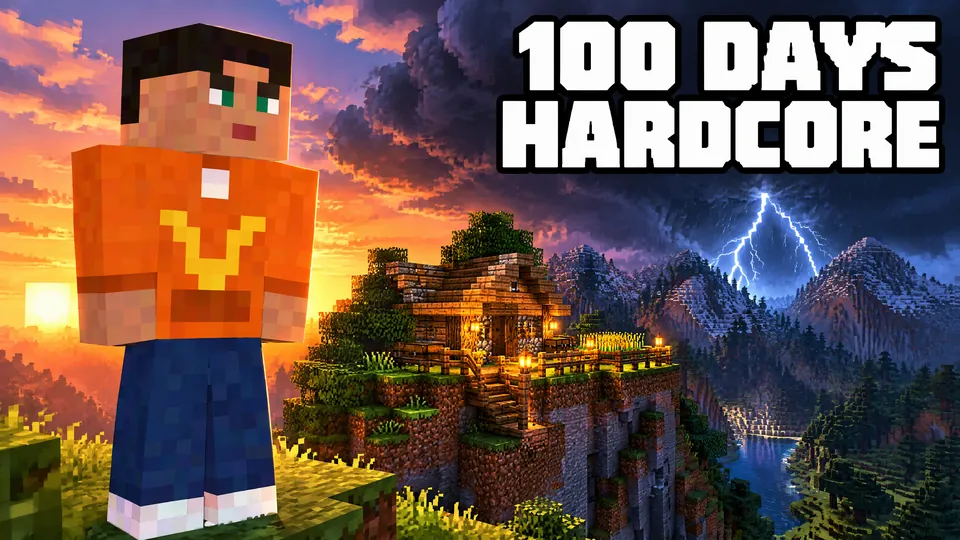
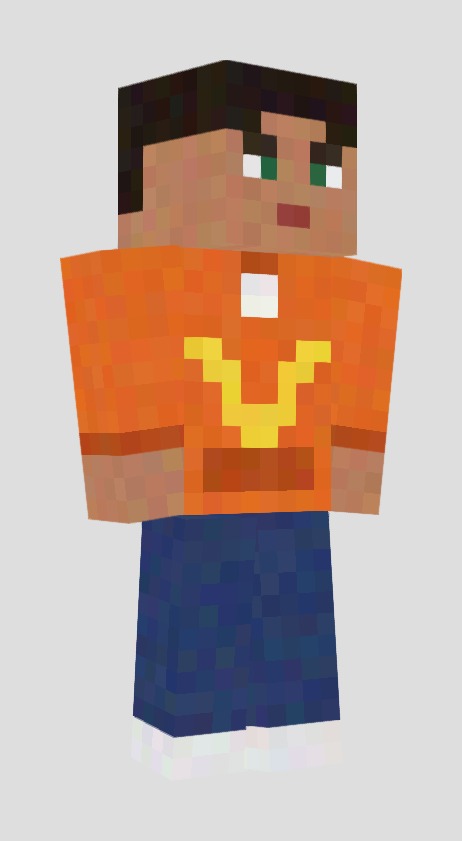
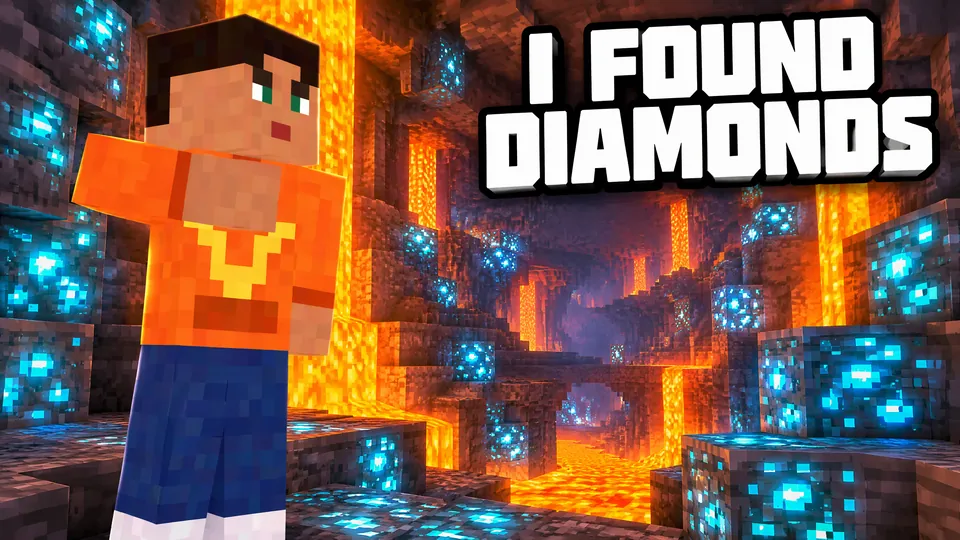
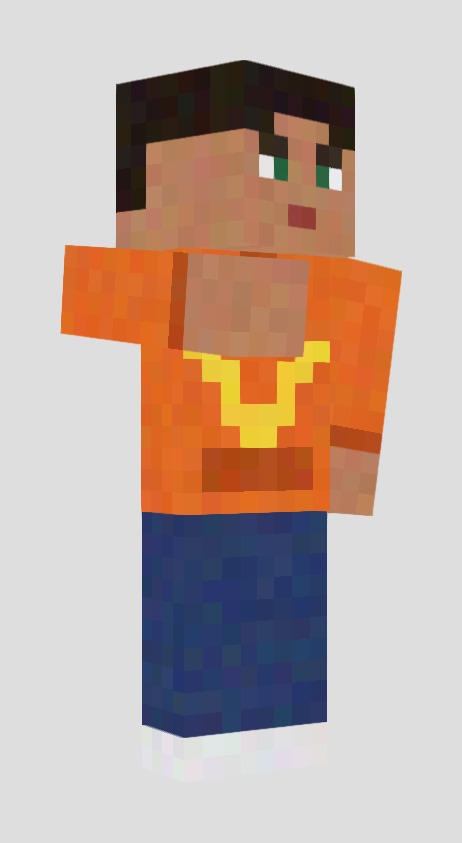
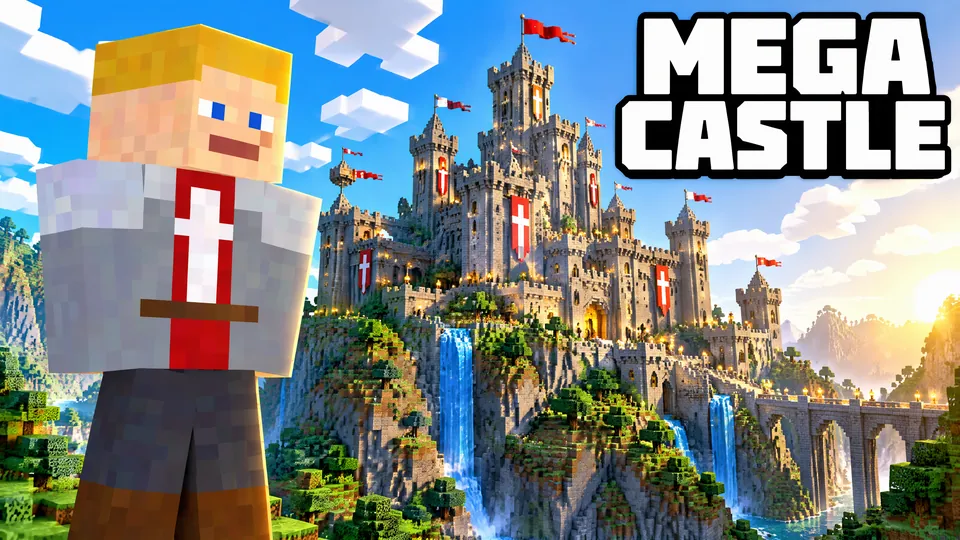
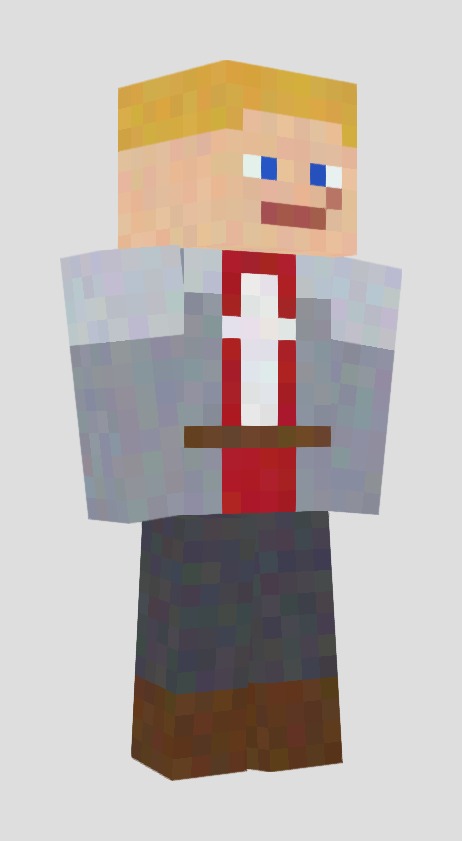
Upload your skin with Your skin, the 64×64 PNG you use in the game, or pick the Ember or Knight sample. Then choose Standing or Pointing.
Choose 100 Days Hardcore, Diamond Cave or Castle Build, or pick Custom and describe your own. Type a short title, or leave it empty for no text.
Check the result at full size and at feed size, then download the 1280×720 JPG and upload it to YouTube as your custom thumbnail.
Viewers who know your channel spot your skin before they read anything. It takes the left third of the frame, from the knees up.
A storm over a hardcore base, a cave full of diamonds, a finished castle. One clear moment reads better at feed size than a busy collage.
The title is painted in huge block capitals, so short titles like 100 DAYS HARDCORE or MEGA CASTLE stay readable on a phone.
Every scene is drawn new for your thumbnail, so you won't find the same background on another channel. The character always stands on the left, with the scene behind and to the right. Leave the title empty to get the background and your character with no text, then add your own text in any editor.
NOT AN OFFICIAL MINECRAFT PRODUCT. NOT APPROVED BY OR ASSOCIATED WITH MOJANG OR MICROSOFT. This is an independent AI tool. It uses no game logos, fonts or files, and the Ember and Knight samples are our own original skins.
选择匹配你创作节奏的套餐
订阅用户同价多得 +20% 积分
≈ 18 个视频每个 5 秒 · 480p
订阅用户可得:1,080
≈ 38 个视频每个 5 秒 · 480p
订阅用户可得:2,280
≈ 110 个视频每个 5 秒 · 480p
订阅用户可得:6,600
≈ 240 个视频每个 5 秒 · 480p
订阅用户可得:14,400
订阅将按显示的价格自动续费,直至您取消;价格变动前我们会通知您。可随时在 设置 → 账单 取消,已付周期结束前仍可使用。积分包为一次性购买,自到账起 180 天后过期。价格已包含结账时收取的税费。 退款与计费 · 服务条款 · 隐私政策 · 联系我们 · 价格
aiMakeVideo 是独立的 AI 视频平台,与各模型提供方无隶属关系。
No. The account is free, but each thumbnail uses credits, and the exact cost is shown on the button before you start. Credits are refunded automatically if a run fails for a technical reason.
Download for YouTube gives a 1280×720 JPG, the size YouTube recommends for custom thumbnails. The full-size download is a 16:9 PNG about 2700 pixels wide. Neither has a watermark.
The skin PNG you would upload to the game: 64×64, or the older 64×32 format. Slim arms are detected, and hat and jacket layers are drawn. HD skins and looking up a skin by player name aren't supported yet.
Close, but not pixel for pixel. In our tests the colours and patterns of the clothes held every time, while small face details such as eyebrows or the mouth sometimes changed. Compare the result with your skin and generate again if it looks off.
The AI paints the title into the picture, so a new title means a new run at the same price. To edit text freely, leave the title empty and add it in your own editor.
Yes. Pick the Ember or Knight sample, two original characters we made for this tool. Default skins from the game aren't offered.
No. NOT AN OFFICIAL MINECRAFT PRODUCT. NOT APPROVED BY OR ASSOCIATED WITH MOJANG OR MICROSOFT. It is an independent AI tool that draws in a blocky style, with no game logos or files.
Usually about a minute. Keep the tab open; if you leave, the result still appears in your recent results on this page.