01
人還是那個人,衣服全新
鎖住臉與姿勢,再把服裝改成絲綢、高定或大片造型——先保身份,再換穿搭。
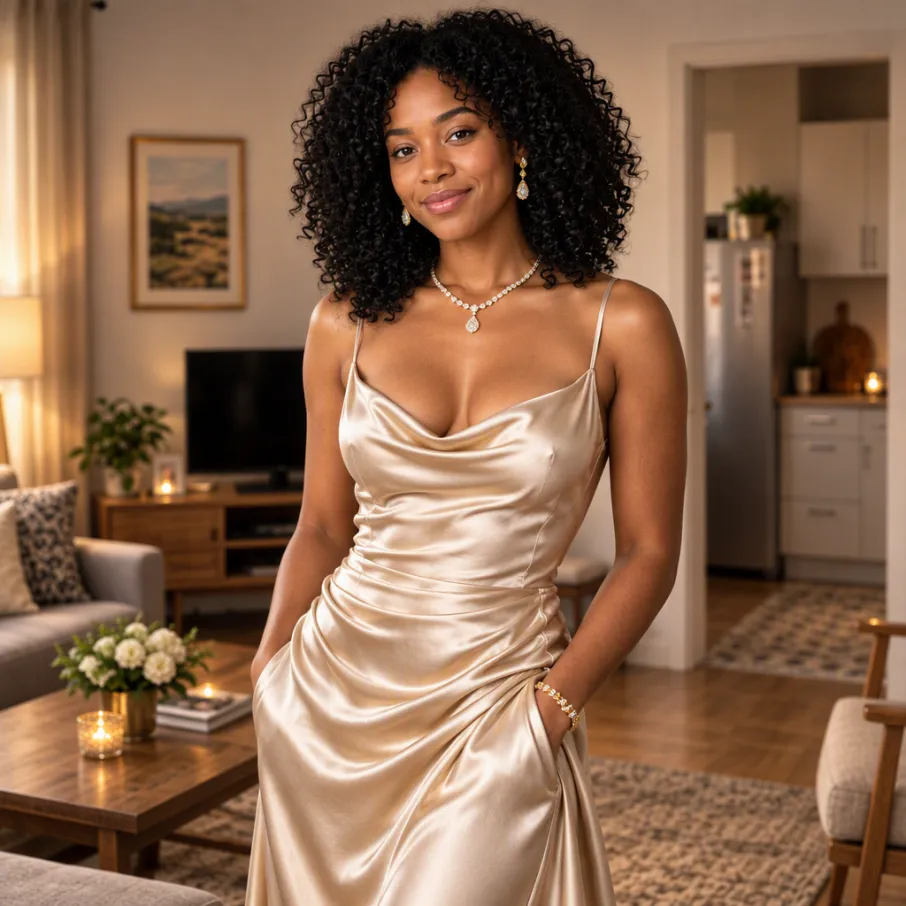
在保留視覺方向的同時,重新塑造你的參考圖片。
參考素材僅在當前會話中保留。重新開啟草稿後需要再次新增。
預估費用:3 積分(GPT Image 2.5 Flare)
鎖住臉與姿勢,再把服裝改成絲綢、高定或大片造型——先保身份,再換穿搭。
構圖與主體不動,只改時段與氣質:日光變燭光、硬光變柔和美妝光。
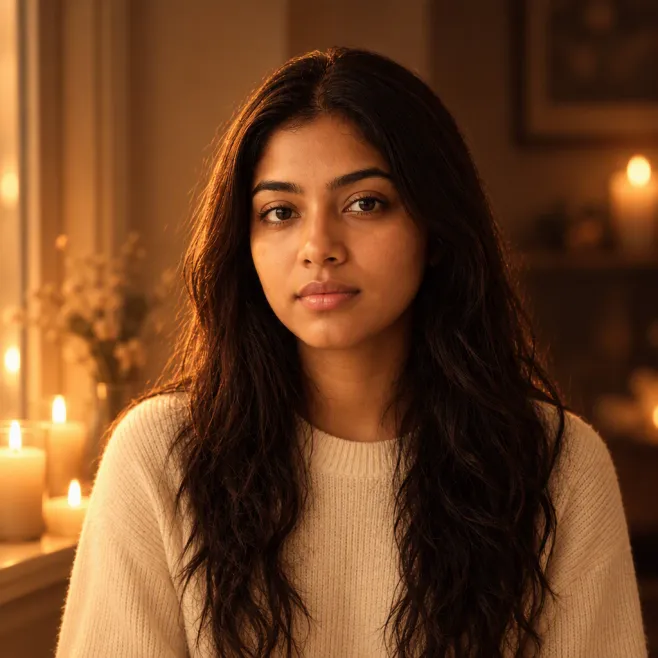
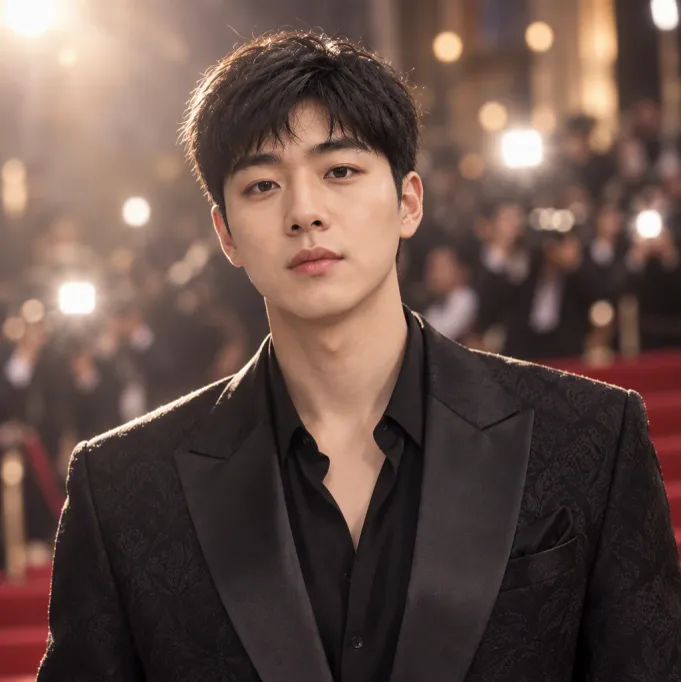
鎖住長相與體型,再升級為禮服/西裝與柔光美妝光——不用重拍棚,直接出大片感。
瓶型與品牌標識不變,挪到絲綢、花瓣與廣告級佈景上——SKU 不重畫,場景全新。
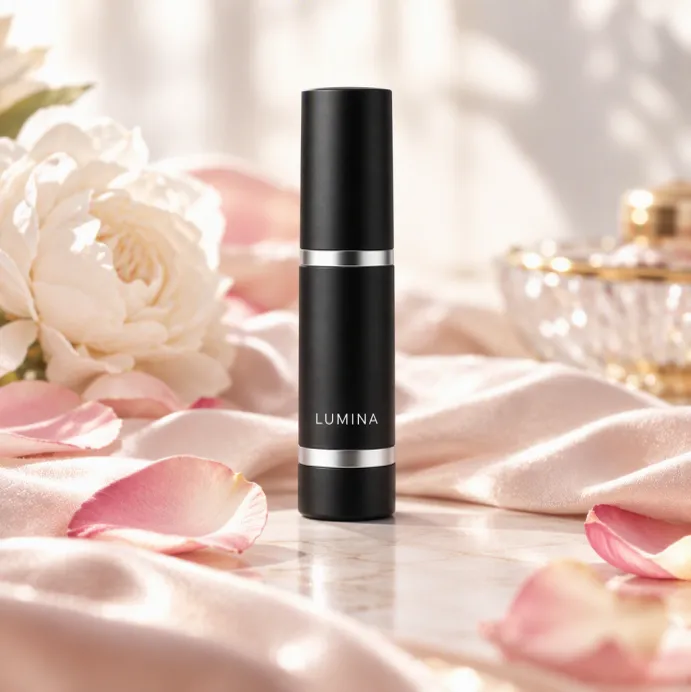
Image to Image 結合參考靜圖與指令,進行改風格、精修或重構圖。它與 Text to Image 同屬 aiMakeVideo 工作室中的 AI Image Maker。
參考上傳、多模型圖像選擇(Nano Banana / GPT Image 等)、showcase 靈感,以及與影片工具相同的 Create 工作區,有助於保持產品圖與活動視覺一致。
使用可接受參考圖的圖像模型——Nano Banana、GPT Image 以及其他編輯/參考模式選項。創作器只會顯示與上傳相容的選項。
寫明必須保留的部分(面孔、logo 位置、產品外形)與要改變的部分(服裝、背景、光線、畫風)。簡短指令句通常比只有情緒板更有效。
比例通常跟隨源圖或最終裁切需求。強度或畫質設定(若提供)在保真與創意之間權衡,並影響積分。
遵循套餐商用條款,且僅上傳你有權改造的參考圖。積分覆蓋每次執行;活動需要大量變體時可用積分包補充。
用 Text to Image 發明外觀,再用 Image to Image 迭代優勝稿。需要動態時,把終稿送入 Image to Video——都在同一個 AI 影片 + 圖片工作室裡。