
A tribute video gathers photos, music and a few words into something a whole room can share. It might honor someone who has died, celebrate a parent's 80th birthday or mark a couple's golden anniversary. The best ones feel personal: you can tell from the first minute whose life it is.
Here are fourteen ideas to make yours feel that way. You can try any of them in the free tribute video maker, which turns your photos into a video with a title card and music right in your browser.
Ideas for the story
1. Tell it as a life in chapters. Group the photos into childhood, growing up, love and family, and later years. It is the easiest structure to follow, and every guest finds a chapter they were part of.
2. Follow one thread through the years. A lifelong gardener in every garden they ever planted, a fisherman with every catch, a cook at every holiday table. A single thread makes a short video feel complete.
3. Start at the end. Open with a recent photo, then jump back to a baby picture and move forward. It reminds everyone how far a life travels.
4. Let the places tell the story. The house they grew up in, the first apartment, the town they moved to, the beach they returned to every summer. Places carry memories for the whole family.
Ideas for the photos
5. Pair then and now. Put a childhood photo next to a recent one in the same pose or place, one after the other. It always draws a smile.
6. Include the everyday, not only the occasions. Weddings and graduations matter, but so do a photo at the kitchen table, in the garage, or asleep in the favourite chair. Those are the moments people miss.
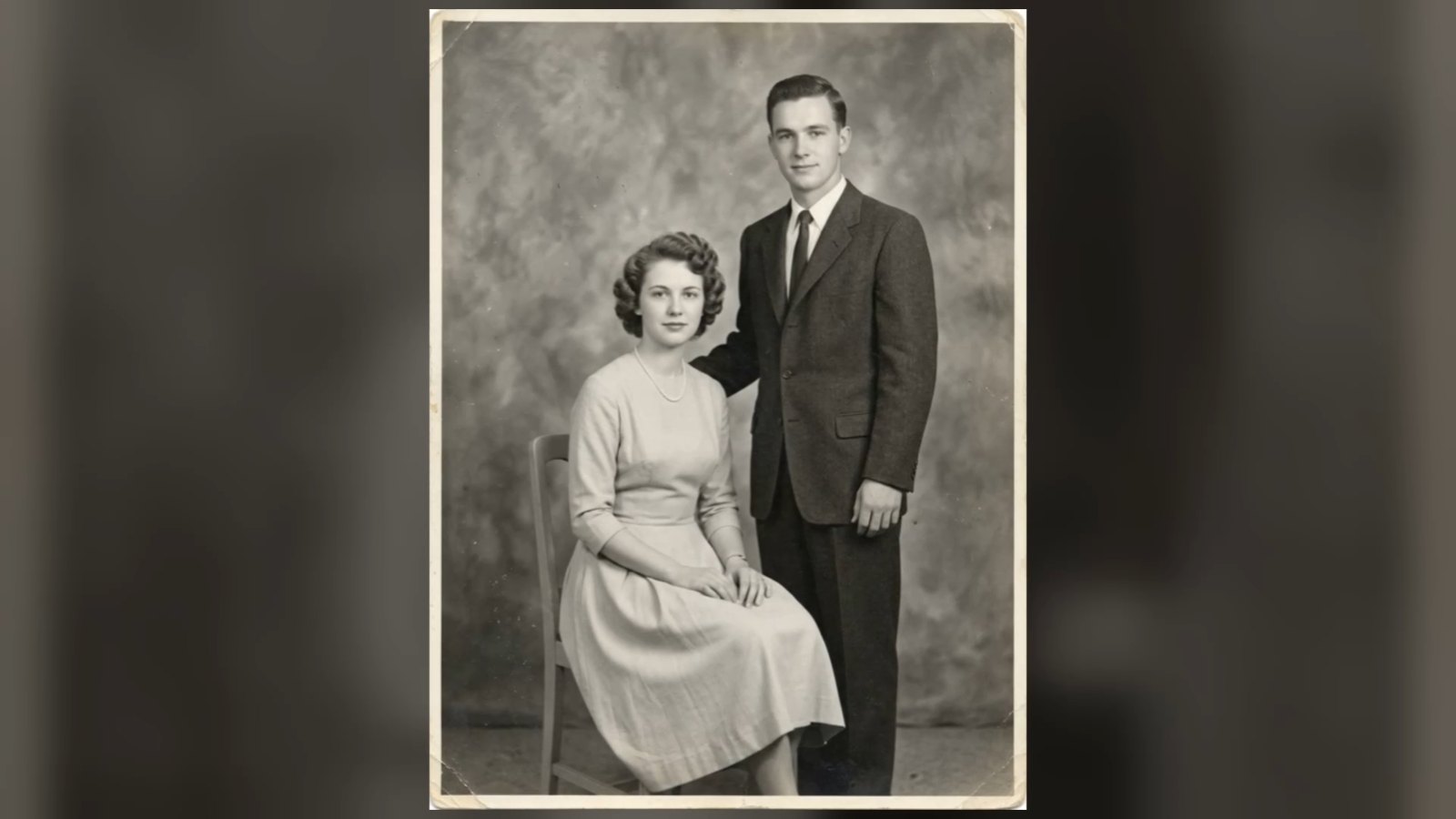
7. Bring a few photos to life. AI can add a gentle smile and a blink to an old portrait. Choose the three to eight photos that matter most, such as the wedding photo or a portrait from their youth. Mark them in the memorial video maker, or try one on its own with old photo animation.
8. Collect photos from everyone. Ask grandchildren, old friends and colleagues for their photos. You will find moments the family never saw, and people feel included.
9. End on a smile. Whatever order you choose, finish with a photo where they look happy. It is the image people carry home.
Ideas for music and words
10. Use their song. A favourite hymn, the first-dance song, the record that was always playing in the car. For a calmer mood, gentle piano or strings let the photos speak.
11. Write a short title card. Their full name and the years are enough: Margaret Ellen Hayes, 1938 – 2026. Add a nickname if that is what everyone called them.
12. Choose closing words that sound like them. Forever in our hearts is classic. A phrase they always said, a line from a poem, or a simple Thank you, Mum can be even more powerful.
Ideas for different occasions
13. A celebration of life loop. Make a longer, lighter video to play in the background at the reception: more photos, a faster pace of three seconds per photo, and warm music. Guests gather around it and start telling stories.
14. Birthdays and anniversaries. Tribute videos are not only for goodbyes. A video for a parent's 80th birthday or a 50th wedding anniversary uses the same ideas: a life in chapters, then-and-now pairs and their song. Show it while everyone can still say thank you in person.
How to make it
- Open the free tribute video maker.
- Type the name, the dates and your closing words.
- Add up to 40 photos, drag them into order, and mark a few to bring to life.
- Pick the music and the format: landscape for a screen, vertical for phones.
- Create the video and download it.
The slideshow is made on your device, so the photos stay private, and it is free with no watermark. For a full walkthrough of choosing photos, music and length, read how to make a memorial video.