
Free AI Video Maker - Turn Text & Images into Videos in Minutes
Bring your ideas into motion. No sign-up needed — try it free.
Showcase
Get inspired by real AI examples
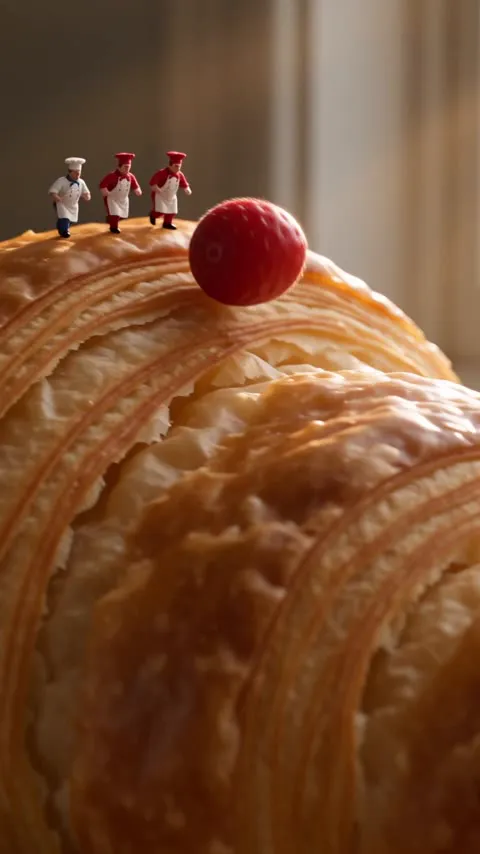
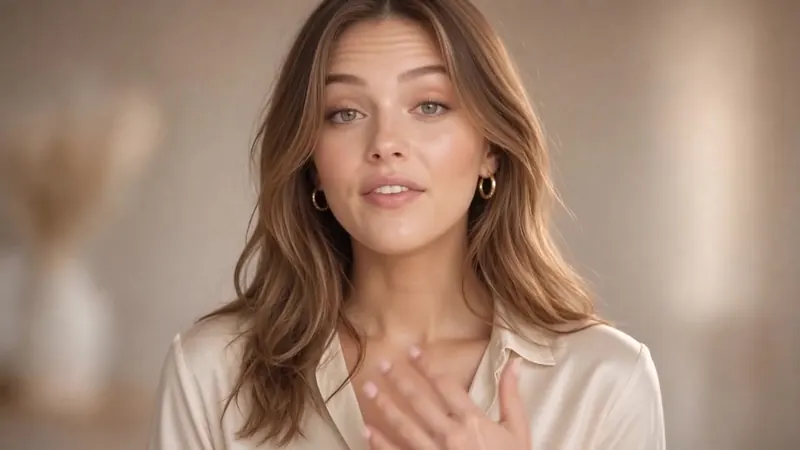
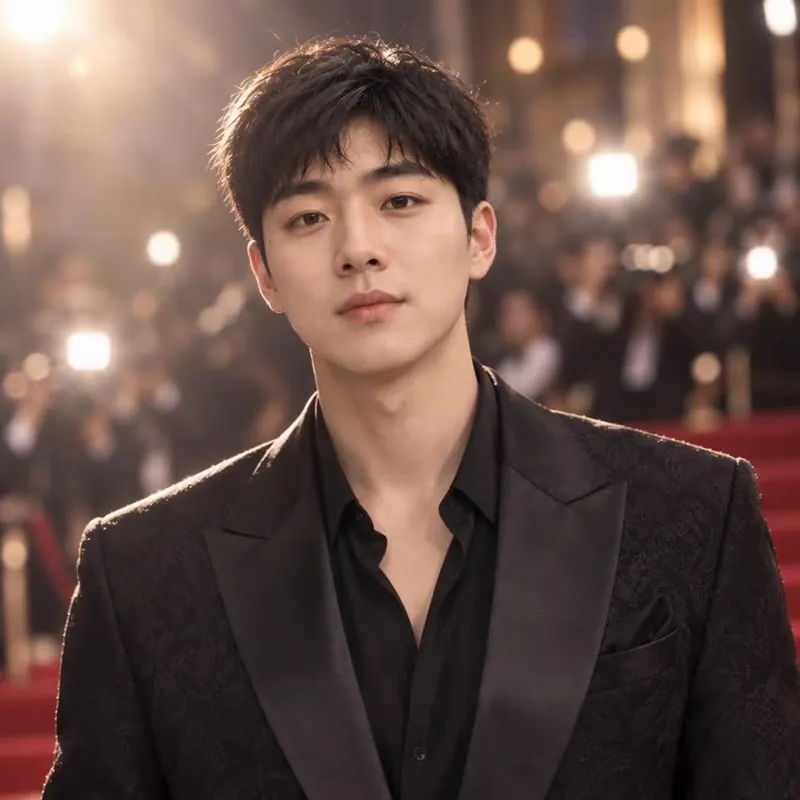
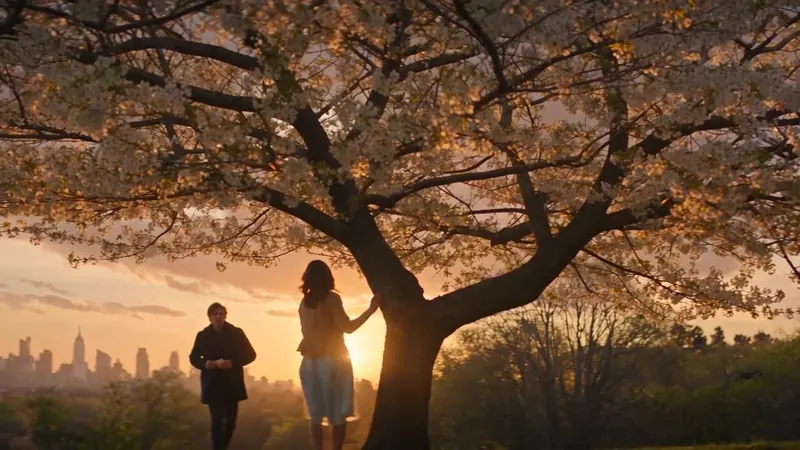
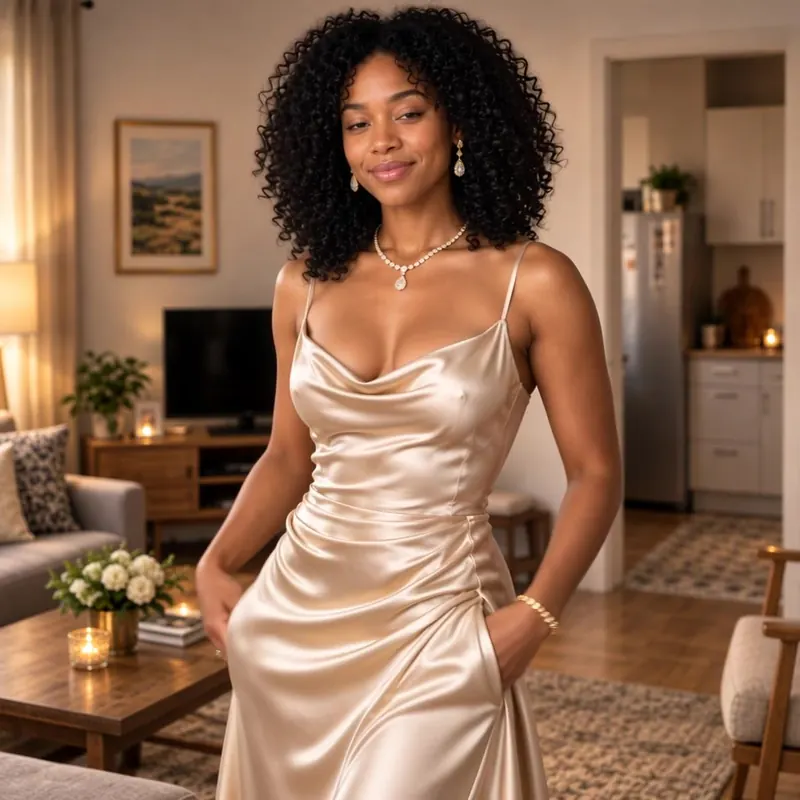
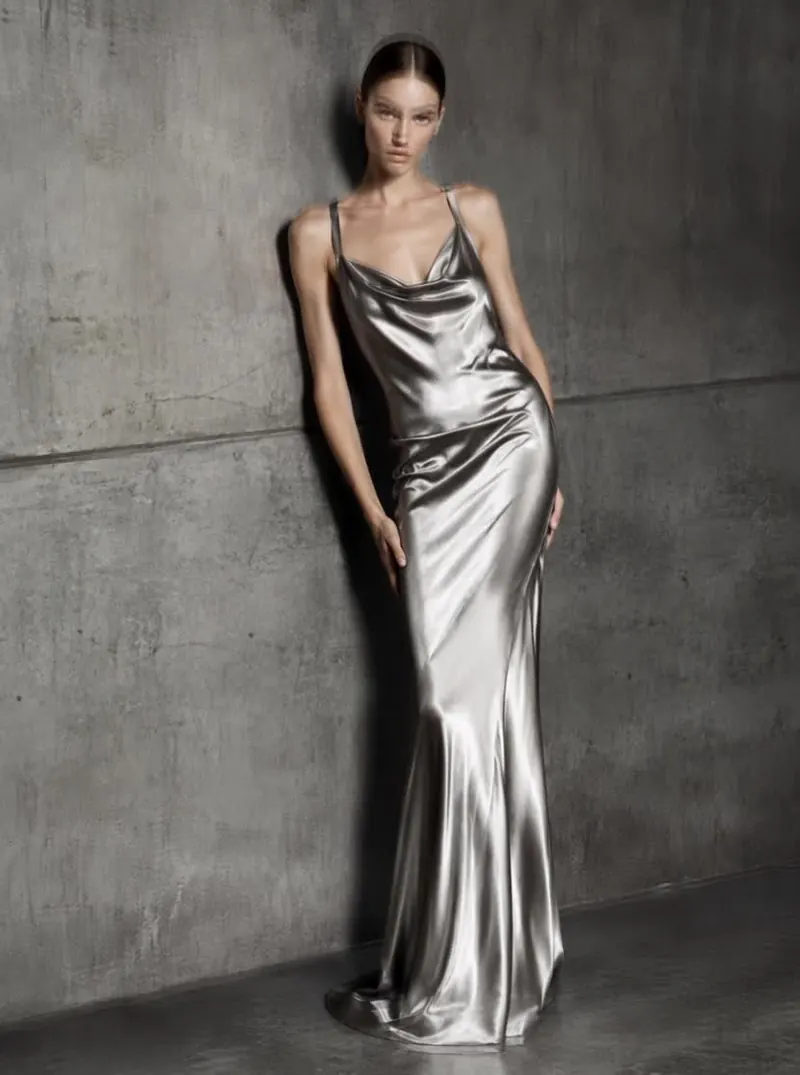
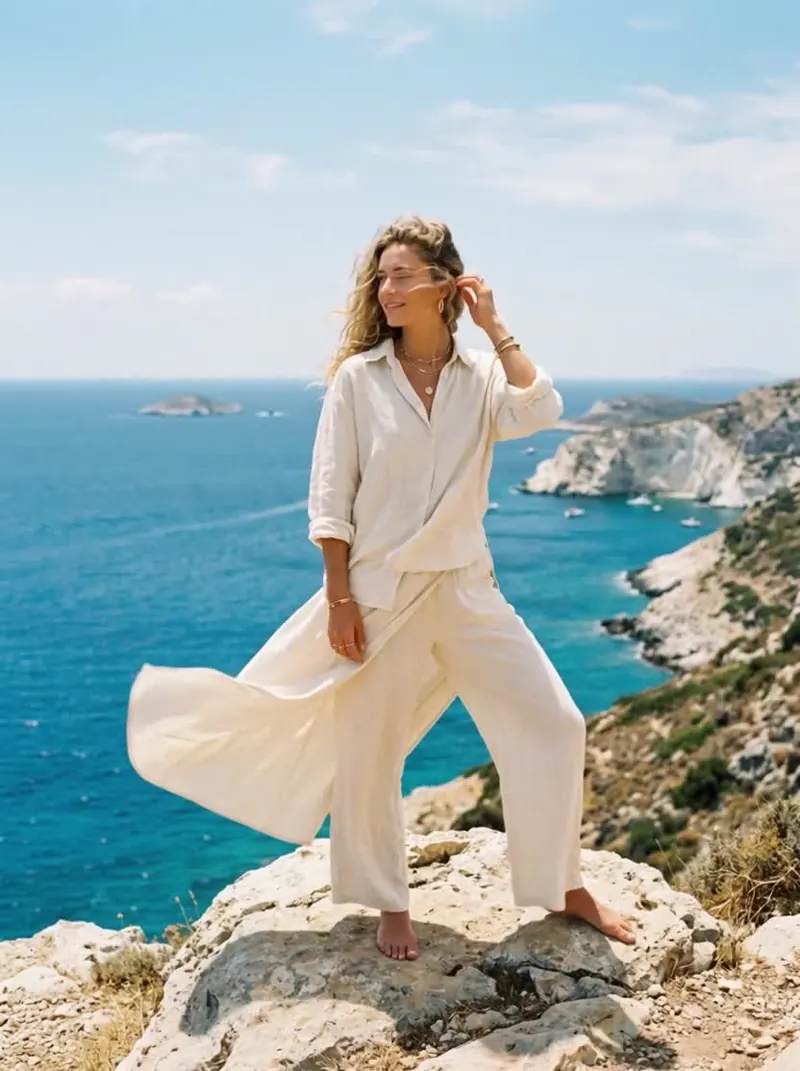
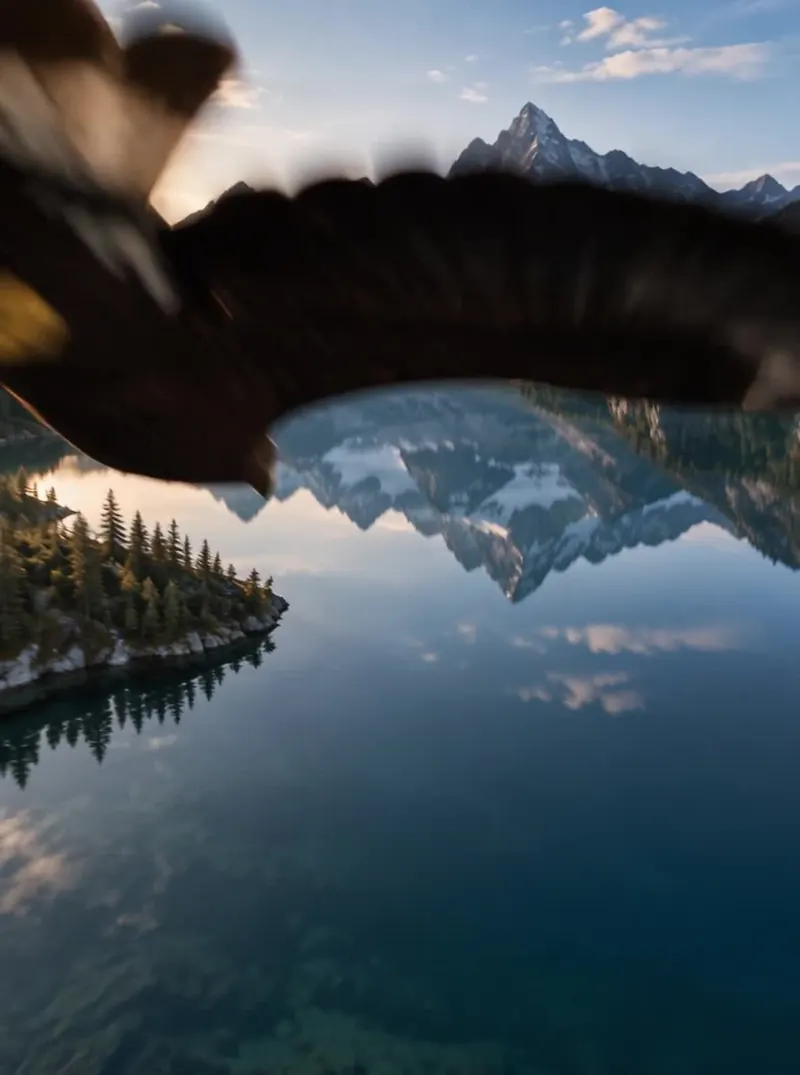
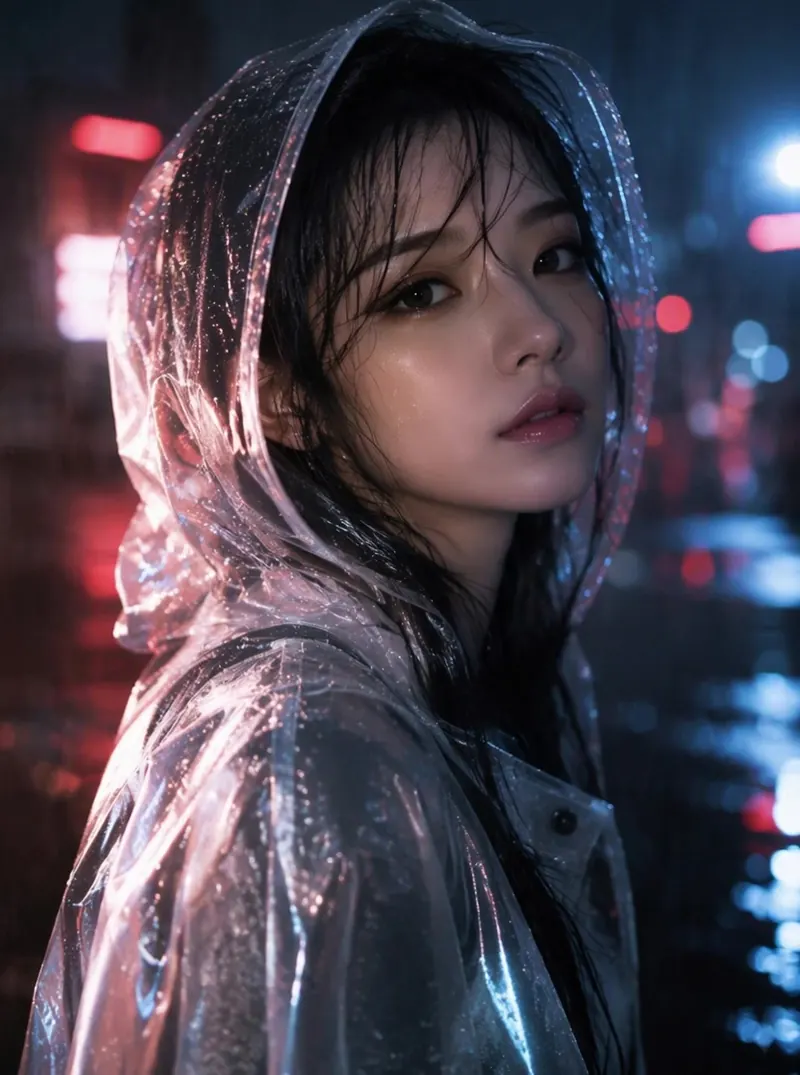
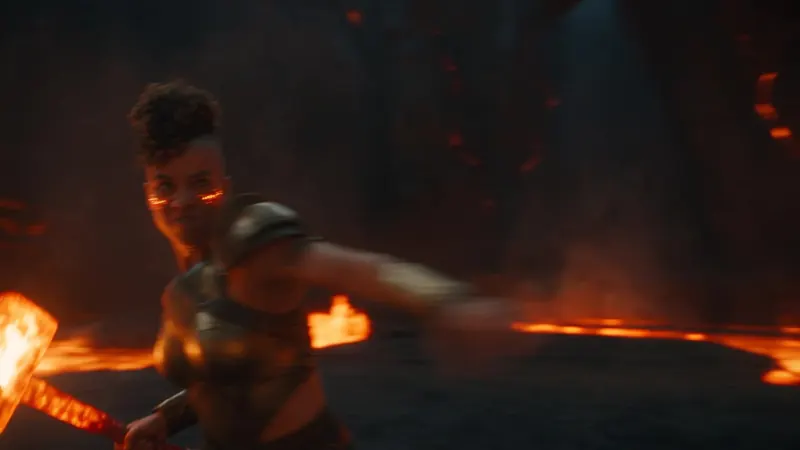
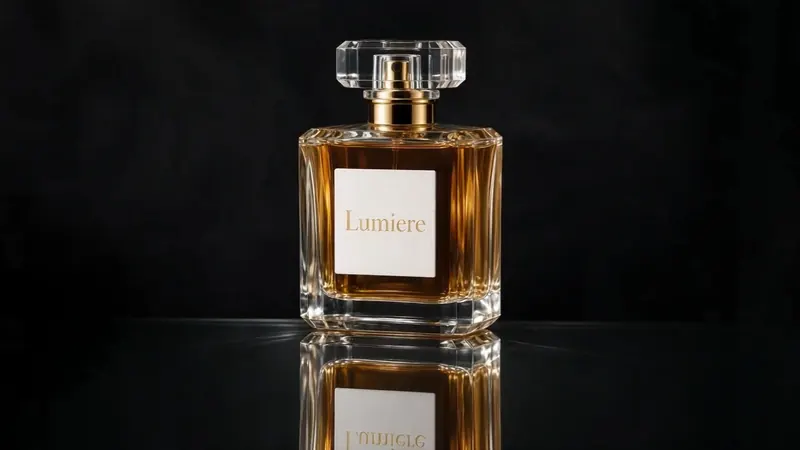
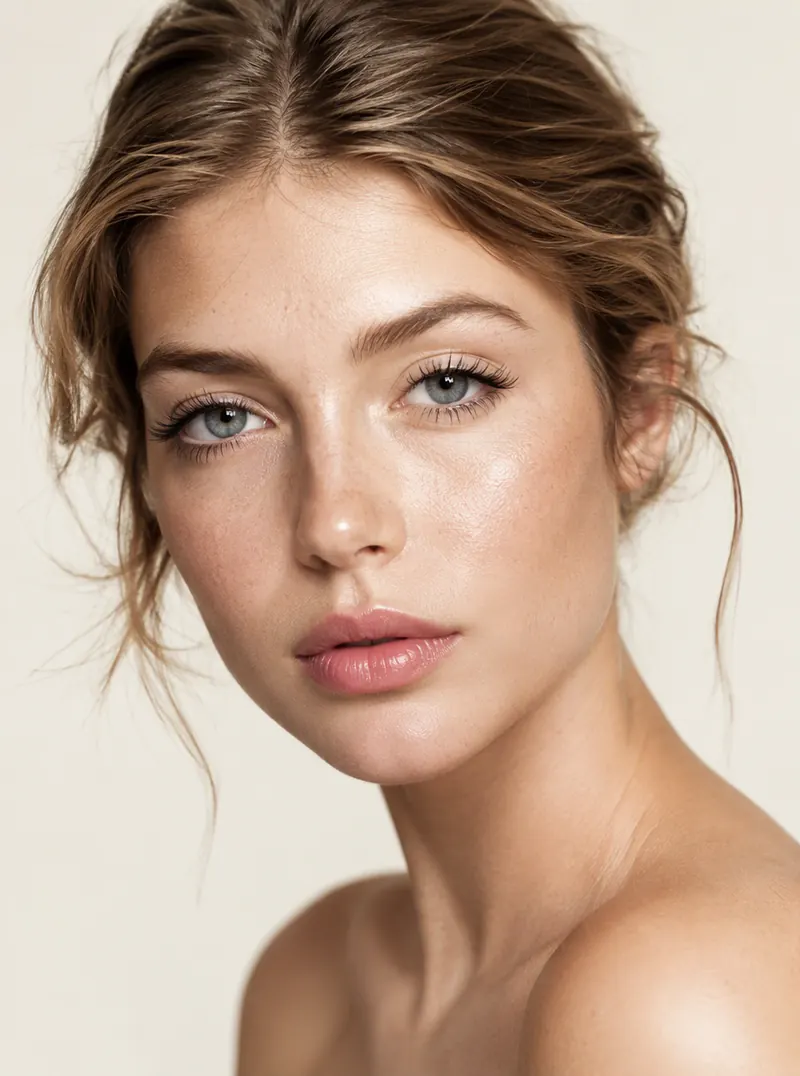
Browse AI video and AI image outputs made with aiMakeVideo — then reuse the prompt behind any of them.
Trending
Trending AI Tools
Discover trending AI video styles and generators.
NewAI Christmas VideoBe an elf, or catch Santa on cameraNewNew Year AIHello 2027, midnight or Lunar New YearNewCoffee Making AITwo people, one kitchen, no coffeeNewHop Hop Hop AIOne waves, one hops, then they swapThriller Dance AILead the 15-second zombie danceTiny Desk AIAn office-concert band behind the deskGrease Dance AIDance the retro couple duetWYW My Sweetie Dance AIDance the jersey-club trendGangnam Style AIThe trio sing-along on a night plazaToc Toc Dance AIThe 10-second Toc Toc danceBaby Wow AIThe BbY WOW dance walk-inDime Dime Baby AIThe 8-second dance entrance
See it in action
What AI Video Maker can do
01
Any genre, one studio
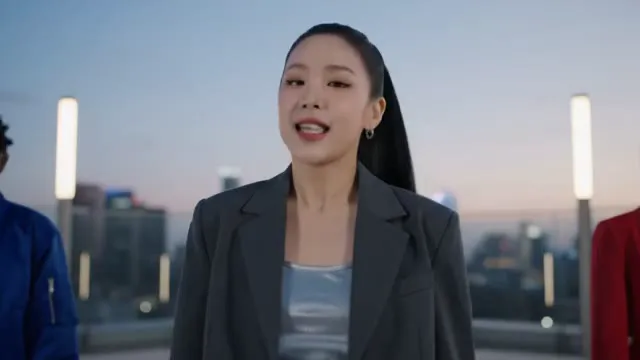
From K-Pop stages to fashion and ads—name the cast, set, and beat in one brief and ship a performance-ready clip without jumping tools.
02
Story shorts with real emotion
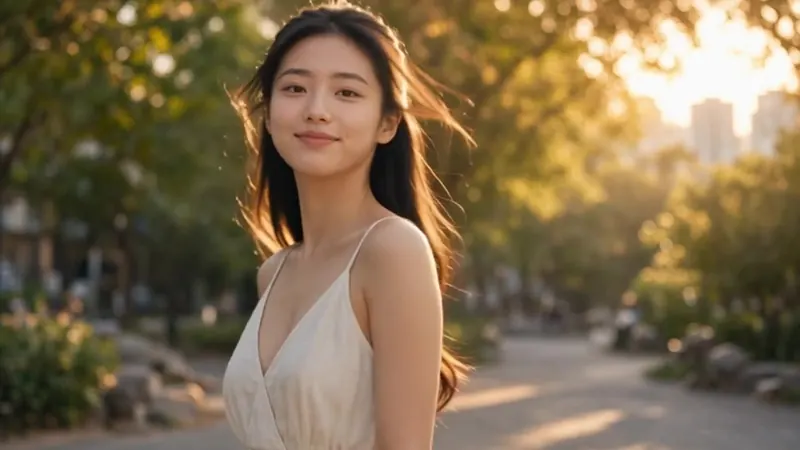
Write reunion, promise, or soft dialogue beats and get cinematic pacing, consistent characters, and natural body language—not a random motion loop.
03
Feature-scale set pieces
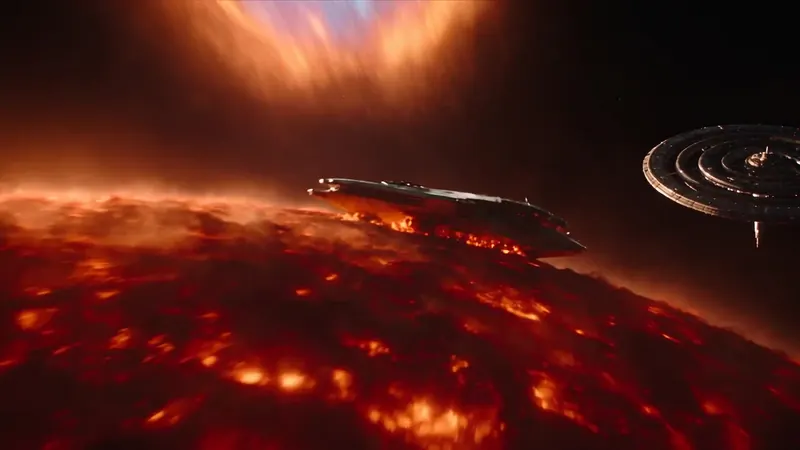
Space rescues, chases, and multi-object action stay spatially clear: keep vehicles, heroes, and landmarks locked while the camera sells the stunt.
04
Mood and tension on cue
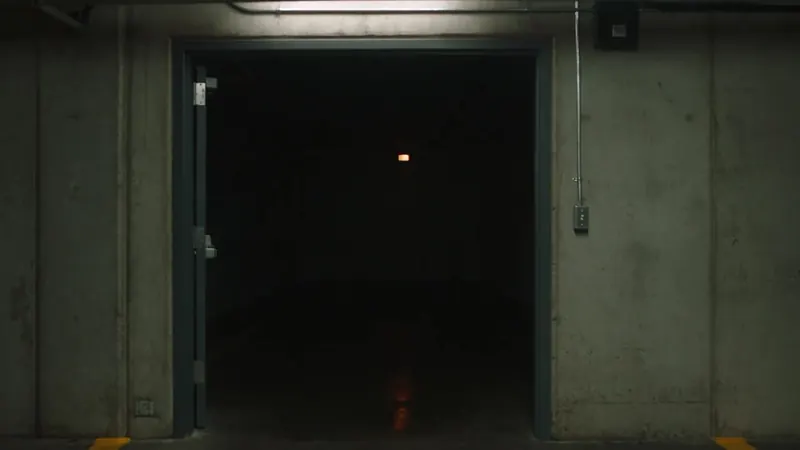
Build horror, thriller, or quiet dread with lighting, silence, and slow reveals—atmosphere first, jump cuts last.
Features
Key features of AI Video Maker
Next-gen AI video in one studio—multi-model, prompt-driven, and built for creators who need speed without giving up control.
Multi-model video stack
Switch across Kling, Seedance, Veo, MiniMax H3 and more in one place. Match each shot to speed, fidelity, or cinematic motion—without leaving the studio.
Text and image to video
Start from a written brief or animate a still. AI Video Maker covers Text to Video and Image to Video so storyboards and product frames both become clips.
Director-level motion control
Spell out camera moves, timing, lighting, and performance. Duration and aspect ratio sit in the parameters—so prompts stay clean and shots stay intentional.
Fast, credit-clear generation
See credit estimates before you run. Optimized queues keep short clips moving quickly so you can iterate on prompts instead of waiting in the dark.
Privacy-minded by default
Drafts stay on your device as you type. We only keep what accounts, history, billing, and security need—no surprise scrapes of your creative brief.
Built for publish-ready output
From beauty commercials to action and horror beats, ship clips sized for ads, social, and brand channels—with plan tiers that unlock commercial use.
All tools
All AI video & image tools
Pick the tool that fits your starting point — a prompt, a photo, or a reference.
Text to VideoGenerate a video from a text prompt.Image to VideoAnimate a reference image into a video.AI Video GeneratorBrowse AI video examples and every video tool in one place.AI Video EditorEdit any clip with a text promptVideo UpscalerUpscale videos to 1080p or 4KVideo EnhancerFix noise, blur and low qualityRemove Watermark from VideoErase logos, text and subtitlesRemove Text from VideoErase captions, dates and subtitlesVideo Background RemoverCut out people, transparent outputAI Video ExtenderMake any clip longer with AILip SyncMatch lip movement to any audioVideo to TextTurn a video into editable text and subtitlesAudio to TextTranscribe audio into text, SRT or VTTText to ImageGenerate an image from a text prompt.Image to ImageEdit or restyle a reference image.AI Image MakerCreate and refine images with AI.Remove ObjectErase people, text or clutter from photos.Move ObjectDrag any object to a new spot in your photo.Remove BackgroundCut out the subject as a transparent PNG.Remove WatermarkErase watermarks, text and date stamps from your photos.AI Image ExtenderExpand photos to any size or aspect ratio with AI.Image EnhancerUpscale, sharpen and fix faces in one click.Old Photo RestorationRepair scratches and fading, colorize old photos.Unblur ImageSharpen blurry photos and remove motion blur.Image UpscalerEnlarge images 2×, 4× or to 4K with real detail.Image SplitterSplit an image into grid tiles and download them as a ZIP.AI Tattoo GeneratorTurn a pet, flower or object photo into a tattoo design.AI Logo GeneratorTurn your brand name into logo concepts in seconds.Memorial Video MakerPhotos and music into a gentle tribute video
Free to start
Free AI Video Maker — What You Can Do for Free
aiMakeVideo is a free AI video maker that runs in your browser. Generate your first video without an account, then sign up for free credits to keep going.
- No sign-up trial: 1 text-to-video clip (Seedance 1 Pro Fast, 480p, up to 4 seconds) and 2 images (Z Image Turbo, 1K) within 7 days.
- Free signup credits: up to 10 credits for new accounts, valid for 365 days. No credit card required.
- 10 credits ≈ one 5-second 480p video with the most economical model, or about five 1K images with the fastest image model. Higher resolution, longer clips or premium models cost more.
- With a plan or credit pack: 720p up to 4K output, clips up to 30 seconds, premium models such as Veo 3.1, Kling 3.0 and Seedance 2.5, and a commercial-use license on Standard, Pro and Max plans.
Credit rates are live; plan allowances are indicative. The allowance lines assume the cheapest Seedance 2 setting for video (480p) and the most economical image setting (1K) — actual usage depends on the model, resolution, and duration you pick.
Free trial and signup credits vary by region; plans and credit packs are available in most countries.
Pricing
Need more credits? Top up anytime.
One-time packs that never renew — they sit alongside your monthly plan credits.
Subscribers get +20% extra credits at the same price
900 Credits
$9.9/ one-time
≈ 18 videos5s · 480p each
Subscribers receive: 1,080
- Up to 450 fast images
- Up to 18 basic videos
- Every image and video model
- Valid for 6 months
- No subscription, never auto-renews
1,900 Credits
$19.9/ one-time
≈ 38 videos5s · 480p each
Subscribers receive: 2,280
- Up to 950 fast images
- Up to 38 basic videos
- Every image and video model
- Valid for 6 months
- No subscription, never auto-renews
5,500 Credits
$49.9/ one-time
≈ 110 videos5s · 480p each
Subscribers receive: 6,600
- Up to 2,750 fast images
- Up to 110 basic videos
- Every image and video model
- Valid for 6 months
- No subscription, never auto-renews
12,000 Credits
$99.9/ one-time
≈ 240 videos5s · 480p each
Subscribers receive: 14,400
- Up to 6,000 fast images
- Up to 240 basic videos
- Every image and video model
- Valid for 6 months
- No subscription, never auto-renews
Subscriptions renew automatically at the price shown until you cancel, and we'll tell you before any price change. Cancel anytime in Settings → Billing; you keep access until the paid period ends. Credit packs are one-time and expire 180 days after grant. Prices include any tax collected at checkout. Refunds & Billing · Terms · Privacy Policy · Contact Us · Pricing
aiMakeVideo is an independent AI video platform and is not affiliated with the model providers.
FAQ
Frequently asked questions about AI Video Maker
What is aiMakeVideo?
aiMakeVideo is a unified AI Video + Image studio. One workspace covers video tools (Text to Video / Image to Video) and image tools (Text to Image / Image to Image)—so you can draft prompts, pick models, and generate clips or stills without hopping between disconnected tools.
Can I create both AI video and AI images in the same studio?
Yes. Switch between video and image modes in Create, or open dedicated tool pages for Text to Video, Image to Video, Text to Image, and Image to Image. Your brief stays in the same Create workspace as you move between ideas.
Which AI models does aiMakeVideo support?
The studio is multi-model. Video work can use Kling, Seedance, Veo, and related options; image work includes Nano Banana, GPT Image, and other image models in the catalogue. Pick the model that fits speed, quality, or style for each job.
What is the difference between Text to Video and Image to Video?
Text to Video starts from a written brief—subject, motion, lighting, and mood. Image to Video starts from a still you upload or generate, then animates camera move and motion while keeping the look of that frame. Both are video tools in the same studio.
What is the difference between Text to Image and Image to Image?
Text to Image turns a prompt into a new still. Image to Image uses a reference photo plus instructions to restyle, refine, or recompose it. Both are part of the AI Image Maker side of the studio and share the Create workspace.
Can I use my generations commercially, and how do credits work?
Your first run is free and needs no account; after that, plans and credit packs fund generation. Each video or image job estimates credits before you run it; higher resolution, longer duration, or premium models cost more. Standard, Pro, and Max tiers include commercial-use rights for your outputs; Basic is for personal, non-commercial use. Check Pricing before publishing client work.
How does Recreate and the beauty showcase work?
Showcase cards feature AI images and ready-made prompts. Tap Recreate to drop that brief into Create (or straight into the composer when you're on a tool page). Edit the wording, swap models, set aspect ratio, then generate your own variation.
Where are my uploads and drafts stored?
Drafts and temporary previews stay in this browser on your device until you generate. Uploaded references are used for that job; signed-in history keeps completed generations on your account. Clear browser data to remove local drafts, and avoid shared devices for private prompts.
How do I start my first AI video or image?
Open Create, or go to Text to Video / Image to Video (or Text to Image / Image to Image). Write a clear prompt (or reuse a showcase prompt), pick a model and aspect ratio, then hit Generate — your first video is free and needs no account. Sign in when you want the signup credits, saved history, and the full model list.
Why choose aiMakeVideo instead of separate single-purpose tools?
You get one brand studio for video and image, multi-model choice (Kling / Seedance / Veo / Nano Banana / GPT Image), tool pages for every major workflow, a beauty showcase with Recreate, and a shared Create workspace—so ideation and production stay connected.
How should I write prompts for AI video?
Name the subject, action, camera move, lighting, and mood in one clear brief. For Image to Video, describe how the still should move. Reuse a showcase card with Recreate when you want a strong starting point.
What aspect ratios and durations can I set?
Pick framing (such as 16:9, 9:16, or 1:1) and clip length from the options each model supports. Shorter clips and lower resolutions usually cost fewer credits; longer or higher-res runs cost more.
Is aiMakeVideo a free AI video maker?
Yes, you can start for free. Where the free trial is offered, you can make 1 video (Seedance 1 Pro Fast, 480p, up to 4 seconds) and 2 images without an account, and new accounts get up to 10 free credits valid for 365 days. 10 credits ≈ one 5-second 480p video with the most economical model, or about five 1K images with the fastest image model. Higher resolution, longer clips or premium models cost more.
Can I use an AI video maker free online, without installing anything?
Yes. aiMakeVideo runs in your web browser, so there is nothing to download or install. Open Create, type a prompt (or upload an image once signed in), pick a model and aspect ratio, and generate. Finished videos can be downloaded, and signed-in accounts keep a history of completed generations.
Can I make an AI video from a photo?
Yes. Image to Video uses your photo as the first frame: upload it, describe the action and camera move, and the model animates it while keeping the look of the original. Some models also take a start and an end frame. Uploading a photo needs a free account (the no-sign-up trial is text-to-video only), and 10 credits cover a 5-second 480p clip with Seedance 1 Pro Fast. No photo yet? Create one with the AI Image Maker first.
Is there a free AI talking video generator?
aiMakeVideo doesn't have a dedicated talking-avatar or lip-sync tool. What you can do is animate a portrait with Image to Video, turn on Sound with a model that supports it (such as Seedance 2.0 or Kling 3.0), and write the line the person should say into your prompt — the model can generate speech with matching mouth movement. Results depend on the model and prompt, and sound-enabled models cost more than the free credits cover, so they need a plan or credit pack.
What is the best AI app to make videos for free?
It depends on what you need, but aiMakeVideo is a practical free choice: one browser studio gives you many video and image models — Seedance, Kling, Veo, MiniMax H3, Wan and more — so you can compare results without switching apps. Start with the no-sign-up trial (where offered) and free signup credits, and upgrade only when you need longer clips, higher resolution, premium models or commercial use.