Pet tattoo design from photo
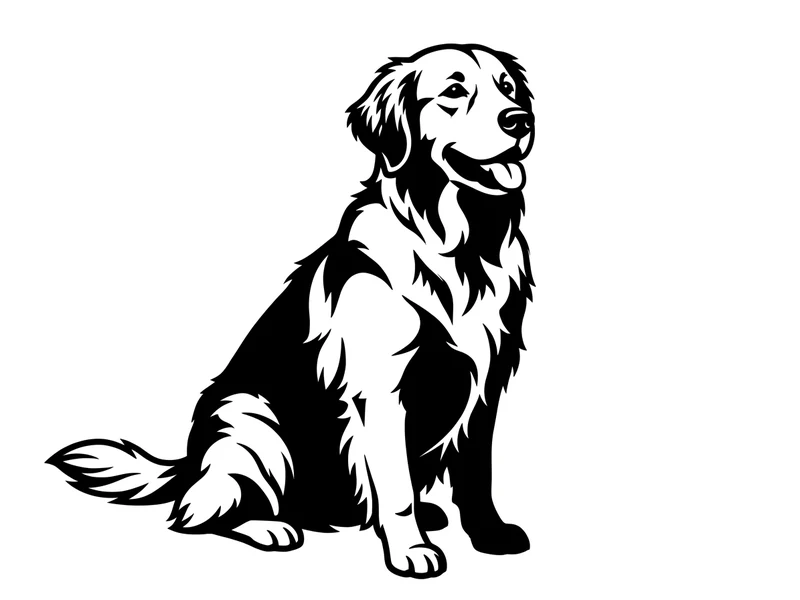
Cats, dogs and other pets — a dog portrait tattoo design built from a photo you already love.
Upload a photo of a pet, flower or object and get a flat tattoo design on a white background — not a tattoo on skin. Eight styles, as a starting point for your artist.
Blurry, damaged or very low-resolution photos give a poor result — a sharp, well-lit photo with one clear subject works much better.
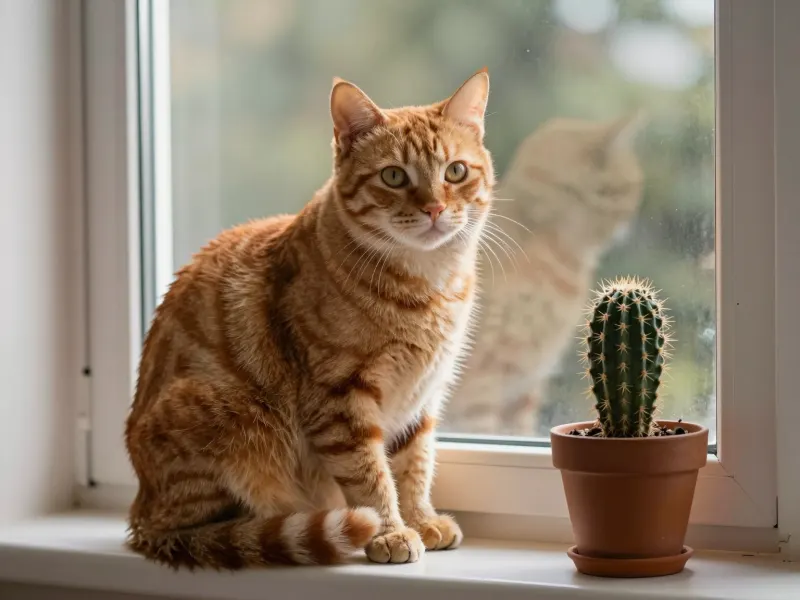
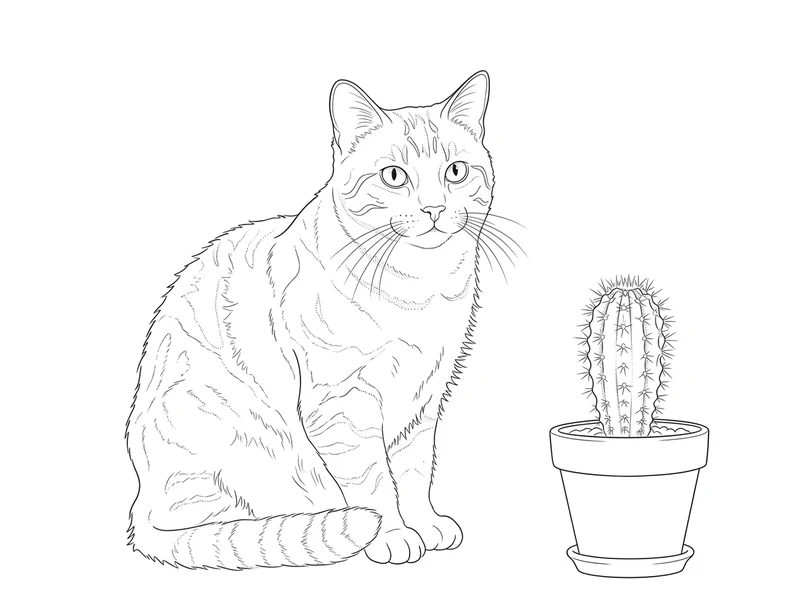
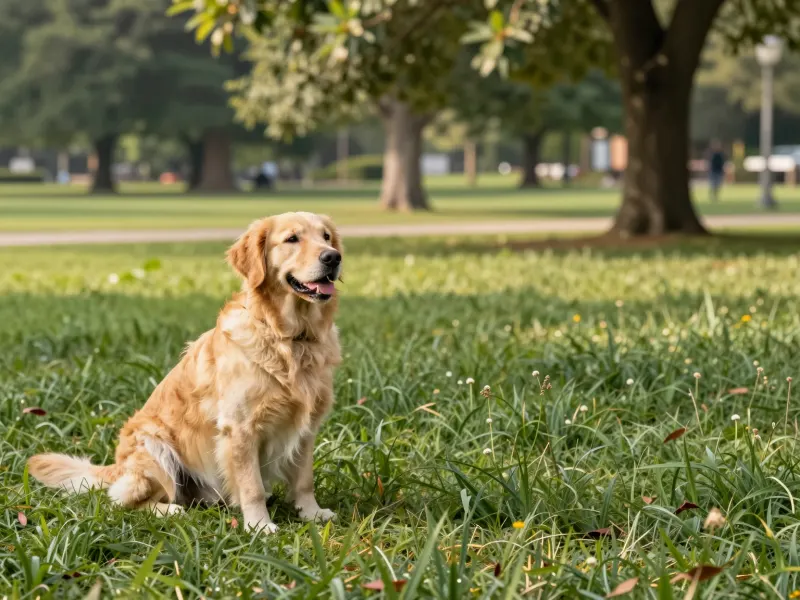
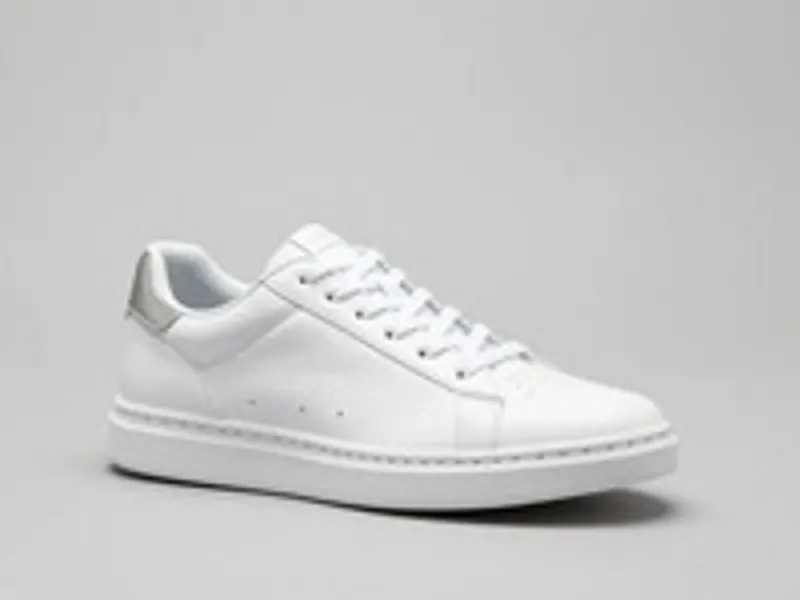
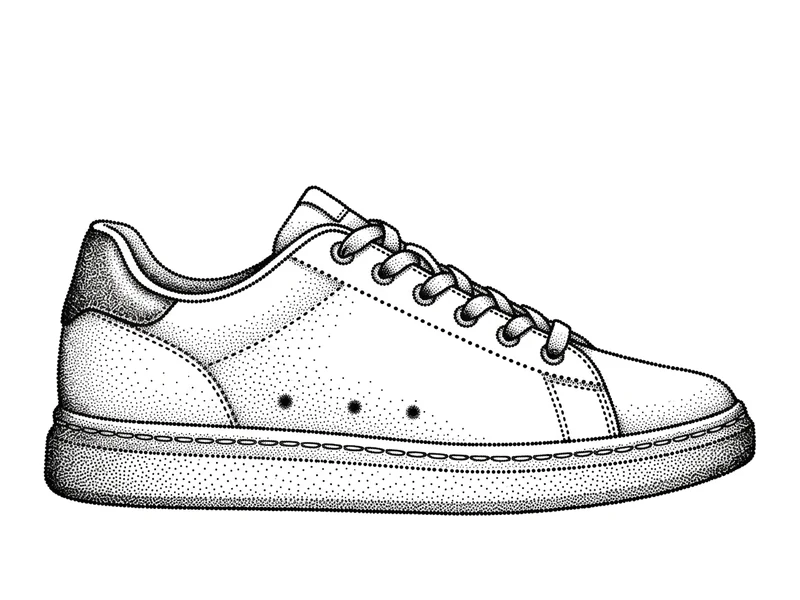
A clear photo of a pet, flower or object. JPG, PNG or WebP, up to 10 MB.
Choose one of eight styles, then Faithful for just the subject or Decorative for added flourishes.
Download the flat artwork on white and bring it to a tattoo artist to refine.
Cats, dogs and other pets — a dog portrait tattoo design built from a photo you already love.
Design a piece in memory of a pet or a person, starting from a favorite photo.
Compare fine line, blackwork and dotwork on the same photo before you book an artist.
Pick the plan that matches your pace
Subscribers get +20% extra credits at the same price
Subscribers receive: 1,080
Subscribers receive: 3,600
Subscribers receive: 6,600
Subscribers receive: 14,400
Subscriptions renew until canceled. Credit packs are one-time and expire 180 days after grant. Refunds & Billing · Terms · Privacy Policy · Contact Us · Pricing
aiMakeVideo is an independent AI video platform and is not affiliated with the model providers.
It needs a free account and uses credits. The exact cost is shown on the button before you start, and credits are refunded automatically if a run fails for a technical reason.
Faithful draws just the subject and stays close to your photo. Decorative adds its own framing, leaves and flourishes, so it often looks more like a finished tattoo design. Both use the same eight styles.
No — you get a flat tattoo design on a white background, not a finished tattoo stencil from your photo. Bring it to a tattoo artist, who will redraw it to fit the body, the size and the line weight.
A sharp, well-lit photo with one clear subject: a pet, a flower or an object. Blurry, damaged or very low-resolution photos give a poor result, so start from the cleanest shot you have.
Eight: fine line, blackwork, dotwork, geometric, minimalist, neo-traditional, watercolor and Japanese irezumi. Each one changes the line work, shading and framing while keeping your subject recognizable.
No. The tool designs the tattoo artwork itself on a plain white background — it does not place a tattoo on your photo or preview it on a body. Take the design to an artist to plan size and placement.