Photobombers and passers-by
Clear strangers out of travel shots, portraits and group photos.
Brush over people, text, wires or clutter and AI erases them, filling the gap with background that matches the rest of the photo.
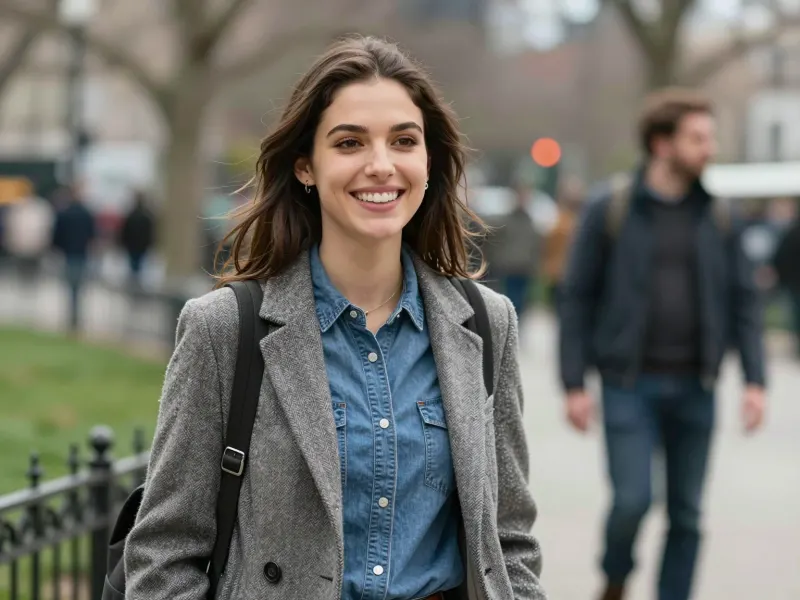
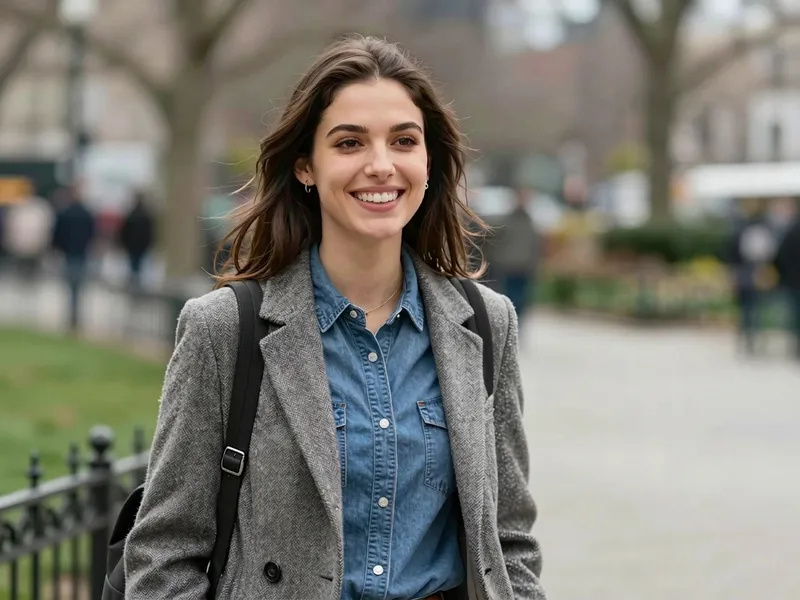
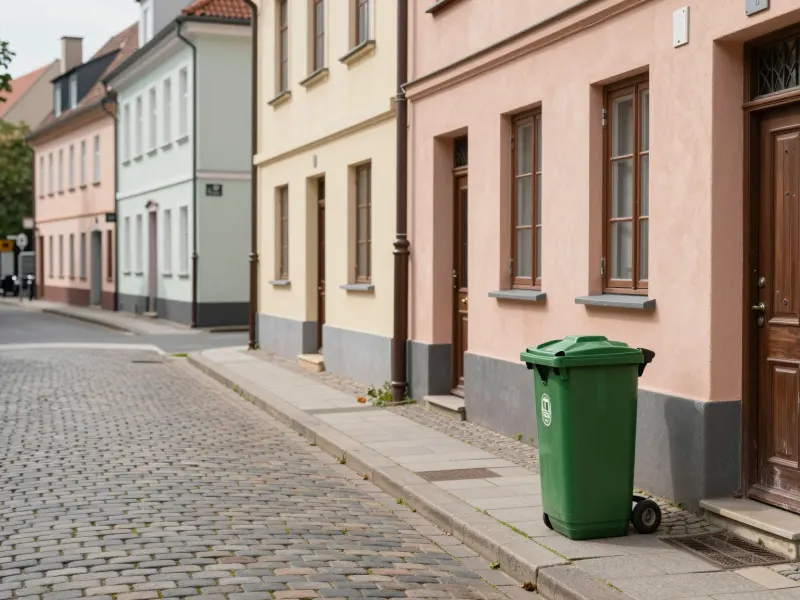
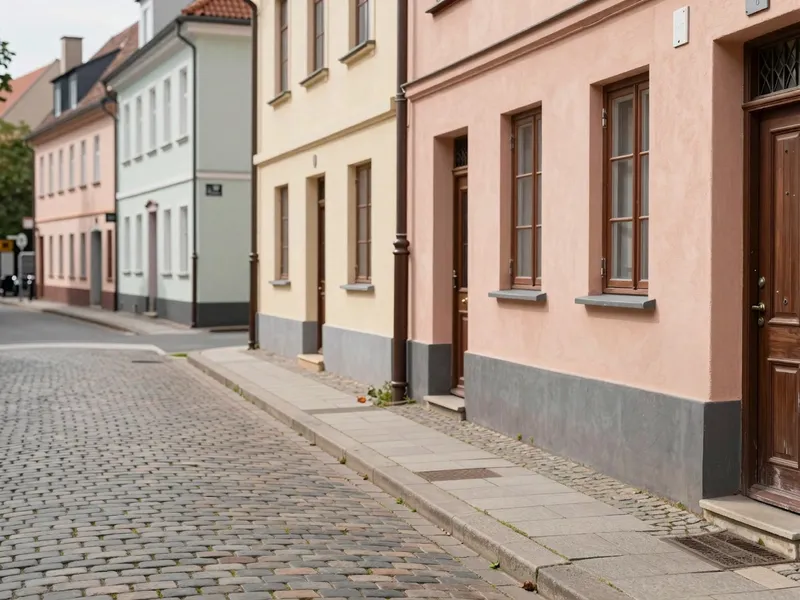
Drop in a JPG, PNG or WebP up to 10 MB.
Brush over everything you want gone — going a little past the edges is fine. Change the brush size, undo strokes or clear to start over.
AI erases the marked area and rebuilds the background. Compare before and after, try again if needed, then download.
Clear strangers out of travel shots, portraits and group photos.
Take out trash bins, cables, signs and stray objects from street, interior and real-estate photos.
Clean up product shots and marketplace listings by removing props, stickers and dust spots.
Erase dates, captions and your own branding from images you have the right to edit.
Pick the plan that matches your pace
Subscribers get +20% extra credits at the same price
Subscribers receive: 1,080
Subscribers receive: 3,600
Subscribers receive: 6,600
Subscribers receive: 14,400
Subscriptions renew until canceled. Credit packs are one-time and expire 180 days after grant. Refunds & Billing · Terms · Privacy Policy · Contact Us · Pricing
aiMakeVideo is an independent AI video platform and is not affiliated with the model providers.
Upload the photo, paint over the object and press Remove object. The AI erases everything under the red highlight and fills it with a natural continuation of the surrounding scene — no cloning or manual retouching.
Each removal uses 21 credits, shown on the button before you run it, and failed jobs are refunded automatically. New accounts get free sign-up credits in most regions. See Pricing for plans and credit packs.
Yes. Paint over the person, including their shadow, and the AI fills the space with the background behind them. It works best when the person doesn't cover most of the frame.
The AI is told to keep everything outside the marked area unchanged, and in our tests the surroundings stayed faithful to the original. The result comes back at about 1K resolution in your photo's aspect ratio.
You can erase text, dates and logos from images you own or have permission to edit. Please don't use it to remove other people's watermarks or copyright notices.
Press Try again for a fresh attempt, or adjust your marks and run it again. Covering the object generously, shadow included, fixes most leftovers.
Move Object in Photo repositions something instead of erasing it, Remove Background cuts the subject out as a transparent PNG, and Image to Image restyles a whole photo from a prompt.