Small and old photos
Turn thumbnails and low-res pictures into prints and wallpapers.
Enlarge small or low-resolution images 2×, 4× or all the way to 4K — AI adds sharp, natural detail instead of the blur you get from simple resizing.
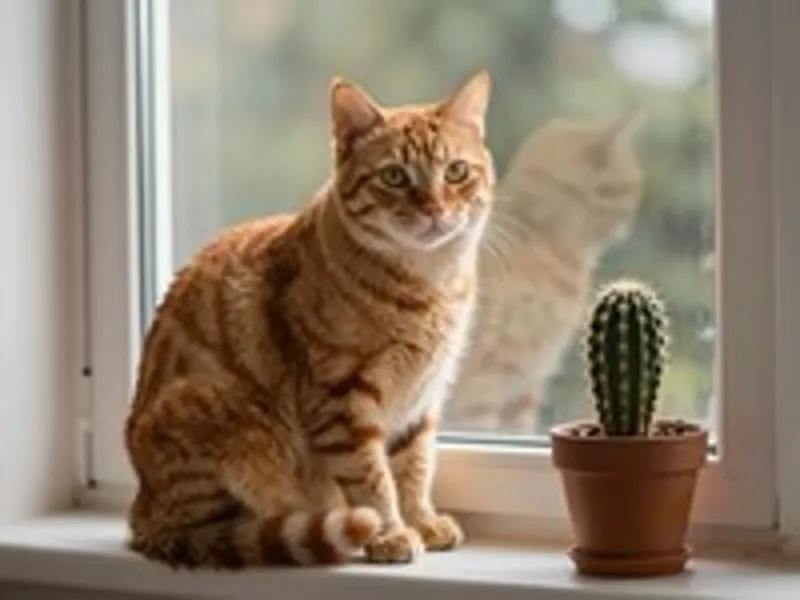
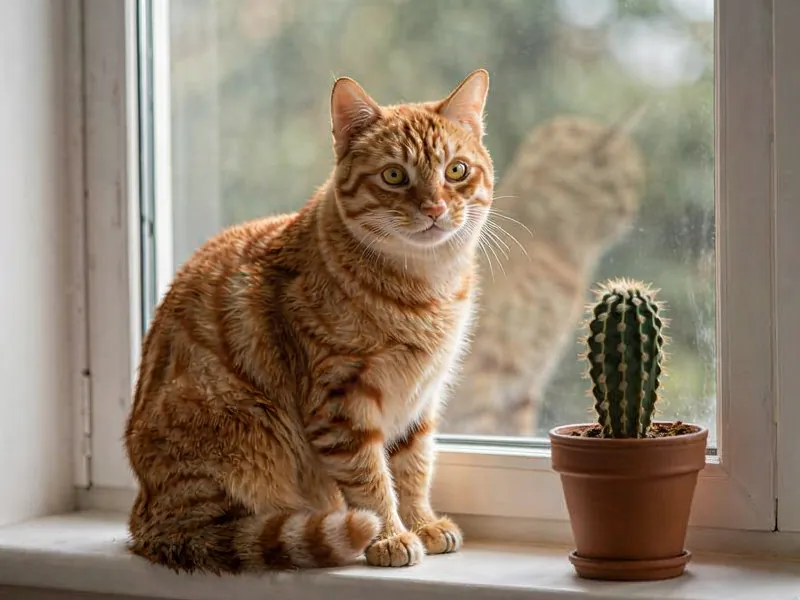
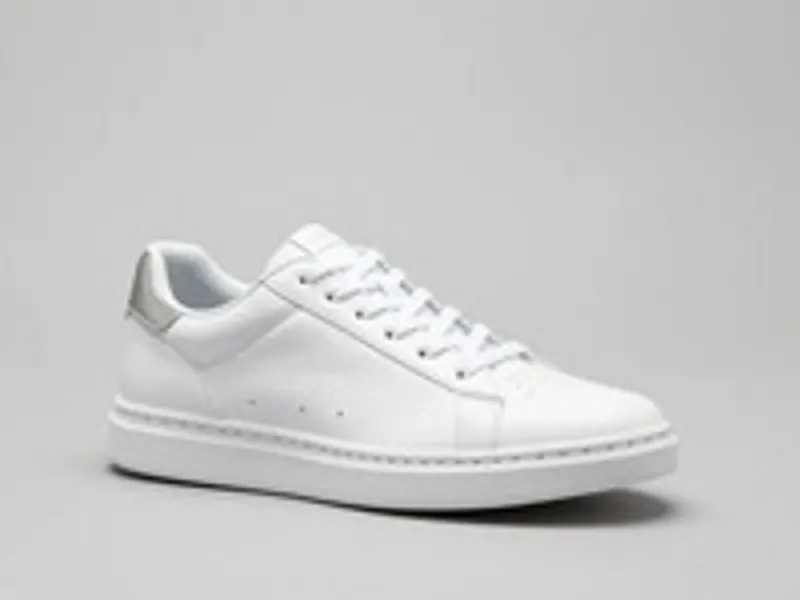
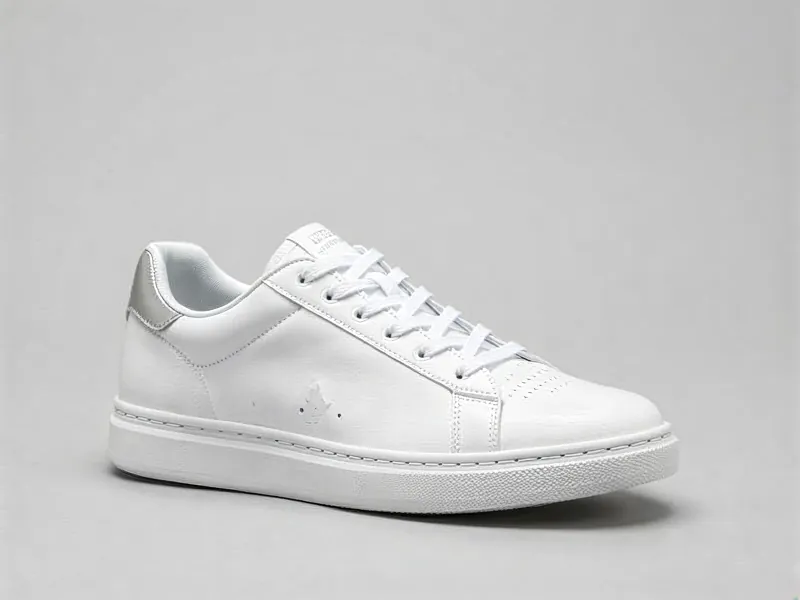
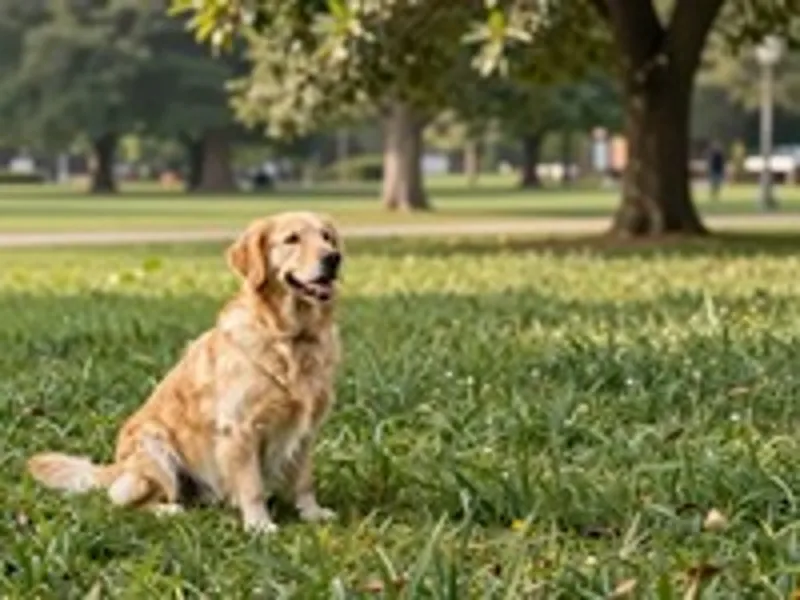
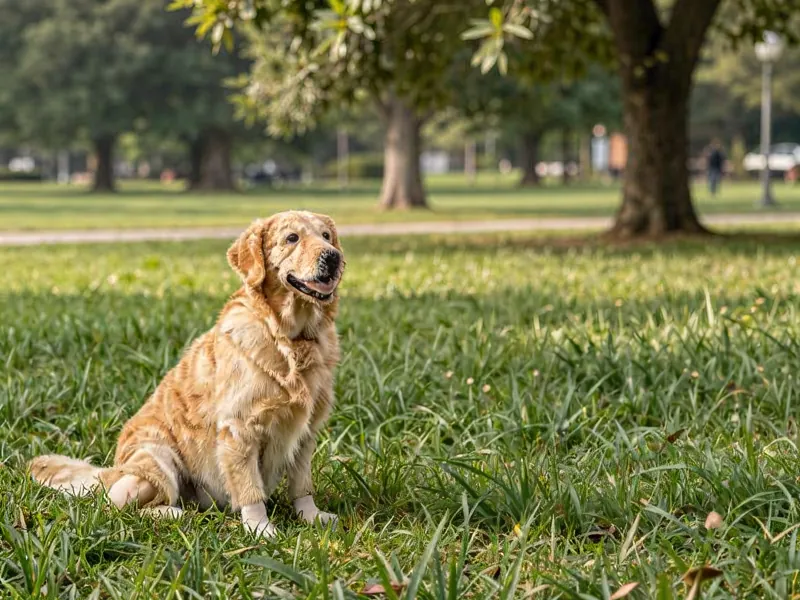
JPG, PNG or WebP up to 10 MB — photos, product shots, artwork or AI images.
2× takes images up to 4 megapixels, 4× up to 1 megapixel, and the 4K preset up to about 8.3 megapixels. The output size and credit cost are shown before you start.
Press Upscale image, compare the result with the slider and download it.
Turn thumbnails and low-res pictures into prints and wallpapers.
Meet marketplace size requirements with crisp edges and textures.
Enlarge generated images and graphics for posters and high-resolution use.
Pick the plan that matches your pace
Subscribers get +20% extra credits at the same price
Subscribers receive: 1,080
Subscribers receive: 3,600
Subscribers receive: 6,600
Subscribers receive: 14,400
Subscriptions renew until canceled. Credit packs are one-time and expire 180 days after grant. Refunds & Billing · Terms · Privacy Policy · Contact Us · Pricing
aiMakeVideo is an independent AI video platform and is not affiliated with the model providers.
It needs a free account and uses credits — the exact cost for 2× or 4× is shown on the button before you start. New accounts get free sign-up credits in most regions, and credits are refunded automatically if a job fails. See Pricing.
2× accepts images up to 4 megapixels, 4× up to 1 megapixel and the 4K preset up to about 8.3 megapixels, with results up to 4096 × 4096. Larger photos are downsized before upload — except on the 4K preset, which refuses a photo that is already 4K.
Yes. The model (SeedVR2) is a diffusion-based restorer that generates plausible fine detail — hair, textures, edges — instead of stretching pixels. Like any AI upscaler, it may reinterpret tiny text or faces.
Use 2× for images that are almost big enough, 4× for thumbnails and very small images, and the 4K preset when you need a specific 4K size rather than a multiple of the original. 4× and 4K cost a little more, and the optional face pass costs extra on top.
Upload JPG, PNG or WebP up to 10 MB. Results up to 4 megapixels download as PNG, larger ones as high-quality JPG.
For an exact 4K result pick the 4K preset on this page; turn on Face enhancement when the photo has people. To fix blur use Unblur Image, or upscale, sharpen and fix faces in one click with the Image Enhancer.