 3:4
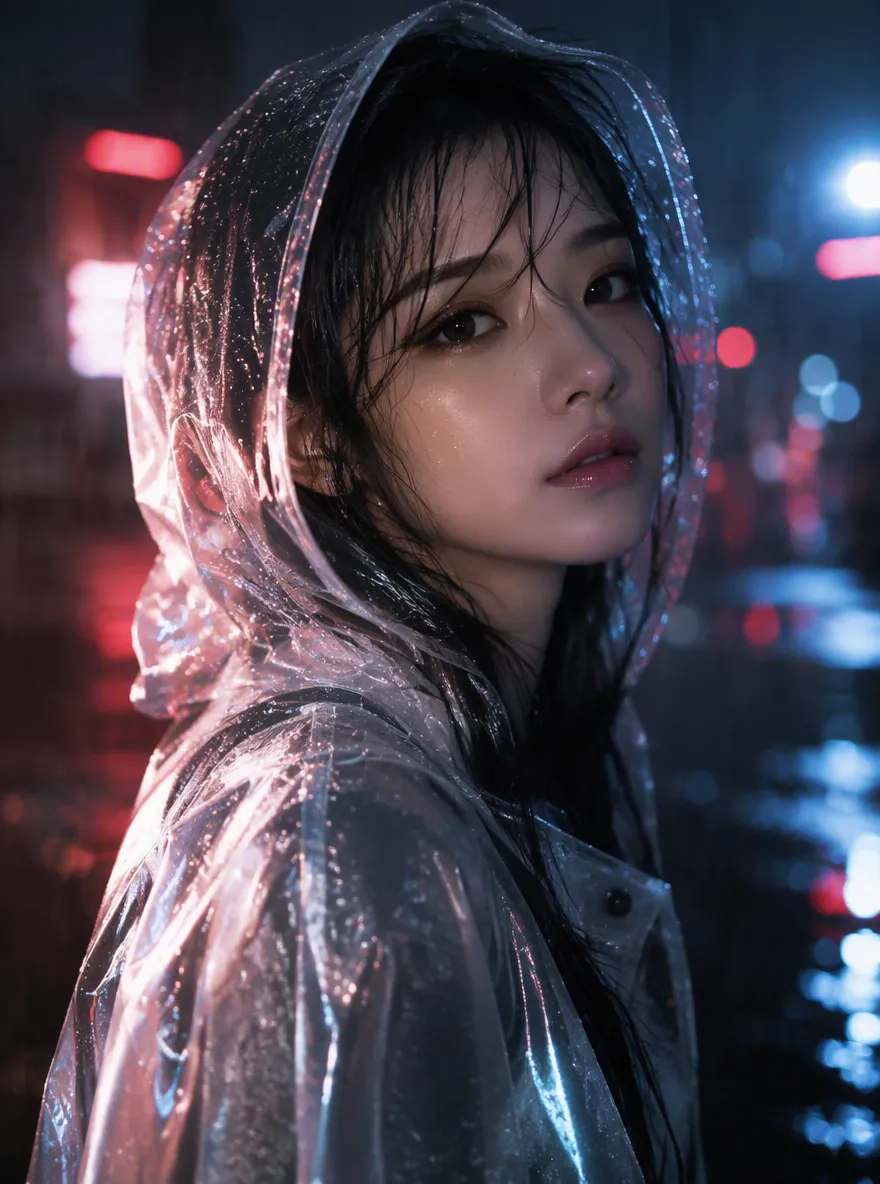
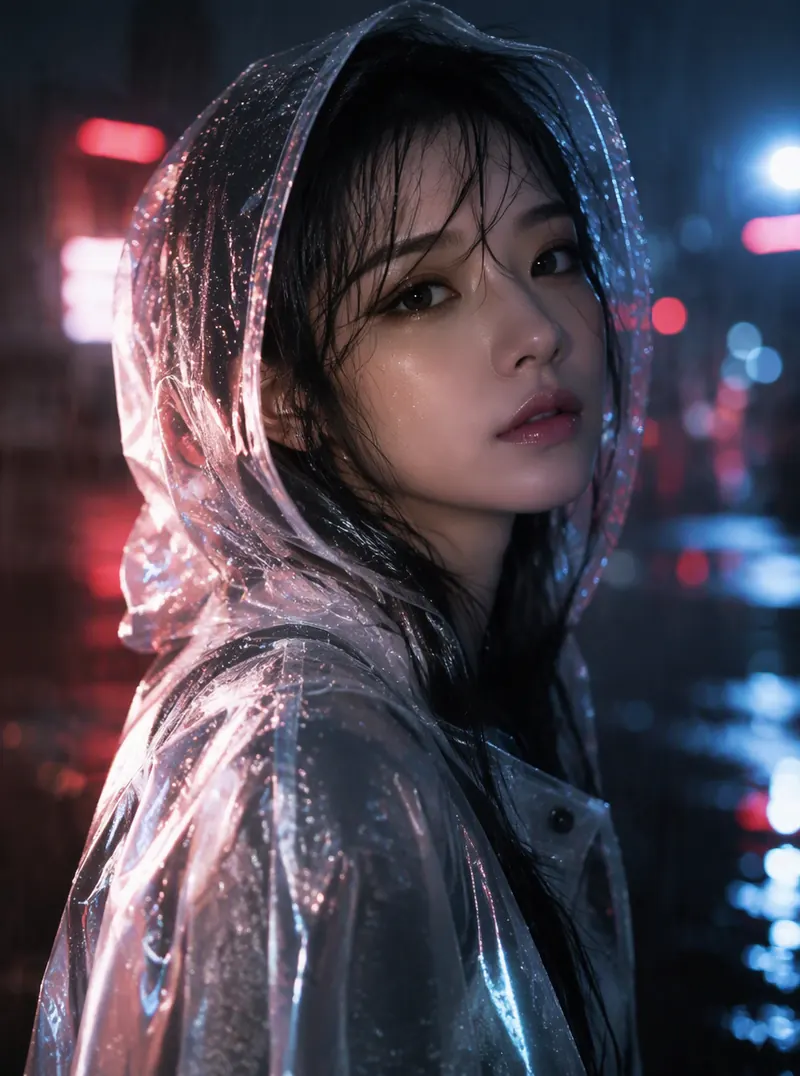
3:4Raincoat Soft Neon
Beauty portrait in a translucent raincoat, soft neon bokeh, rain droplets as highlights, porcelain skin, romantic noir elegance, photoreal
Turn your words into ready-to-use images with precise creative control.
References stay in this session only. Reattach them after reopening a draft.
Estimated cost: 3 credits (GPT Image 2.5 Flare)
Browse AI video and AI image outputs made with aiMakeVideo — then reuse the prompt behind any of them.
3:4Beauty portrait in a translucent raincoat, soft neon bokeh, rain droplets as highlights, porcelain skin, romantic noir elegance, photoreal
 1:1
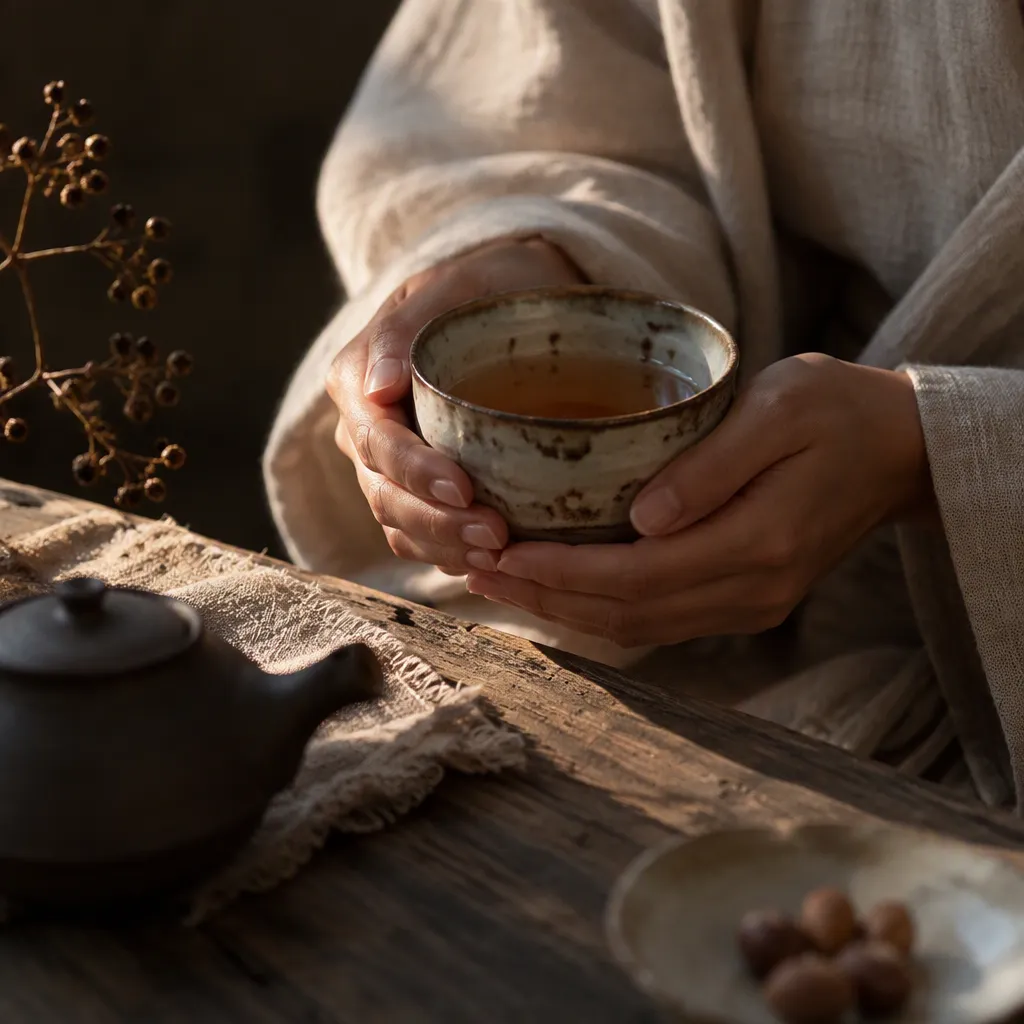
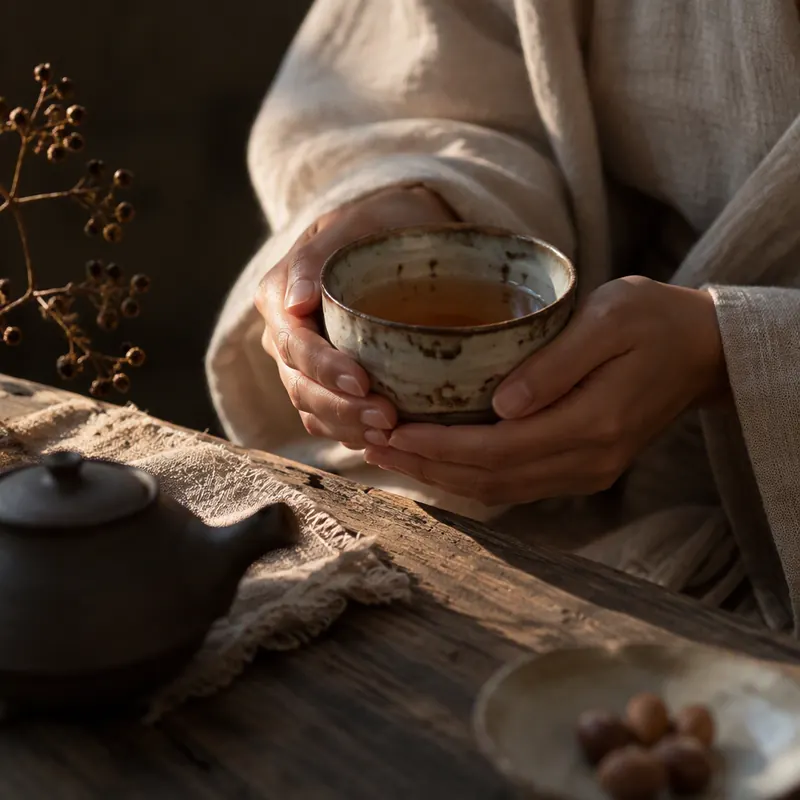
1:1Intimate still life of elegant hands holding a glowing tea bowl, warm side light, linen and wood textures, wabi-sabi beauty, photoreal detail
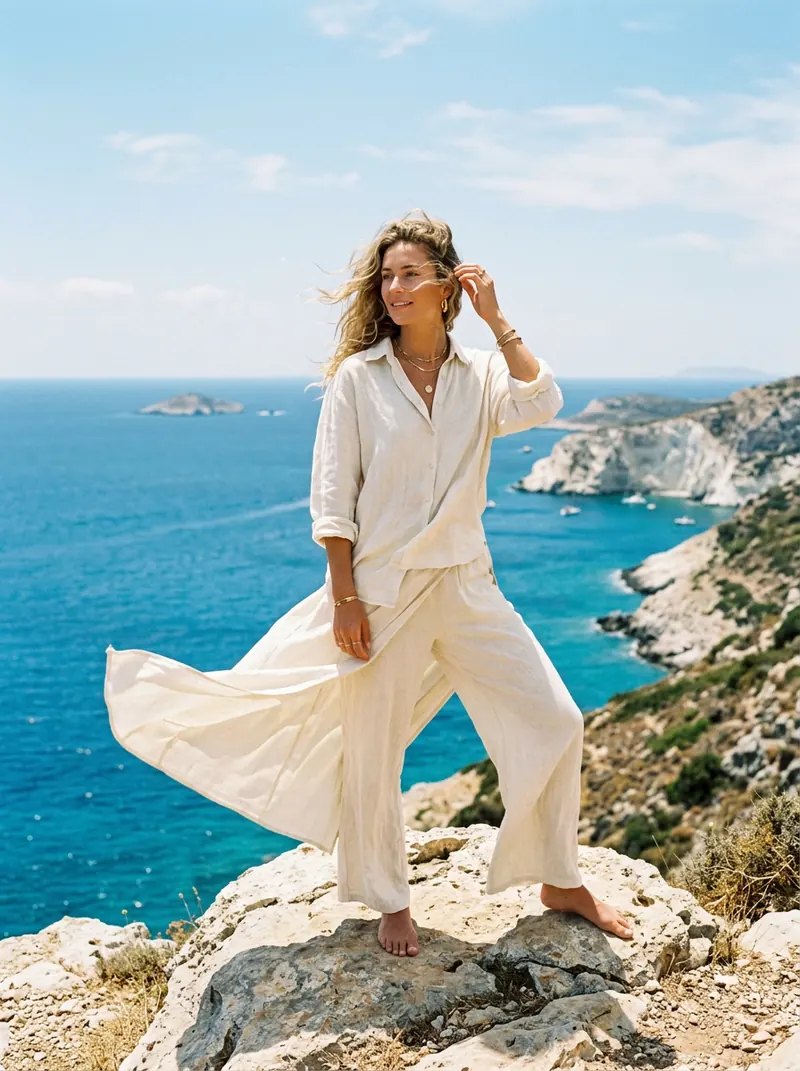 3:4
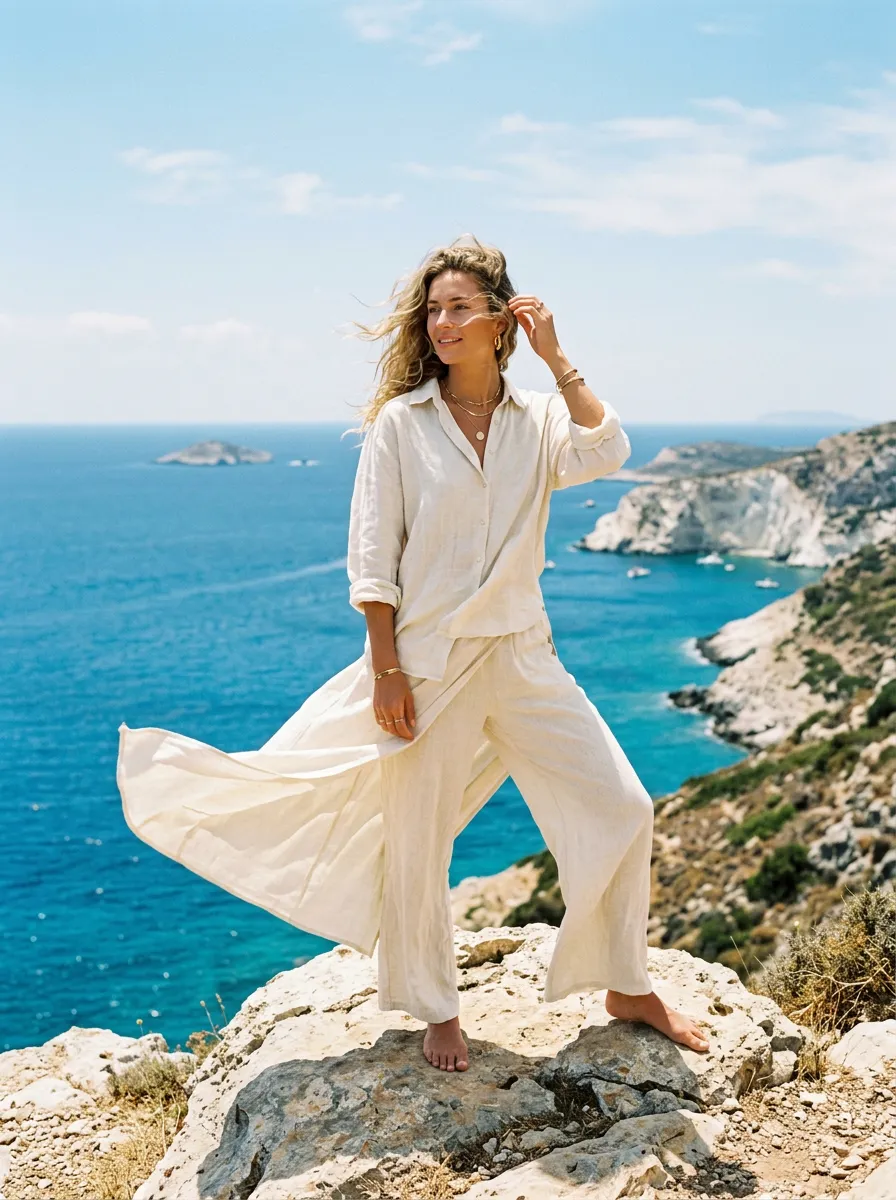
3:4Full-body fashion image of a woman in ivory linen on a sunlit cliff, wind-lifted fabric, Mediterranean blue sea behind, airy summer beauty campaign
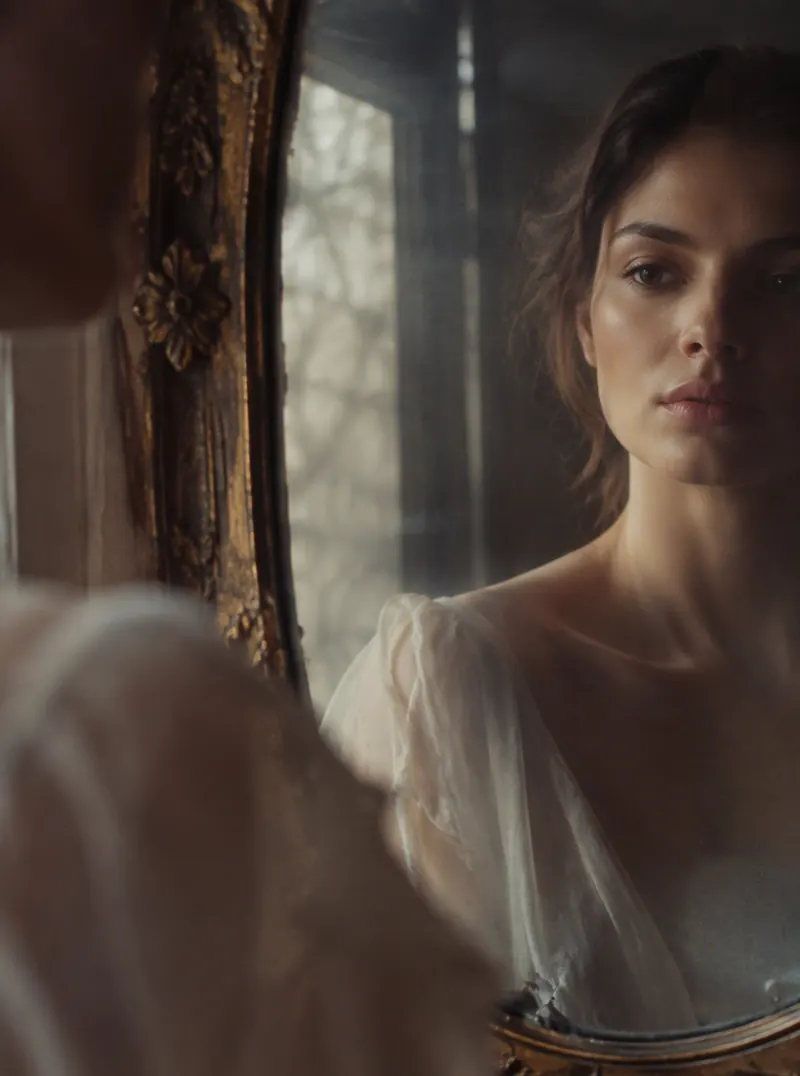 3:4
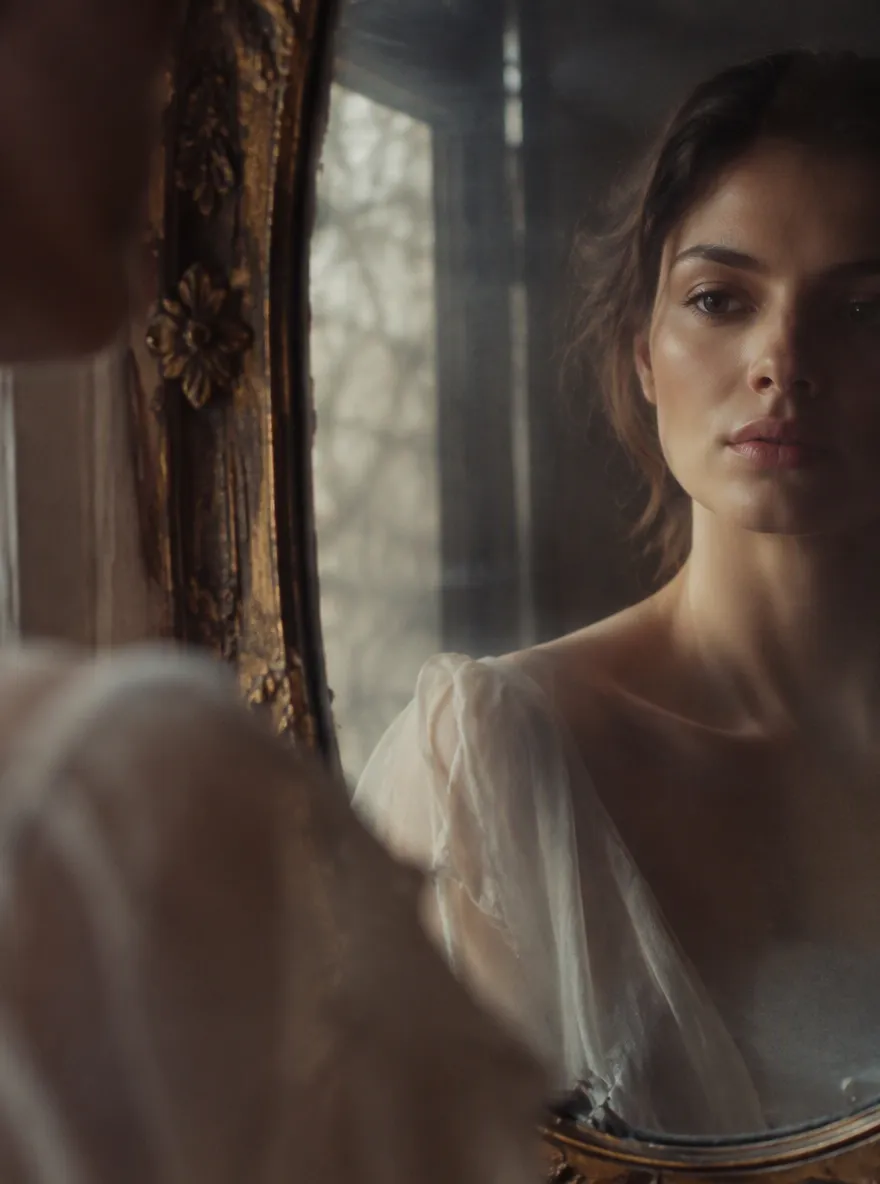
3:4Artistic beauty study: subject half-reflected in an antique mirror, soft window light, painterly yet photoreal, quiet elegant mood
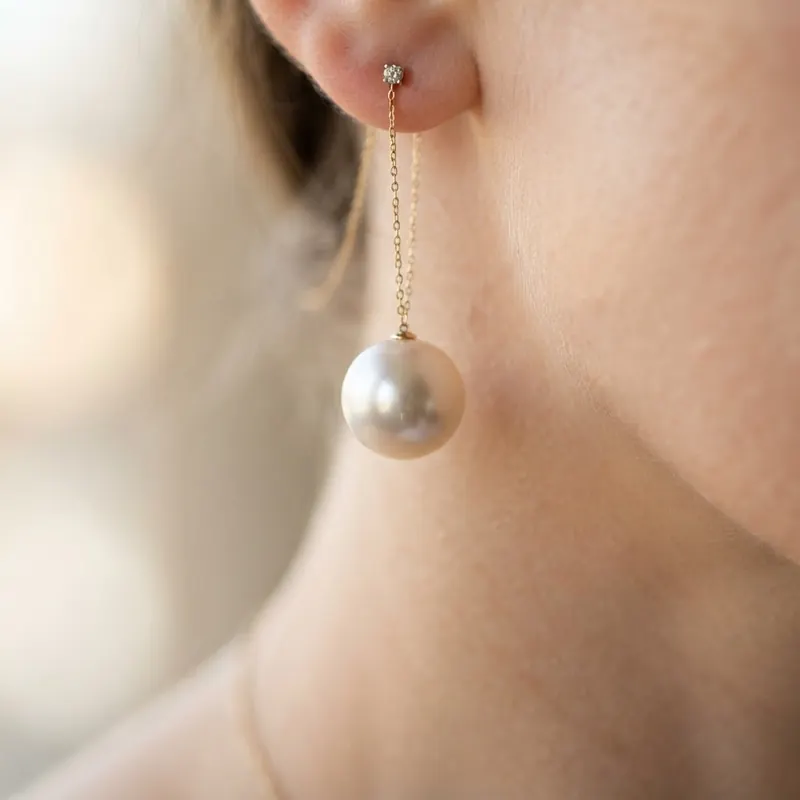 1:1
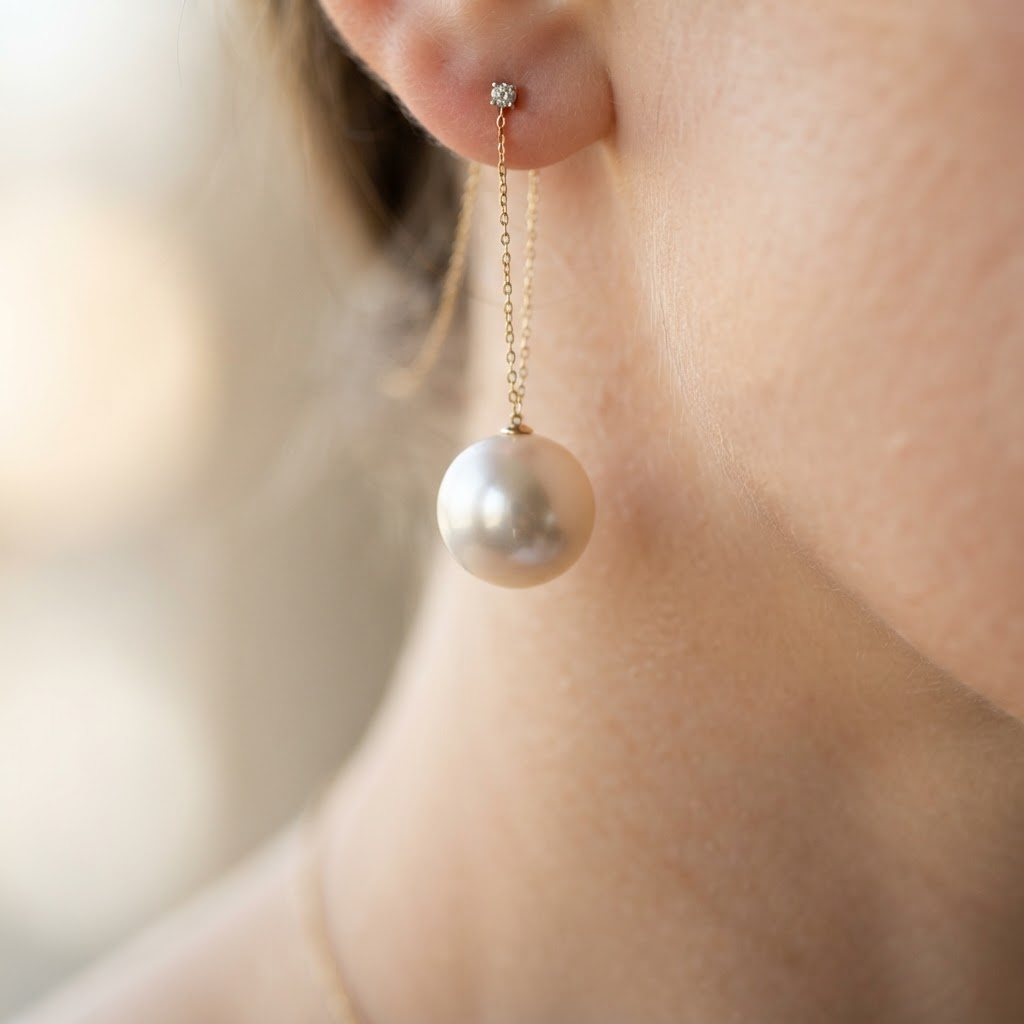
1:1Extreme macro of a pearl earring against soft neck skin, creamy bokeh, jewelry beauty advertising, exquisite highlight control
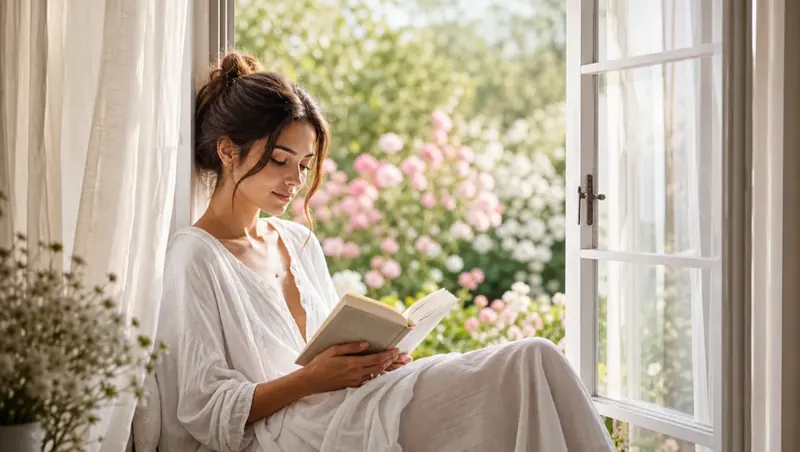 16:9
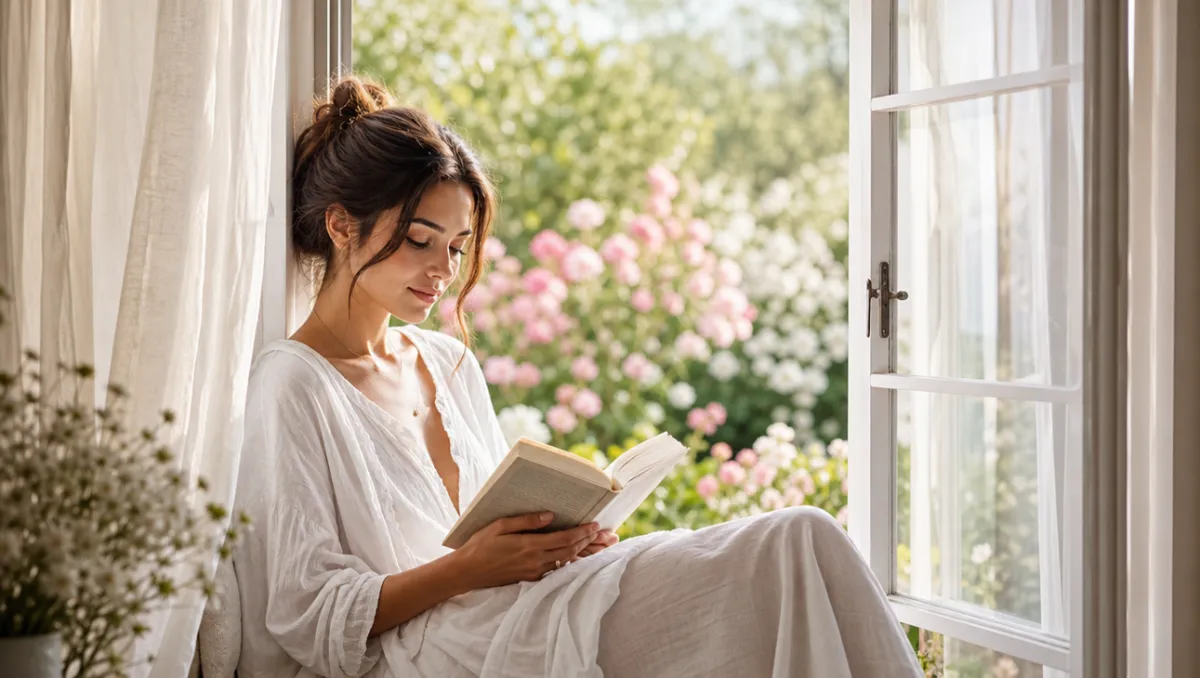
16:9Person reading by an open garden window in morning light, linen curtains, flowers soft-focused outside, lifestyle beauty photography, serene
Pick the plan that matches your pace
Subscribers get +20% extra credits at the same price
≈ 18 videos5s · 480p each
Subscribers receive: 1,080
≈ 38 videos5s · 480p each
Subscribers receive: 2,280
≈ 110 videos5s · 480p each
Subscribers receive: 6,600
≈ 240 videos5s · 480p each
Subscribers receive: 14,400
Subscriptions renew automatically at the price shown until you cancel, and we'll tell you before any price change. Cancel anytime in Settings → Billing; you keep access until the paid period ends. Credit packs are one-time and expire 180 days after grant. Prices include any tax collected at checkout. Refunds & Billing · Terms · Privacy Policy · Contact Us · Pricing
aiMakeVideo is an independent AI video platform and is not affiliated with the model providers.
Text to Image creates a new still from a written prompt—ideal when you do not have a reference photo yet. It is a core AI Image Maker workflow in aiMakeVideo.
You stay in the unified studio with Nano Banana, GPT Image, and other models, beauty showcase examples, Recreate into Create, and a direct path to Image to Video afterward.
Choose Nano Banana, GPT Image, or another text-capable image model. Compare preview quality versus credit cost, then lock the model that matches your brand look.
Lead with the subject, then add environment, composition, lighting, color palette, and style. Mention what to avoid if the model keeps adding unwanted elements.
Pick the ratio for the channel (feed, story, banner). Quality or resolution tiers change sharpness and credit cost—draft smaller, then upscale settings for finals when needed.
Yes under plans that grant commercial rights, paid with credits. Keep prompts free of third-party trademarks you do not own, and review Pricing for your tier.
Use Image to Image when you must preserve a specific face, product, or layout from a photo. Stay on Text to Image when the idea is still only a description.