Open studio

Nano Banana 2.1 AI Image Generator

Generate and edit images with Nano Banana 2.1, Google's newest image model, released on October 6, 2026. Pick 1K, 2K or 4K, add up to 14 reference images, and start from the sample prompts below.

References stay in this session only. Reattach them after reopening a draft.

Estimated cost: 11 credits (Nano Banana 2.1)

What Nano Banana 2.1 can do

Every image below was made with Nano Banana 2.1 at 2K. Tap Recreate to load the exact prompt into the generator above.

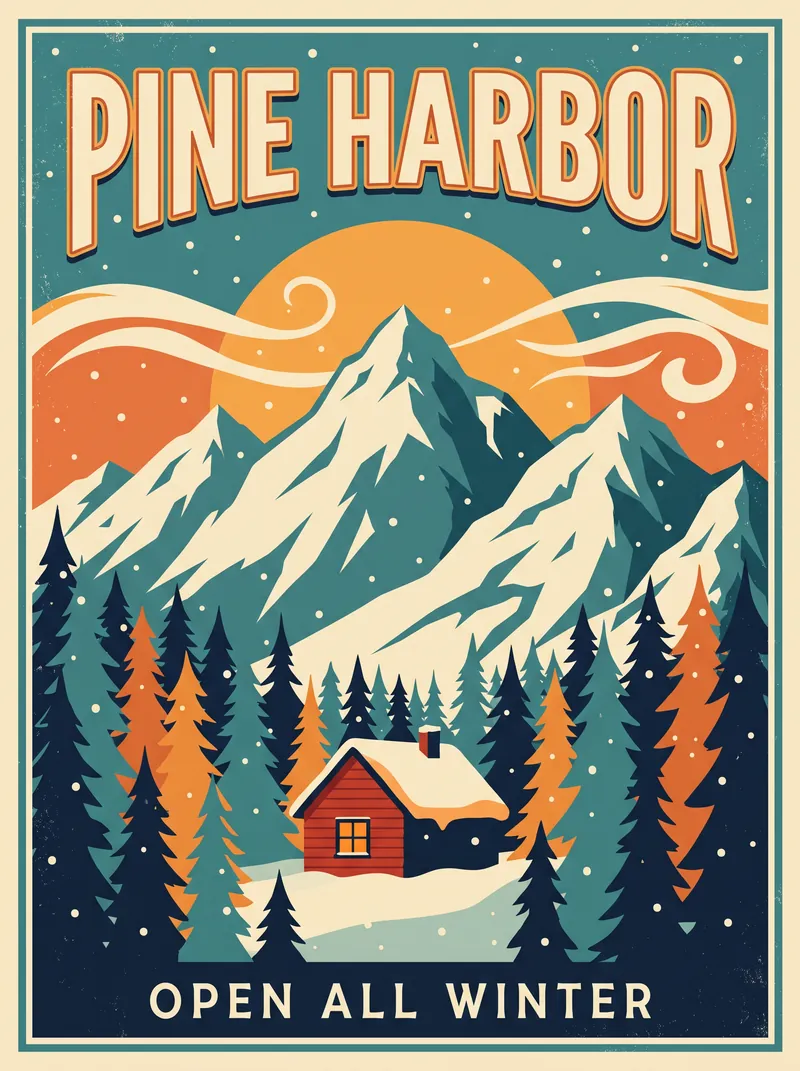
AI-generated retro travel poster with the headline PINE HARBOR, snowy peaks, pine forest and a red cabin. Made with Nano Banana 2.1 at 2K.3:4

A retro travel poster for a fictional mountain town. Large bold headline text "PINE HARBOR" at the top, small subtitle "Open all winter" at the bottom. Flat vector illustration of snowy peaks, a pine forest and a small red cabin, warm limited palette of cream, teal and orange, clean typography.

Headlines that survive the render

Poster headlines, product labels and short captions render clean and legible — the upgrade Google led with in this generation. Put the exact words you want in quotation marks.
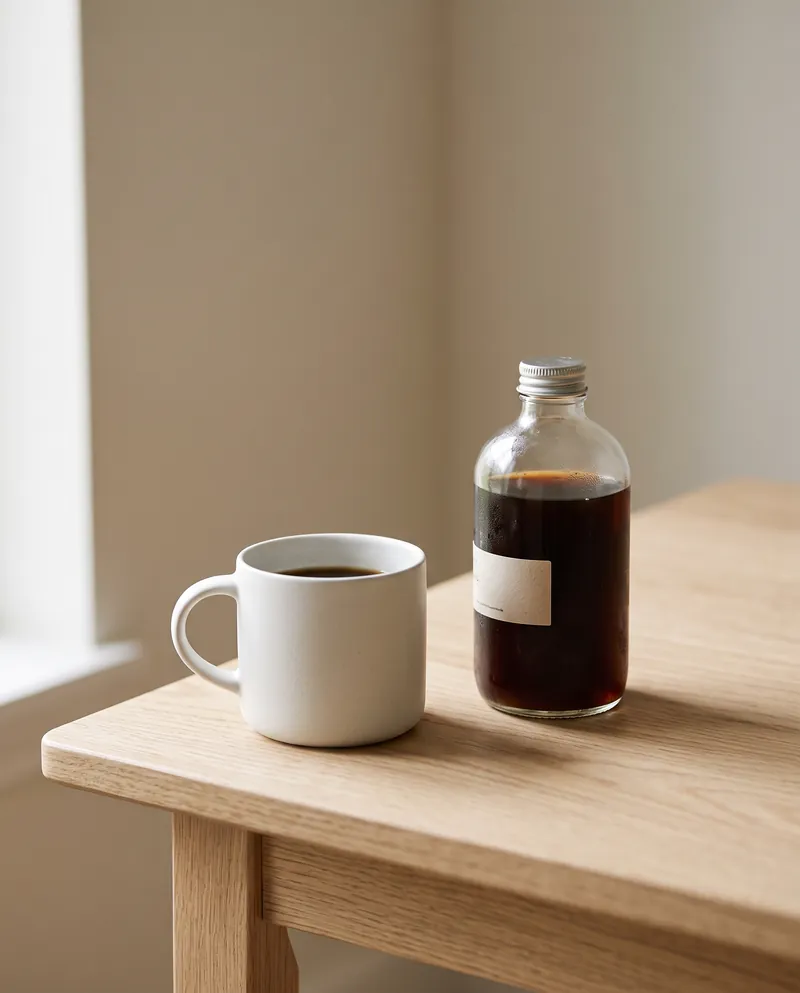
AI-generated studio photo of a white ceramic mug and a glass bottle of cold brew on a pale oak table. Made with Nano Banana 2.1 at 2K.4:5

Minimal studio product photo of a matte white ceramic coffee mug and a clear glass bottle of cold brew on a pale oak table, soft window light from the left, gentle shadows, shallow depth of field, neutral beige background, high-end catalog style.

Compose from up to 14 references

Drop in as many as 14 images to edit, restyle or combine, and pass the last result back in as the next reference. One clean catalogue shot, no shoot.

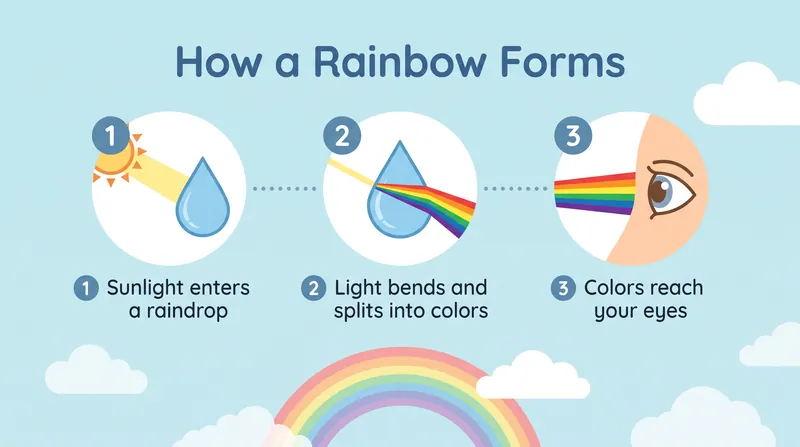
AI-generated infographic with three numbered steps explaining how a rainbow forms. Made with Nano Banana 2.1 at 2K.16:9

A clean flat infographic that explains how a rainbow forms, in three numbered steps with short, legible labels: "1 Sunlight enters a raindrop", "2 Light bends and splits into colors", "3 Colors reach your eyes". Simple icons, soft pastel sky-blue background, rounded sans-serif text.

1K to 4K from one model

Iterate at 1K, then run the same prompt at 2K or 4K and keep the small labels and fine detail. There is no 0.5K tier on 2.1.

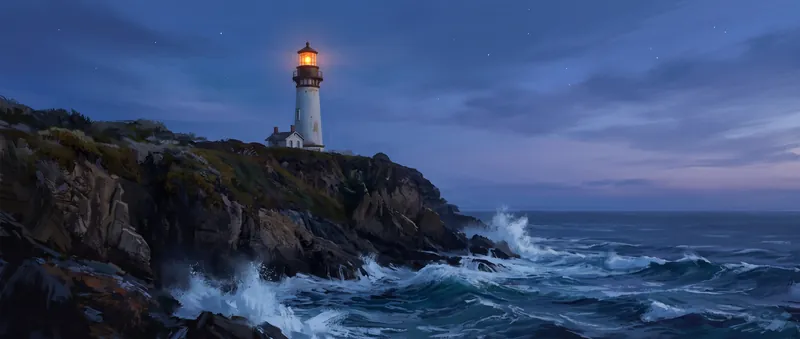
AI-generated ultra-wide cinematic scene of a white lighthouse on a cliff at blue hour. Made with Nano Banana 2.1 at 2K.21:9

Ultra-wide cinematic scene of a lone white lighthouse on a rocky cliff at blue hour, waves crashing below, warm lantern light glowing in the tower, a few stars appearing in a deep blue sky, painterly detail, calm and dramatic mood.

Ultra-wide to ultra-tall frames

Fourteen ratios from the tall 1:8 to the wide 8:1 cover 21:9, 16:9, 9:16 and 1:1 — or let the model choose.

Nano Banana 2.1 specs

Resolution1K, 2K and 4K output (no 0.5K size)
Aspect ratios14 ratios from 1:8 to 8:1, including 21:9, 16:9, 9:16 and 1:1, or auto
Reference imagesUp to 14 images to edit, restyle or combine
Output per requestOne image per request; ask for more and each one runs separately
Web searchOptional web search grounding for current facts
ProvenanceEvery image carries a SynthID watermark

Nano Banana 2.1 vs Nano Banana 2

Same family, newer generation. What changes for you:

FeatureNano Banana 2.1Nano Banana 2
Output sizes1K, 2K, 4K0.5K, 1K, 2K, 4K
Text in imagesGoogle reports improved text renderingPrevious generation
Reference imagesUp to 14Up to 14
Pick it forFinal 1K to 4K work: posters, labels, editsJobs that need the smaller 0.5K size

How to use Nano Banana 2.1

  1. Write your prompt

    Describe the image and put any text you want in it in quotation marks. Add the style and the light.

  2. Choose size and references

    Pick 1K to iterate and 2K or 4K for finals, then an aspect ratio. Add up to 14 reference images to edit or combine.

  3. Generate and refine

    Run it, then use the result as a reference to change one thing at a time.

What people make with Nano Banana 2.1

Posters and text graphics

Titles, labels and short captions are where Google reports gains. Check the spelling on every run.

Product and catalog shots

Clean studio scenes, mockups and variations built from a reference photo.

Infographics and diagrams

Simple labeled explainers. Short labels work best.

Tips for better Nano Banana 2.1 results

  • Put the exact words you want in quotation marks and keep them short.
  • Iterate at 1K, then re-run the best prompt at 2K or 4K.
  • Edit in small steps: one change per run, with the previous result as a reference.

Pricing - AI Video Maker Credit Packs & Plans

Pick the plan that matches your pace

New accounts get up to 10 free credits — no credit card required. Plans and credit packs work worldwide.

Subscribers get +20% extra credits at the same price

900 Credits

$9.9/ one-time

Subscribers receive: 1,080

  • Up to 450 fast images
  • Up to 18 basic videos
  • Every image and video model
  • Valid for 6 months
  • No subscription, never auto-renews

5,500 Credits

$49.9/ one-time

Subscribers receive: 6,600

  • Up to 2,750 fast images
  • Up to 110 basic videos
  • Every image and video model
  • Valid for 6 months
  • No subscription, never auto-renews

12,000 Credits

$99.9/ one-time

Subscribers receive: 14,400

  • Up to 6,000 fast images
  • Up to 240 basic videos
  • Every image and video model
  • Valid for 6 months
  • No subscription, never auto-renews

Subscriptions renew until canceled. Credit packs are one-time and expire 180 days after grant. Refunds & Billing · Terms · Privacy Policy · Contact Us · Pricing

aiMakeVideo is an independent AI video platform and is not affiliated with the model providers.

Nano Banana 2.1 FAQ

What is Nano Banana 2.1?

Nano Banana 2.1 (model ID gemini-nano-banana-2.1) is Google's image generation and editing model, released on October 6, 2026. Google reports improvements in visual quality, text rendering and consistency across edits.

How much does Nano Banana 2.1 cost on aiMakeVideo?

It runs on credits. Nano Banana 2.1 bills per image, the exact cost always shows on the Generate button, and credits are refunded if a run fails for a technical reason.

Do I need an account to use Nano Banana 2.1?

Yes. Sign in with a free account; every Nano Banana 2.1 run is billed to your credit balance.

What resolutions and aspect ratios does it support?

1K, 2K and 4K output (there is no 0.5K size) and 14 aspect ratios from 1:8 to 8:1, including 21:9, 16:9, 9:16 and 1:1, or auto.

How is it different from Nano Banana 2?

Nano Banana 2.1 is the newer generation, with 1K to 4K output and Google-reported gains in text rendering and edit consistency. Nano Banana 2 also offers a smaller 0.5K size.

Can I edit my own photos with it?

Yes. Add up to 14 reference images and describe the change. Only use images you own or have permission to edit. Generated images carry a SynthID watermark.