01
One still image, a publish-ready clip
Upload a portrait, product, or poster, describe the action and camera in one line, and get a short motion clip in seconds—no reshoot, no set rebuild.
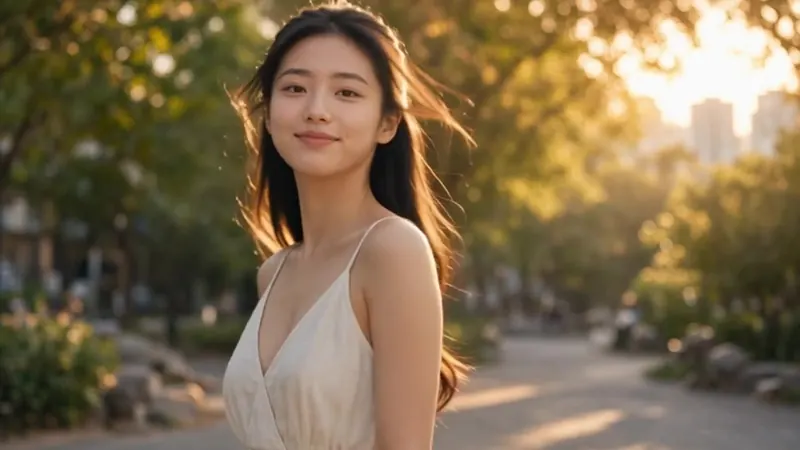
Bring a still image to life with motion, sound, and style.
Upload a portrait, product, or poster, describe the action and camera in one line, and get a short motion clip in seconds—no reshoot, no set rebuild.
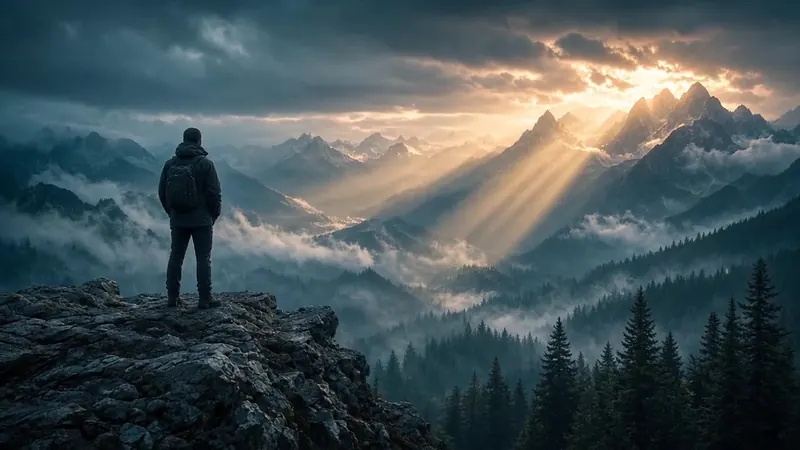
Keep face, product shape, color, and framing from the source image, then layer walks, orbits, and light shifts. Write “keep unchanged” on key details to cut drift.
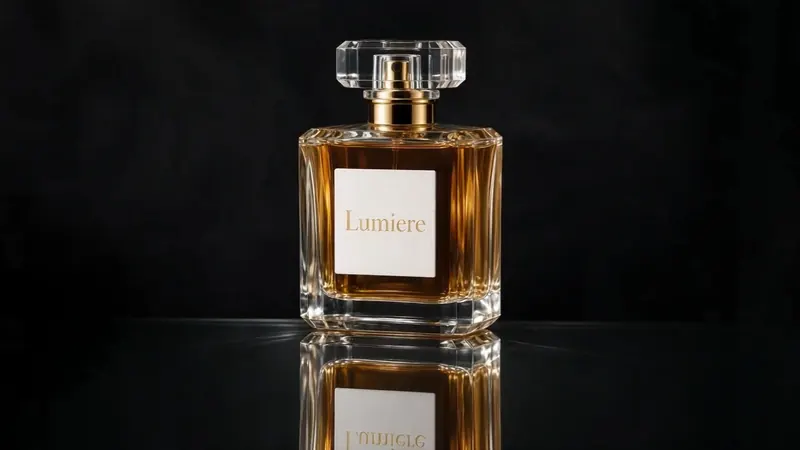
Push, crane, and parallax turn the same hero frame into an ad spot, cover loop, or detail-page asset—motion that serves launch and seeding, not just decoration.
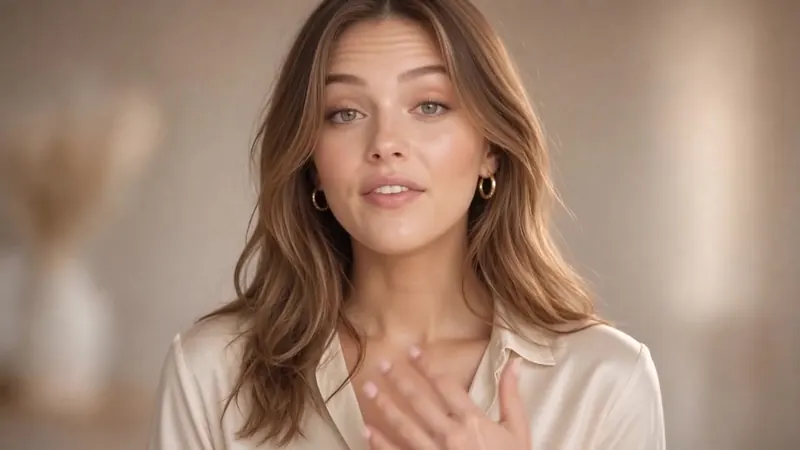
Keep the original face and look, add natural lip sync, micro-expressions, and light gestures—ready for ads, PDP, or creator-style talk-to-camera clips without a studio re-record.
Pick the plan that matches your pace
Subscribers get +20% extra credits at the same price
≈ 18 videos5s · 480p each
Subscribers receive: 1,080
≈ 38 videos5s · 480p each
Subscribers receive: 2,280
≈ 110 videos5s · 480p each
Subscribers receive: 6,600
≈ 240 videos5s · 480p each
Subscribers receive: 14,400
Subscriptions renew automatically at the price shown until you cancel, and we'll tell you before any price change. Cancel anytime in Settings → Billing; you keep access until the paid period ends. Credit packs are one-time and expire 180 days after grant. Prices include any tax collected at checkout. Refunds & Billing · Terms · Privacy Policy · Contact Us · Pricing
aiMakeVideo is an independent AI video platform and is not affiliated with the model providers.
Image to Video animates a still image into a short clip. Upload or reuse a frame, describe the motion you want, and let the AI Video Maker keep the visual identity while adding camera and movement.
Frames from AI Image Maker, Text to Image, or your own uploads stay in one studio. Multi-model video (Kling / Seedance / Veo and more) and Recreate from showcase make iteration faster.
Choose image-to-video capable models such as Kling, Seedance, Veo, and others shown for frame-based modes. The picker only lists options that accept your starting image.
Focus on motion: camera push, subject gesture, wind, light change. Assume the still already defines look and composition—tell the model what should move, not how to redraw the whole scene.
Match aspect ratio to your source when possible so the frame is not cropped awkwardly. Duration sets how long the animation runs and scales credit cost with model resolution.
Commercial use follows your subscription rights and credit spend. Pro/Max plans are designed for client-ready output; check Pricing and keep rights-clear source images.
Generate or polish a still with Text to Image or Image to Image, then open Image to Video to animate it. Or start from Text to Video when you do not need a locked frame first—all under AI Video Maker.