Product photos
Clean transparent cutouts for store listings, catalogs and ads.
Upload a photo and get the subject cut out as a transparent PNG in seconds — clean edges on hair, fur and products, at your photo's full resolution.
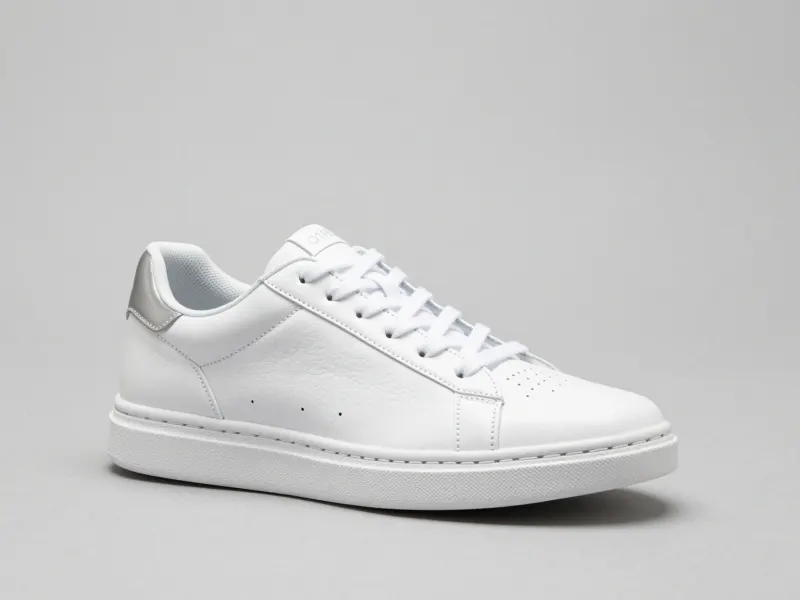
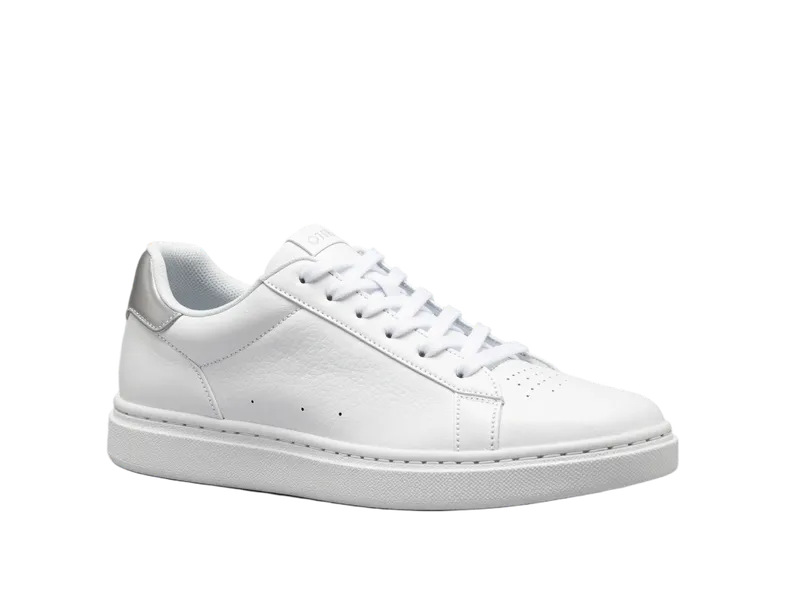


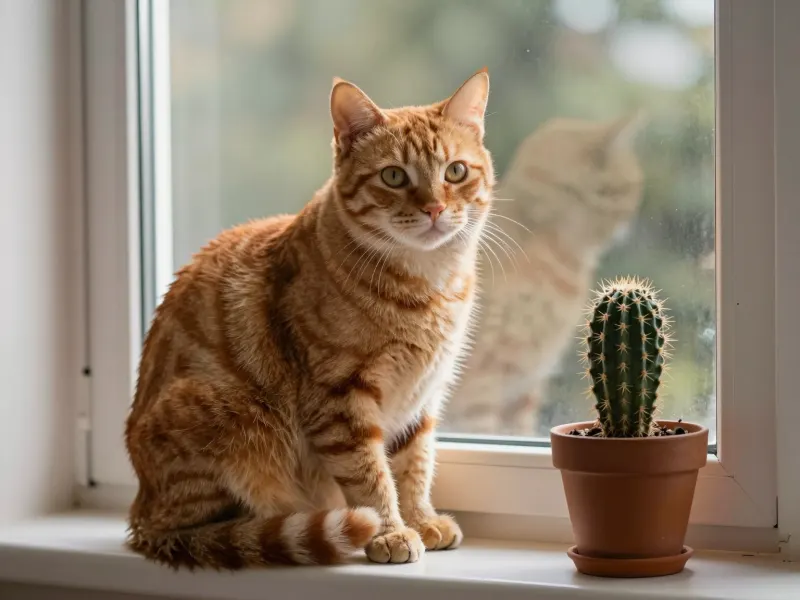
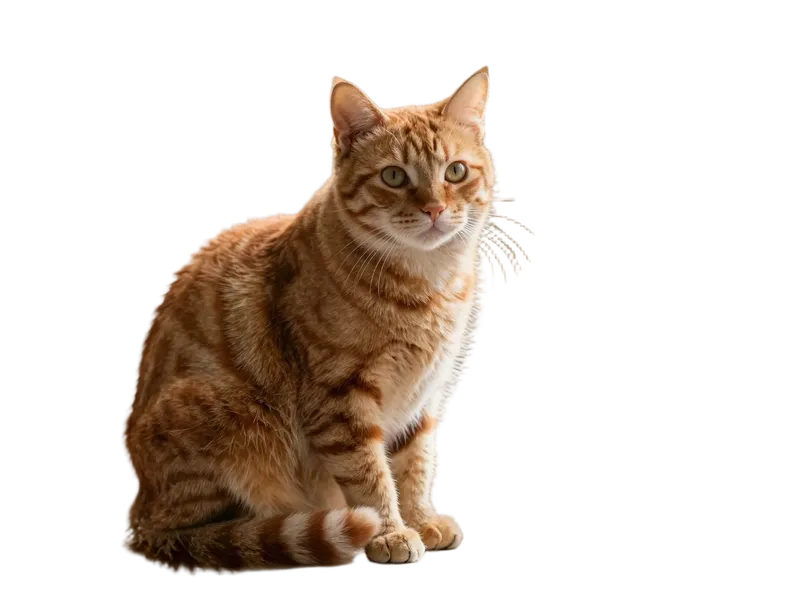
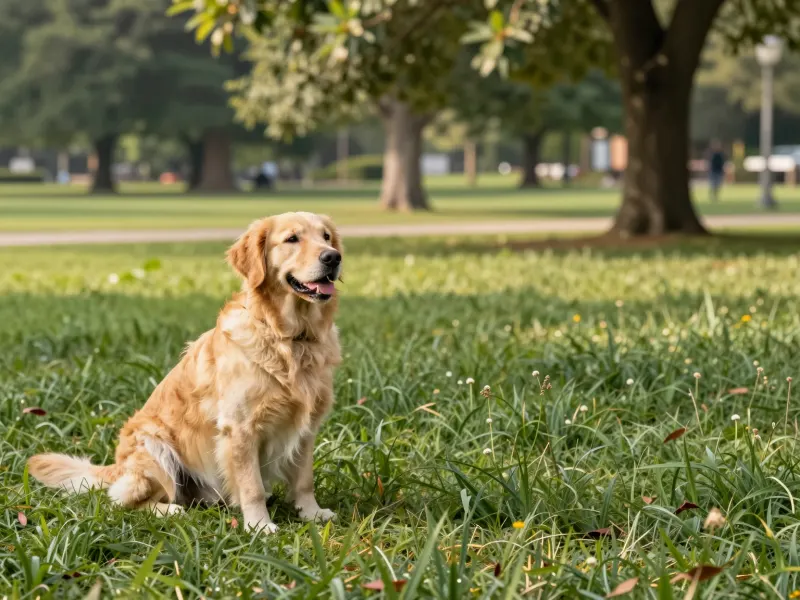
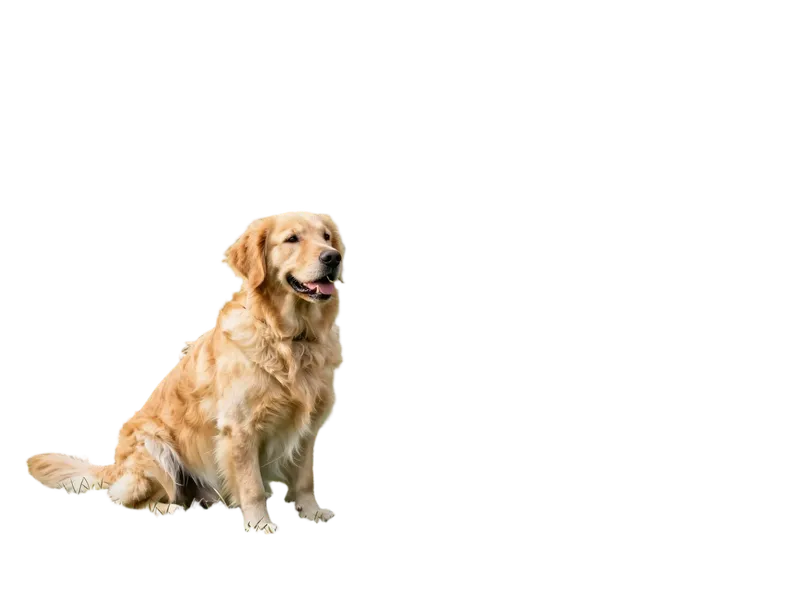
JPG, PNG or WebP up to 10 MB. Photos with one clear subject work best.
Press Remove background. The AI finds the main subject and cuts it out, usually in a few seconds.
Check the cutout on transparent, white, black or any color, then download a transparent PNG.
Clean transparent cutouts for store listings, catalogs and ads.
Cut yourself out for avatars, thumbnails, slides and ID-style photos.
Drop subjects into posters, social posts, collages and presentations.
Pick the plan that matches your pace
Subscribers get +20% extra credits at the same price
Subscribers receive: 1,080
Subscribers receive: 3,600
Subscribers receive: 6,600
Subscribers receive: 14,400
Subscriptions renew until canceled. Credit packs are one-time and expire 180 days after grant. Refunds & Billing · Terms · Privacy Policy · Contact Us · Pricing
aiMakeVideo is an independent AI video platform and is not affiliated with the model providers.
Signed-out visitors in eligible regions get one free background removal with no account needed. After that, each removal costs 1 credit, and new accounts get free sign-up credits in most regions. See Pricing.
A PNG with a transparent background at your photo's full resolution. The white, black and color options only preview the cutout — the download always stays transparent.
Photos with one clear subject — a person, pet, product or object — against any background. When a scene has no obvious subject, the AI keeps the most prominent object.
Yes. The model is built for fine edges, so hair, fur and product outlines come out clean in most photos. Very low-contrast edges may need a quick touch-up.
JPG, PNG and WebP images up to 10 MB.
Yes — Remove Object from Photo erases people and clutter, and Move Object in Photo repositions things within the frame.