01
Same person, new wardrobe
Keep face and pose locked, then rewrite the outfit into silk, couture, or campaign-ready fashion—identity first, clothes second.
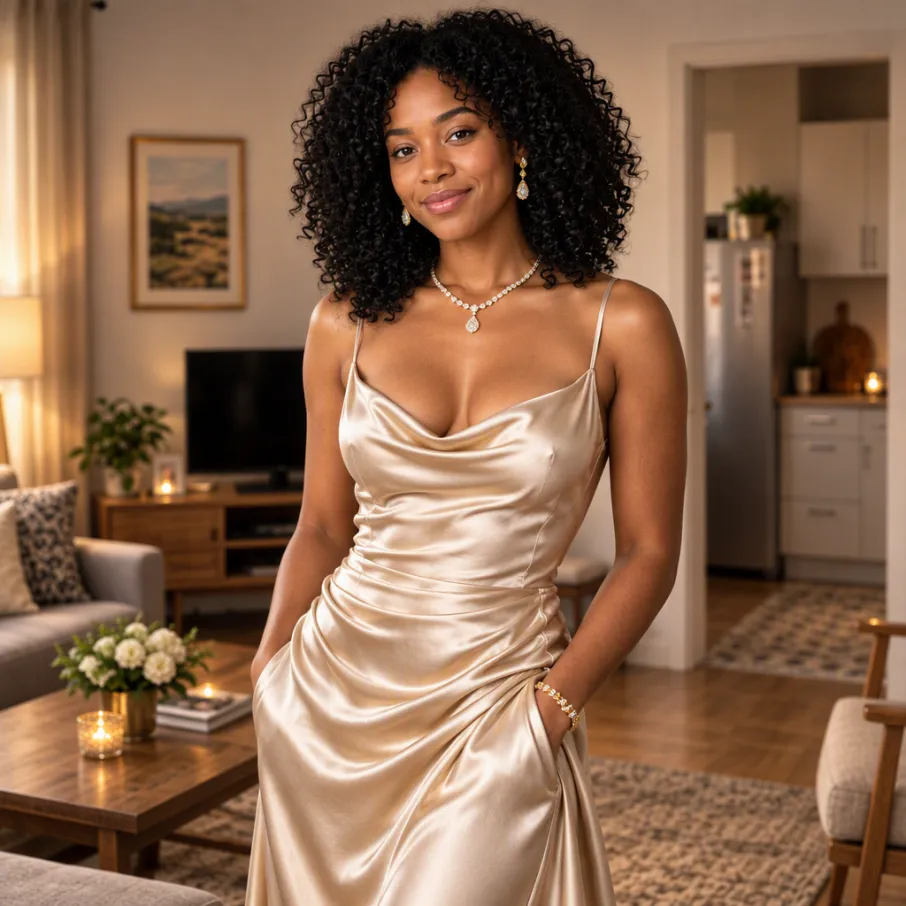
Transform a reference image while keeping the visual direction in your hands.
References stay in this session only. Reattach them after reopening a draft.
Estimated cost: 3 credits (GPT Image 2.5 Flare)
Quick photo fixes, no prompt needed: remove an object, move an object or remove the background.
Keep face and pose locked, then rewrite the outfit into silk, couture, or campaign-ready fashion—identity first, clothes second.
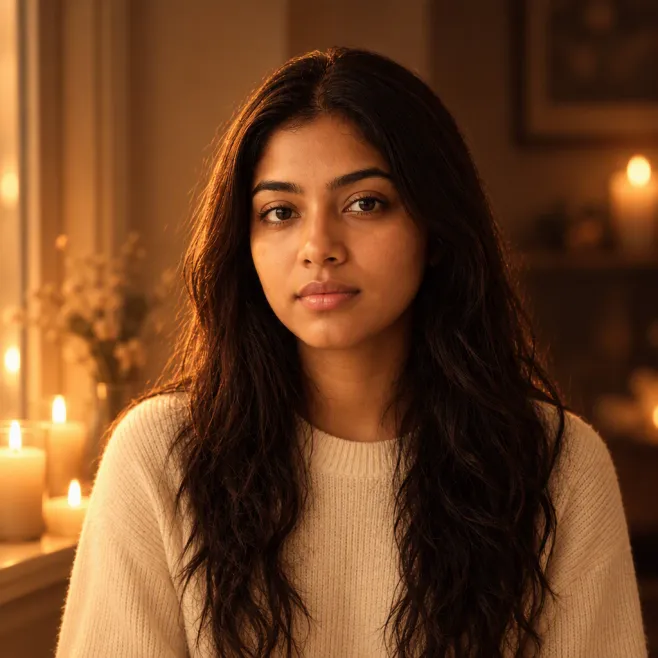
Hold the composition and subject, then change only time-of-day and mood: daylight to candle glow, hard sun to soft beauty key.
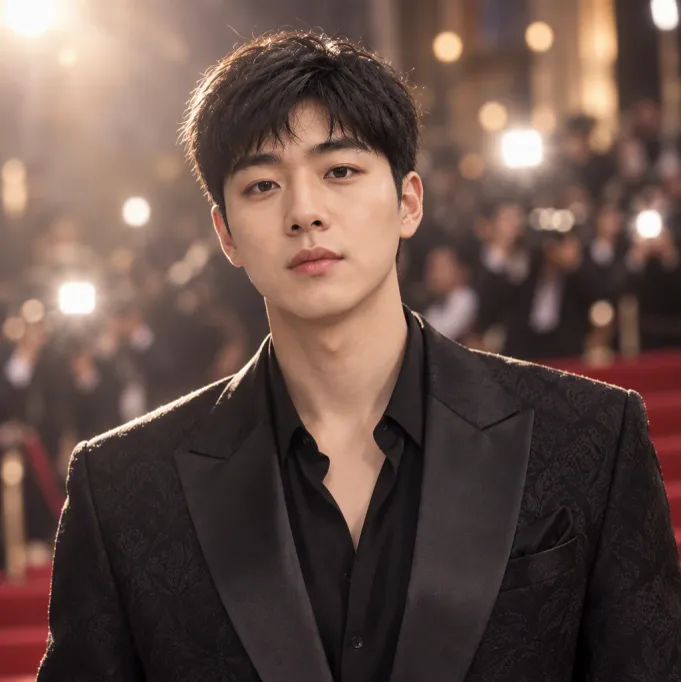
Keep likeness and proportions, then elevate to tailored formalwear and soft glam lighting—campaign-ready without a new studio day.
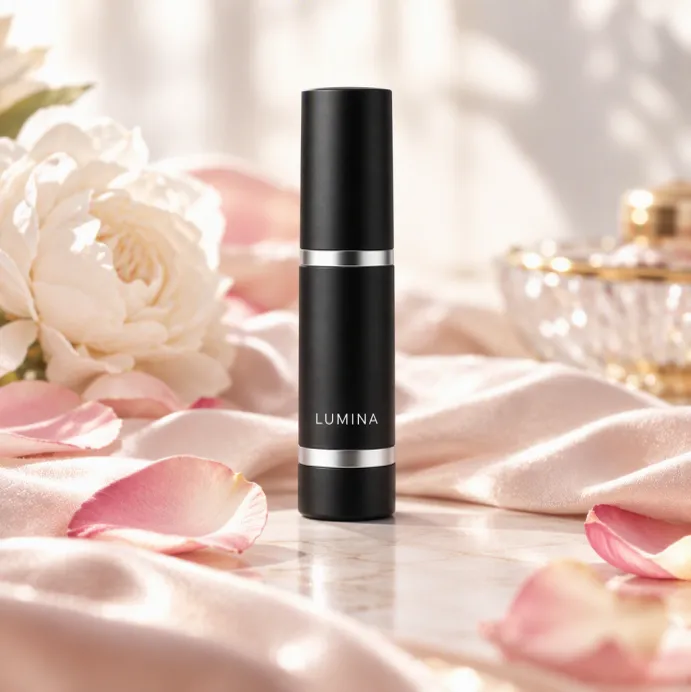
Keep bottle shape and branding exact, then move it onto a new luxury still-life: silk, petals, and ad-ready polish without redrawing the SKU.
Pick the plan that matches your pace
Subscribers get +20% extra credits at the same price
≈ 18 videos5s · 480p each
Subscribers receive: 1,080
≈ 38 videos5s · 480p each
Subscribers receive: 2,280
≈ 110 videos5s · 480p each
Subscribers receive: 6,600
≈ 240 videos5s · 480p each
Subscribers receive: 14,400
Subscriptions renew automatically at the price shown until you cancel, and we'll tell you before any price change. Cancel anytime in Settings → Billing; you keep access until the paid period ends. Credit packs are one-time and expire 180 days after grant. Prices include any tax collected at checkout. Refunds & Billing · Terms · Privacy Policy · Contact Us · Pricing
aiMakeVideo is an independent AI video platform and is not affiliated with the model providers.
Image to Image takes a reference still plus instructions to restyle, refine, or recompose it. It sits beside Text to Image under AI Image Maker in the aiMakeVideo studio.
Reference uploads, multi-model image choice (Nano Banana / GPT Image and more), showcase inspiration, and the same Create workspace as video tools keep product shots and campaigns consistent.
Use image models that accept references—Nano Banana, GPT Image, and others listed for edit or reference modes. The composer shows only compatible options for your upload.
State what must stay (face, logo placement, product shape) and what should change (wardrobe, background, lighting, art style). Short, directive sentences work better than long mood boards alone.
Aspect ratio should usually follow the source or the final crop you need. Strength or quality settings (when offered) balance fidelity to the reference versus creative freedom—and affect credits.
Follow your plan’s commercial terms and only upload references you have rights to transform. Credits cover each run; top up with packs if a campaign needs many variants.
Start with Text to Image when inventing a look, then Image to Image to iterate on the winner. Send a final still into Image to Video when you need motion—all inside one AI Video + Image studio.