01
Choreograph every hit from text
Spell out who strikes whom, in what order, and how relocation works—so fight and fantasy beats land one-to-one instead of smearing into chaos.
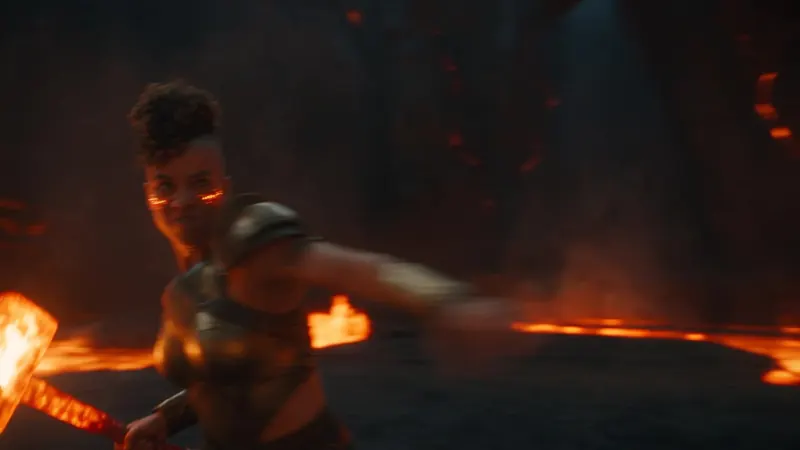
Turn a simple idea into a cinematic video with AI.
Spell out who strikes whom, in what order, and how relocation works—so fight and fantasy beats land one-to-one instead of smearing into chaos.
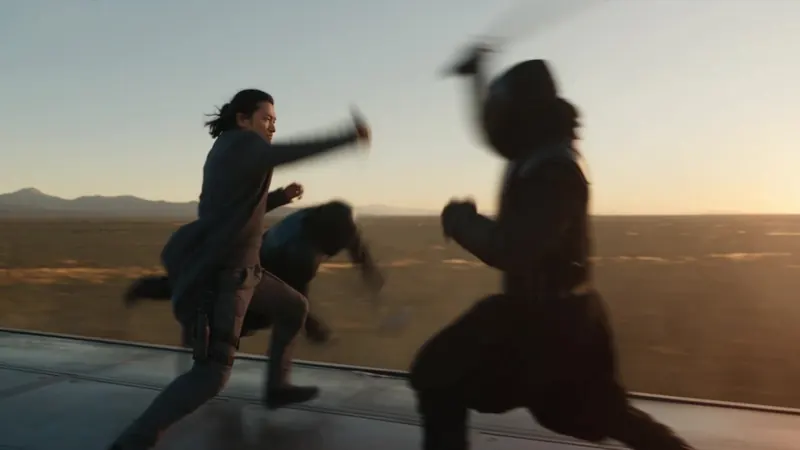
Ask for a single continuous tracking shot and keep the lens language stable—follow, arc, and reveal without whip-pan mush.
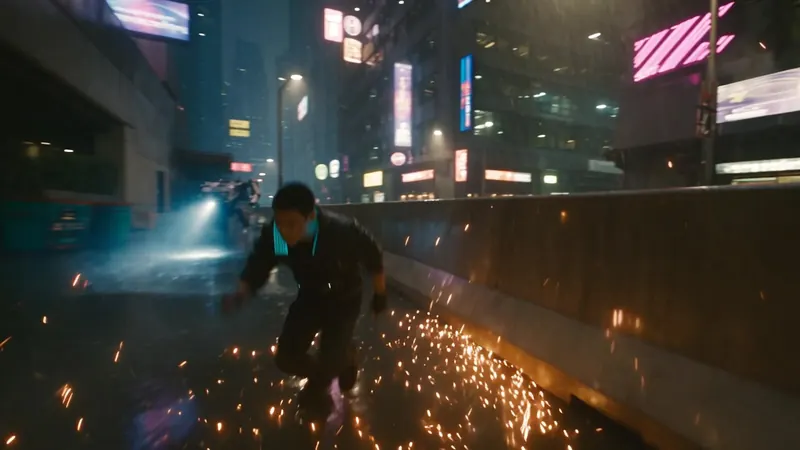
Rain, neon, asphalt sheen, and pursuit energy stay readable while the hero and each rival remain distinct through the chase.
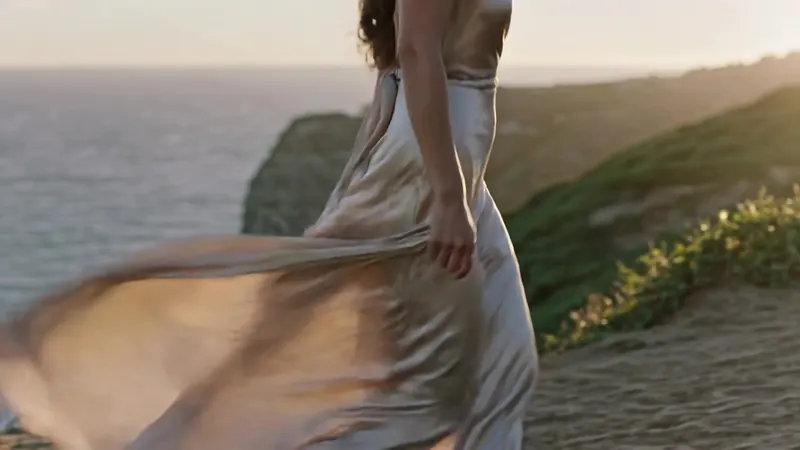
Silk, coat, and silhouette keep their identity while wind, walk, and camera sell the garment—ideal for lookbooks and beauty films.
Pick the plan that matches your pace
Subscribers get +20% extra credits at the same price
≈ 18 videos5s · 480p each
Subscribers receive: 1,080
≈ 38 videos5s · 480p each
Subscribers receive: 2,280
≈ 110 videos5s · 480p each
Subscribers receive: 6,600
≈ 240 videos5s · 480p each
Subscribers receive: 14,400
Subscriptions renew automatically at the price shown until you cancel, and we'll tell you before any price change. Cancel anytime in Settings → Billing; you keep access until the paid period ends. Credit packs are one-time and expire 180 days after grant. Prices include any tax collected at checkout. Refunds & Billing · Terms · Privacy Policy · Contact Us · Pricing
aiMakeVideo is an independent AI video platform and is not affiliated with the model providers.
Text to Video turns a written prompt into a short AI clip—no starting frame required. Describe scene, motion, and style, then generate inside aiMakeVideo’s Create workspace.
You get multi-model video choice, the same studio as AI Image Maker, showcase prompts via Recreate, and easy jumps to Image to Video when you later want a locked look from a still.
Use Kling, Seedance, Veo, or other text-capable video models listed in the picker. Try a faster model for drafts, then a higher-quality option for finals.
Be concrete: who/what is on screen, what moves, camera path (push-in, pan, orbit), time of day, and tone. Avoid vague adjectives alone—pair them with visible details.
Aspect ratio sets where the story sits (landscape, vertical, square). Duration controls how long motion can unfold and how many credits a clip costs. Stick to lengths your chosen model supports.
With a qualifying plan and enough credits, yes—use outputs in ads, social, and product stories per your plan’s rights. Always confirm tier limits on Pricing before a paid campaign.
Switch when you already love a still—from Text to Image, a photoshoot, or showcase—and need motion that preserves that exact look. Start on Text to Video when the scene only exists as words.