Open studio

AI Image Maker

Create original images from ideas, references, and a clear creative brief.

References stay in this session only. Reattach them after reopening a draft.

Estimated cost: 3 credits (GPT Image 2.5 Flare)

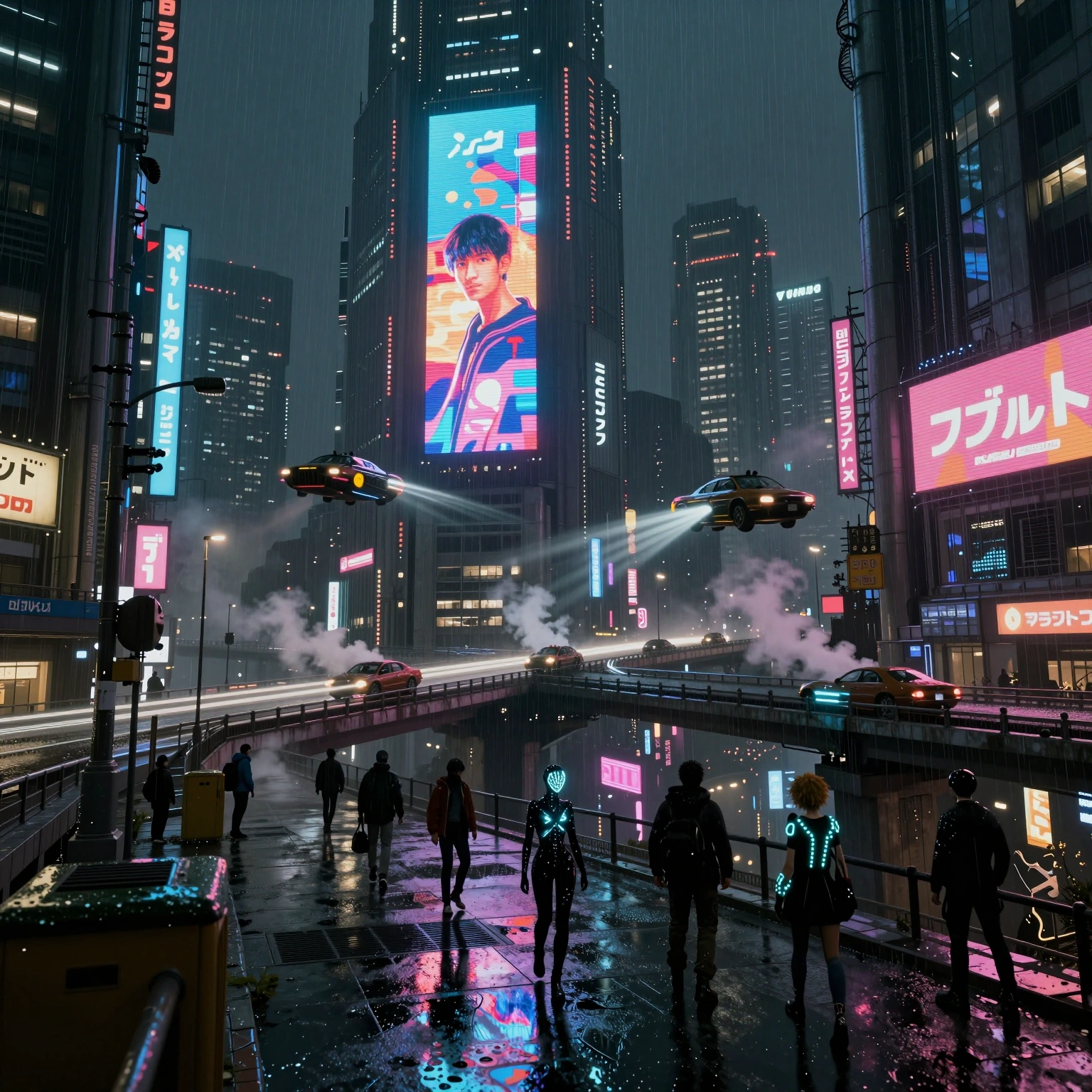
Get inspired by real AI video examples

Browse AI video and AI image outputs made with aiMakeVideo — then reuse the prompt behind any of them.

Frequently asked questions about AI Image Maker

What is the AI Image Maker on aiMakeVideo?

AI Image Maker is the hub for stills—Text to Image and Image to Image—inside the same AI Video + Image studio. Draft, showcase, and generate without leaving Create.

Why choose aiMakeVideo for AI Image Maker work?

Images and videos share one brand studio, multi-model image options (including Nano Banana and GPT Image), a beauty showcase with Recreate, and a path to Image to Video when you want motion next.

Which image models are available?

Pick from Nano Banana, GPT Image, and other image models in the catalogue. Use lighter models for exploration and higher-tier models when detail or typography matters.

Any prompt tips for AI Image Maker?

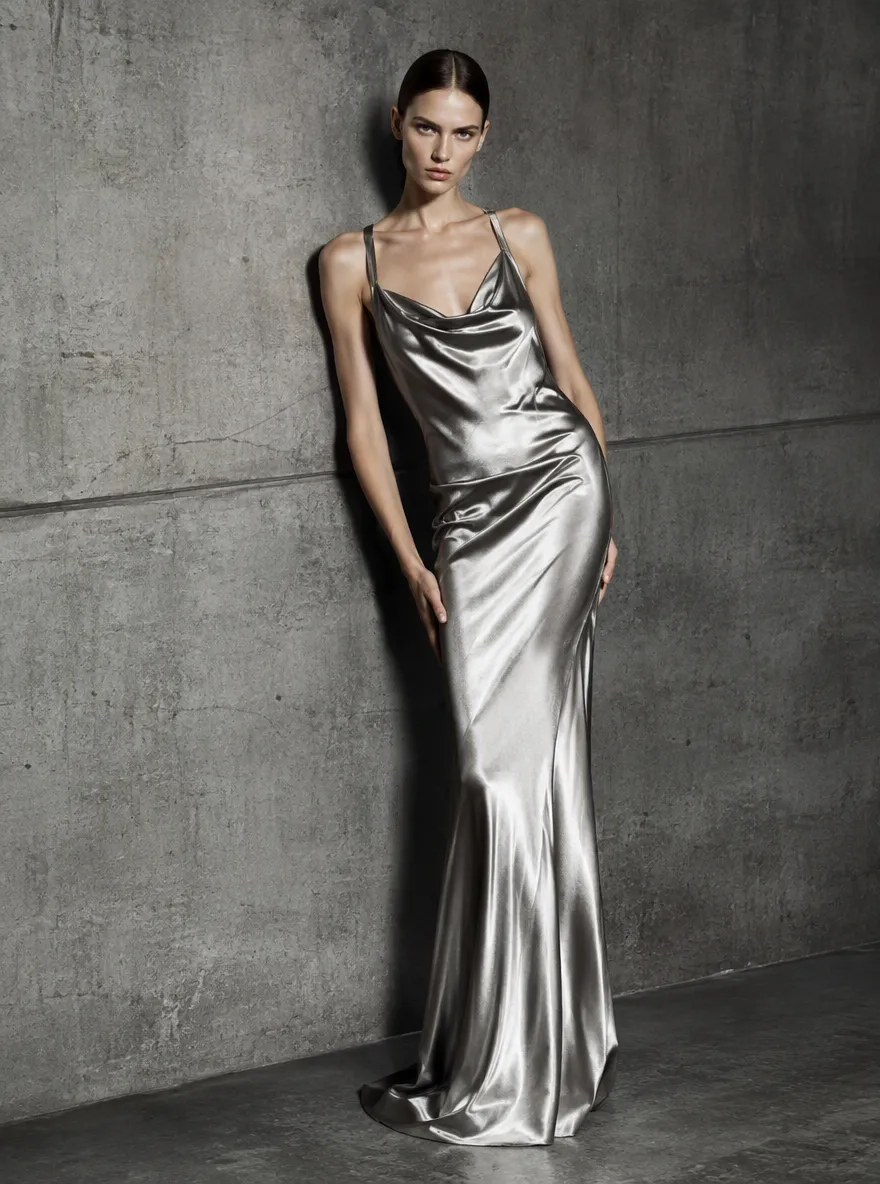
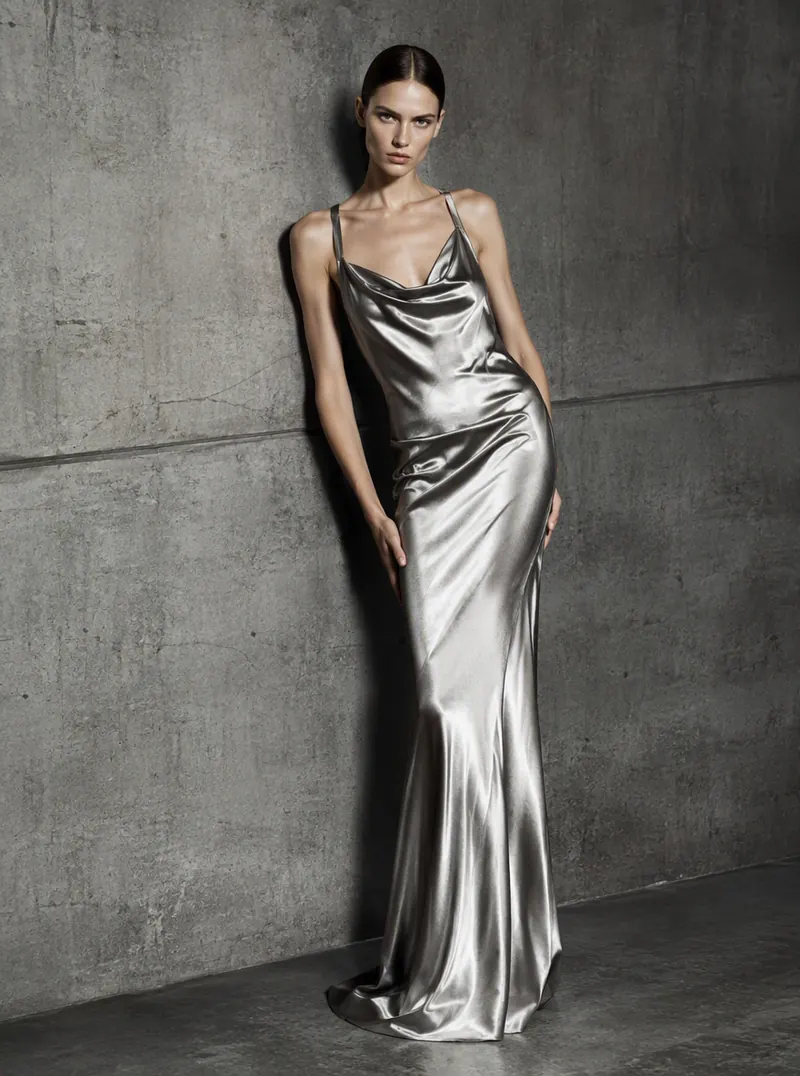
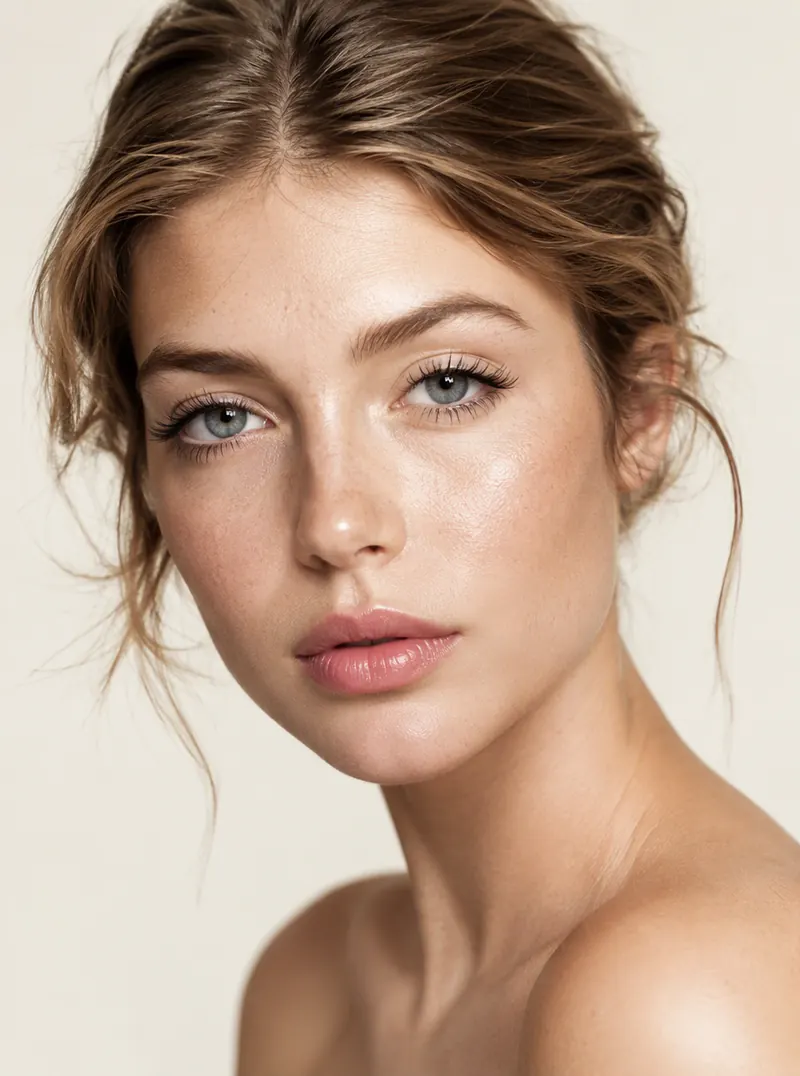
Specify subject, setting, lens or framing, lighting, and style. For Image to Image, say what to keep and what to change. Or tap Recreate on a showcase beauty image and refine from there.

How do aspect ratio and other image params work?

Choose sizes such as 1:1, 3:4, 16:9, or model-specific qualities (for example 1K–4K where offered). Higher quality and larger outputs use more credits per image.

Are AI Image Maker results cleared for commercial use?

Plan tier determines commercial rights. Credits cover each generation; packs top up when you need more. Confirm details on Pricing before shipping assets to clients.

How does AI Image Maker relate to Text to Image and Image to Image?

AI Image Maker is the umbrella page. Text to Image invents a new still from words; Image to Image transforms a reference. Both feed the Create workspace and can later become Image to Video.