900 Credits
$9.9/ one-time
Subscribers receive: 1,080
- Up to 450 fast images
- Up to 18 basic videos
- Every image and video model
- Valid for 6 months
- No subscription, never auto-renews
Box an object, box where it should go, and AI moves it — rebuilding the background it leaves behind and matching light, scale and shadow at the new spot.
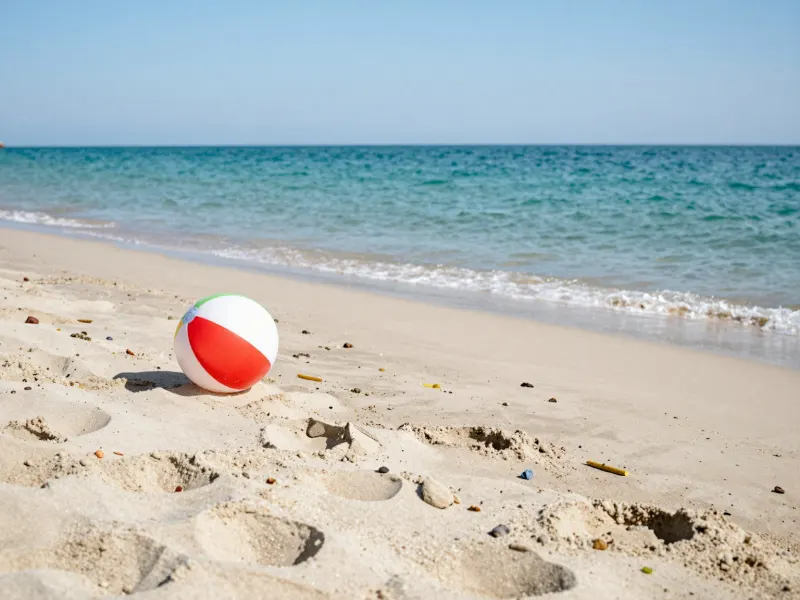
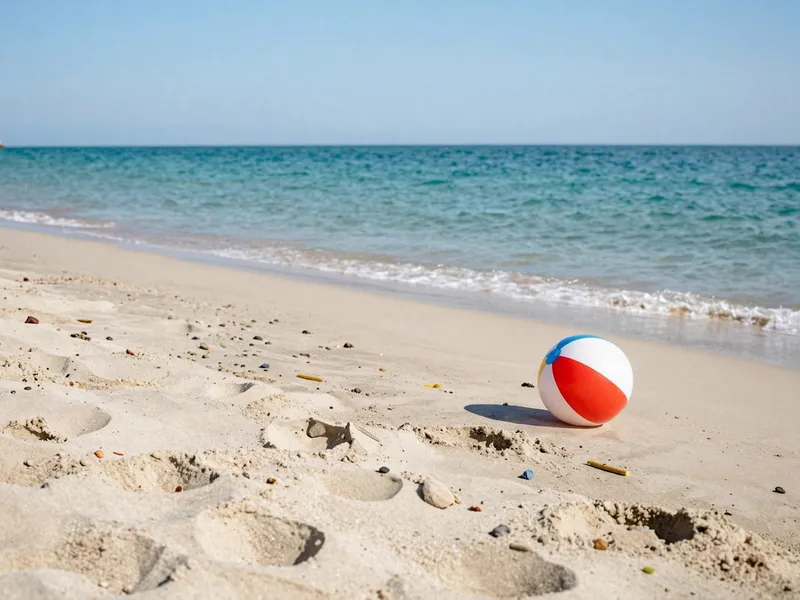
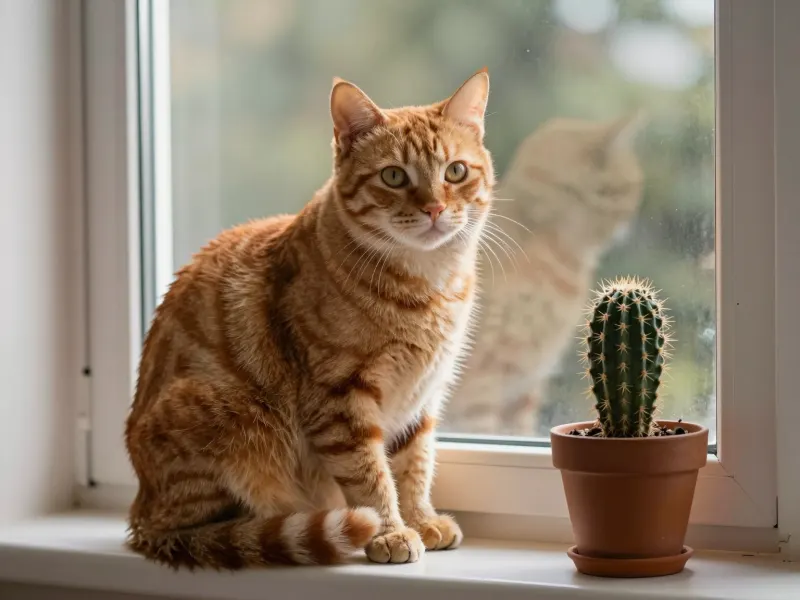
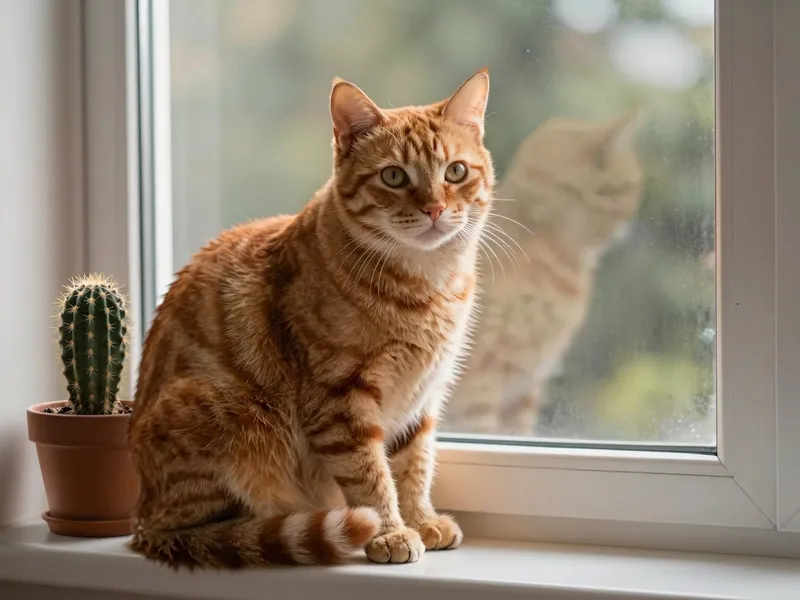


Drop in a JPG, PNG or WebP up to 10 MB. You mark it right in your browser; nothing is sent until you press Move.
Drag a red box around the object, then a blue box where you want it. Drag either box to fine-tune it, or use its corner to resize.
AI moves the object and fills in the old spot. Compare before and after, try again or switch model, then download.
Pick the plan that matches your pace
Subscribers get +20% extra credits at the same price
Subscribers receive: 1,080
Subscribers receive: 3,600
Subscribers receive: 6,600
Subscribers receive: 14,400
Subscriptions renew until canceled. Credit packs are one-time and expire 180 days after grant. Refunds & Billing · Terms · Privacy Policy · Contact Us · Pricing
aiMakeVideo is an independent AI video platform and is not affiliated with the model providers.
You mark the object with a red box and its new location with a blue box. The AI reads both marks, redraws the object at the new spot with matching scale, perspective, light and shadow, and fills in the background where it used to be. The boxes are removed from the result.
Each move uses credits, and the price is shown on the button before you start: 21 credits with Nano Banana 2 or 4 credits with GPT Image 2. New accounts get free sign-up credits in most regions, and if a job fails the credits are returned automatically. See Pricing for plans and credit packs.
Nano Banana 2, the default, keeps the rest of the photo closest to the original. GPT Image 2 places the object more precisely but may re-render fine details slightly, so it makes a good second try when the first result is off.
Box the whole object snugly, including its shadow, and draw the blue box about the size the object should appear at its new spot. Simple, uncluttered destinations work best. A short hint such as “the red mug” helps when objects overlap.
Results come back at roughly 1–1.5K pixels on the long side, in the same aspect ratio as your photo. Signed-in results are also saved to your Assets.
Yes — use Remove Object from Photo to erase it, or Remove Background to cut the subject out onto a transparent background.