
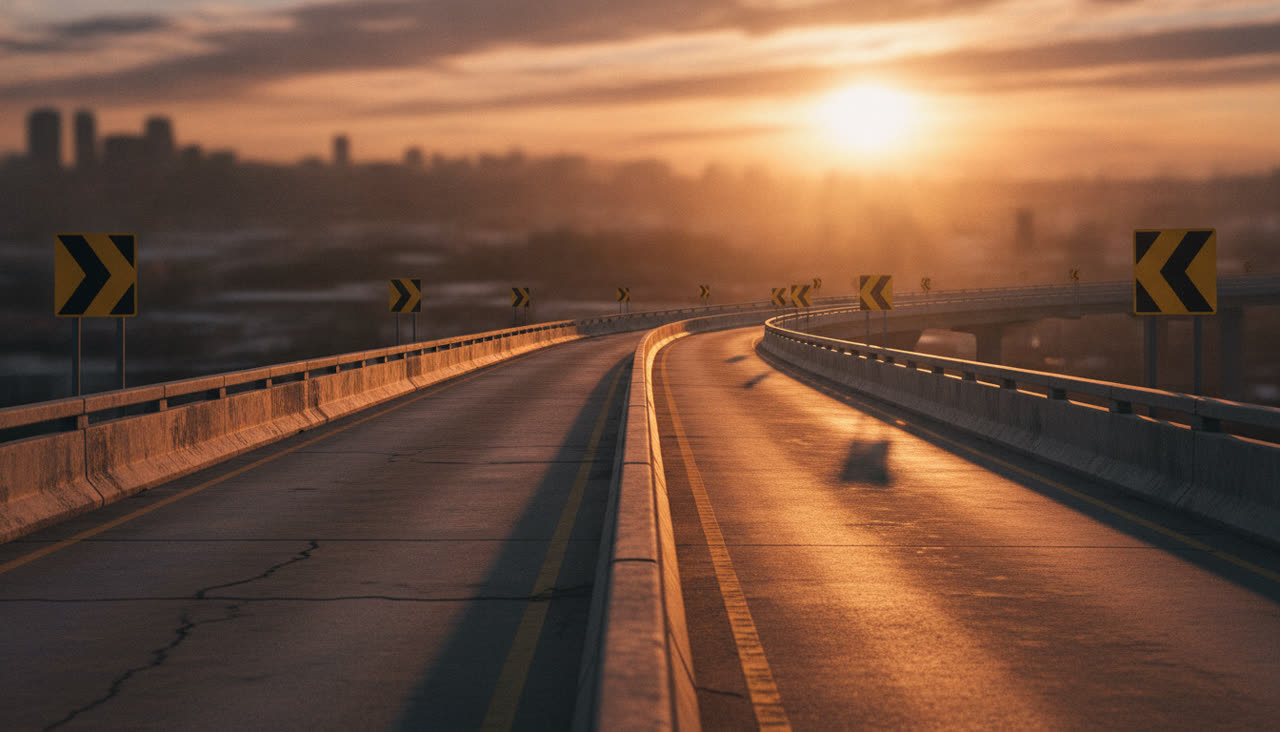
Sunset overpass
The original setting, with a motorcycle cop on the hover-bike
For the Crazy Frog trend on TikTok and Reels
One photo in, one invisible-moped hero out. Put your face, or your whole look, on the ride everyone is reposting: pick a place, add a photo (and a chaser if you want one) and download a 15 second MP4 with no watermark.
The riderSquats on the invisible moped in every shot, flips in mid-air and speeds off.
The chaser (optional)Rides the hover-bike behind you and gets the close-up. Leave it empty and an AI chaser that fits the place plays the part.
No photo handy? (AI-generated, not a real person).
Free Image Maker650 credits · 15 s · 720p
Sign in to add photos. Credits stay valid for 6 months. Get creditsExamples
All four came straight out of the generator above during testing: the trend's sound, no editing, no re-timing and no shots cut together.
The subjects in these clips are AI-generated, not real people or pets.
No timeline, no editing: the ride comes from our own reference clip, so every render hits the same beats at the same seconds.
One original clip we made ourselves, and twelve places to set it in, from a sunset overpass to a snowy mountain pass, a supermarket aisle or the sea floor.
One clear, front-facing photo with the whole face visible. We screen it before anything is rendered.
Fifteen seconds, no watermark. Post it to TikTok, Reels or Shorts, or add your own audio first.
The ride
Every Crazy Frog AI video follows the same beats in the same order. Only the people, the place and the chaser change.
He rides the invisible moped straight at the camera, fists out on handlebars that are not there.
A goofy face: wide eyes and the tongue out.
Hard cut to the chaser, glaring over the windscreen of the hover-bike.
He looks back, laughs and springs up off the road.
The backflip: upside down over the road, then the landing with both arms up and a yell.
The getaway: he shrinks to a tiny dot down the empty road while the hover-bike falls behind.
Those cuts, that camera and that timing come from our own reference clip rather than from a written prompt, so they land on the same seconds in every render, and the clip's track stays under the video.
The places
Pick the road, the light and the chaser's outfit. The moves, the cuts, the flip and the sound never change.
The original setting, with a motorcycle cop on the hover-bike
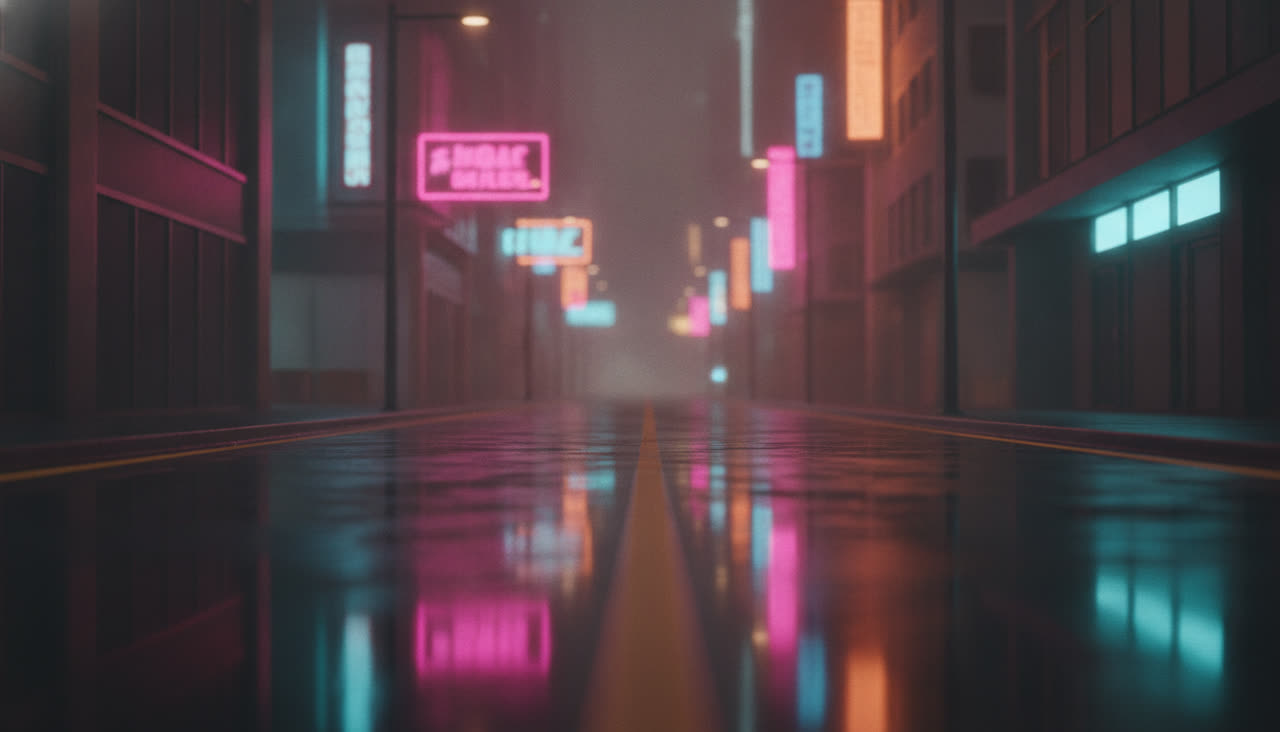
Rain-slick streets under pink and cyan signs
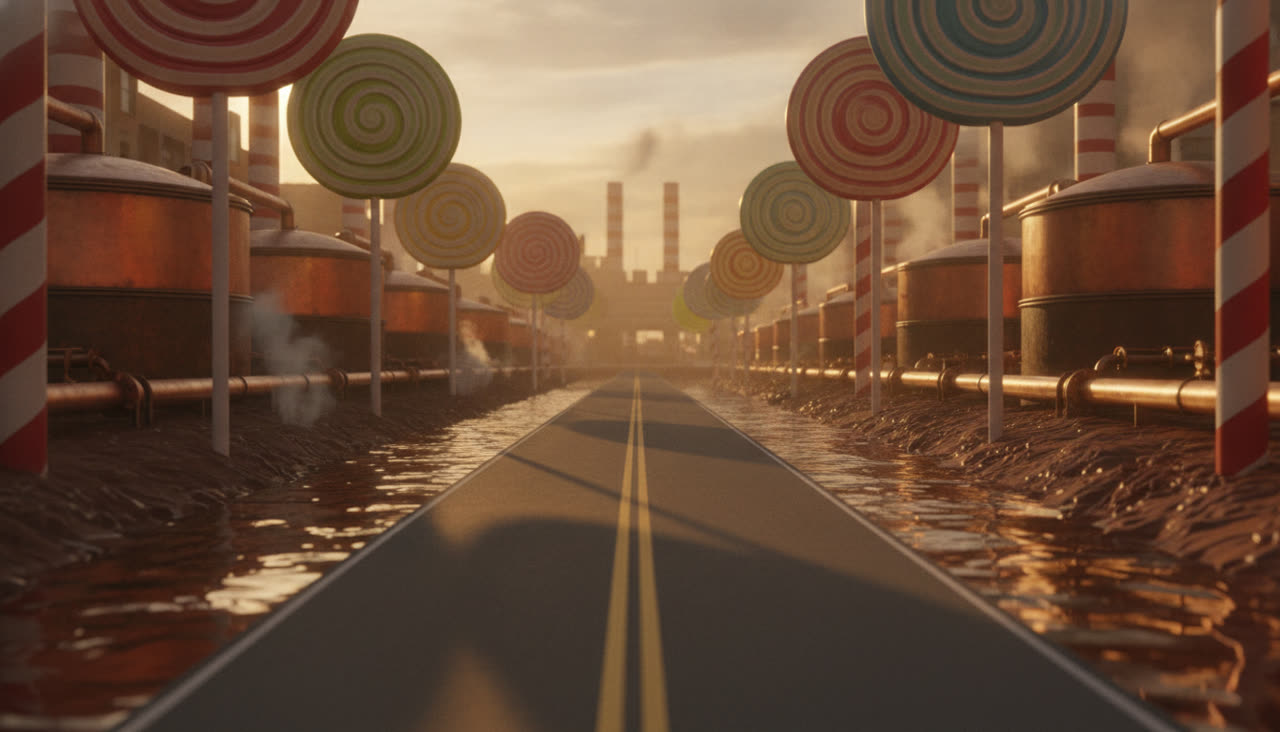
A chocolate river, copper tanks and candy-cane pillars
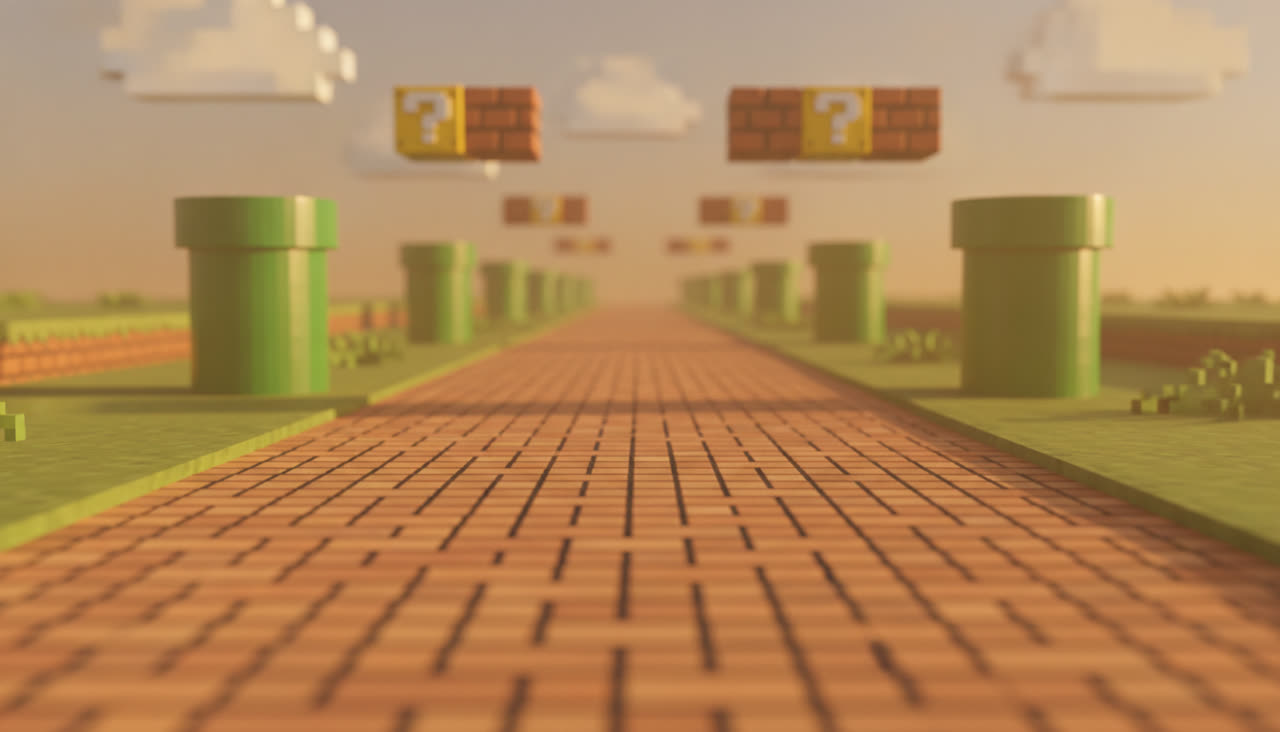
An 8-bit brick road past the green pipes
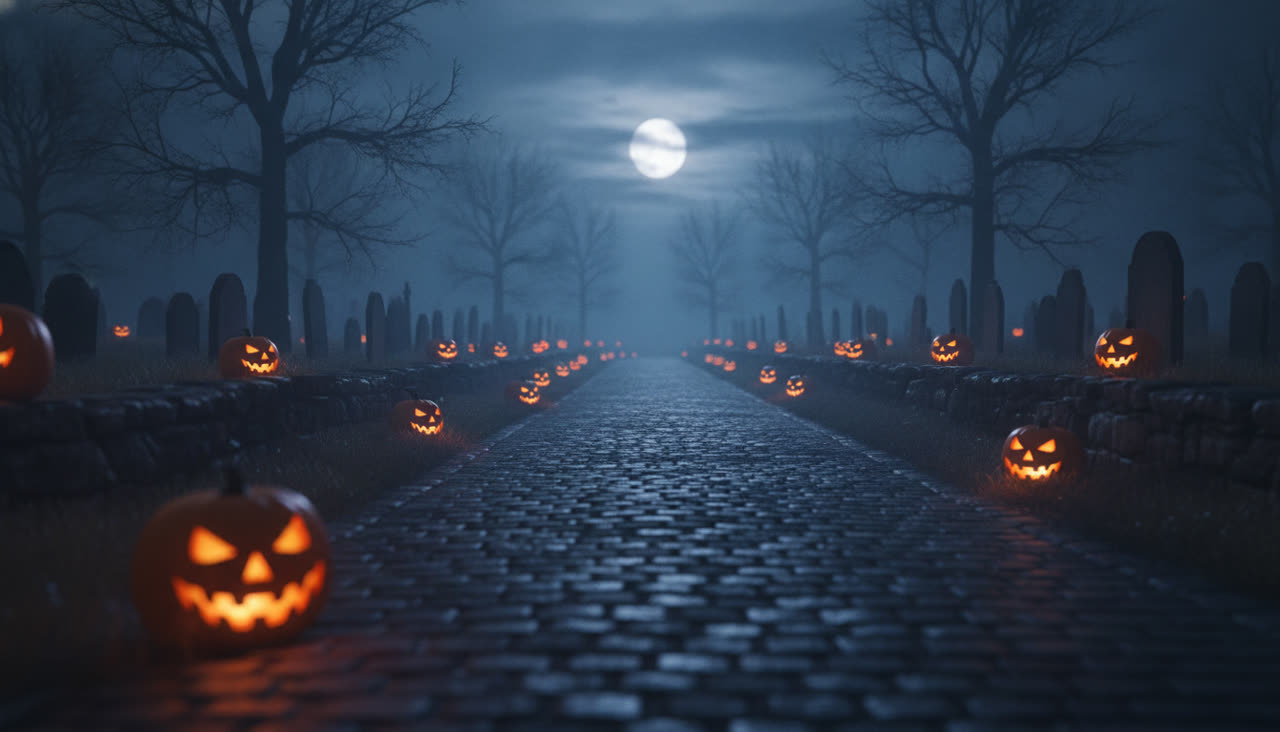
Jack-o'-lanterns, gravestones and a full moon
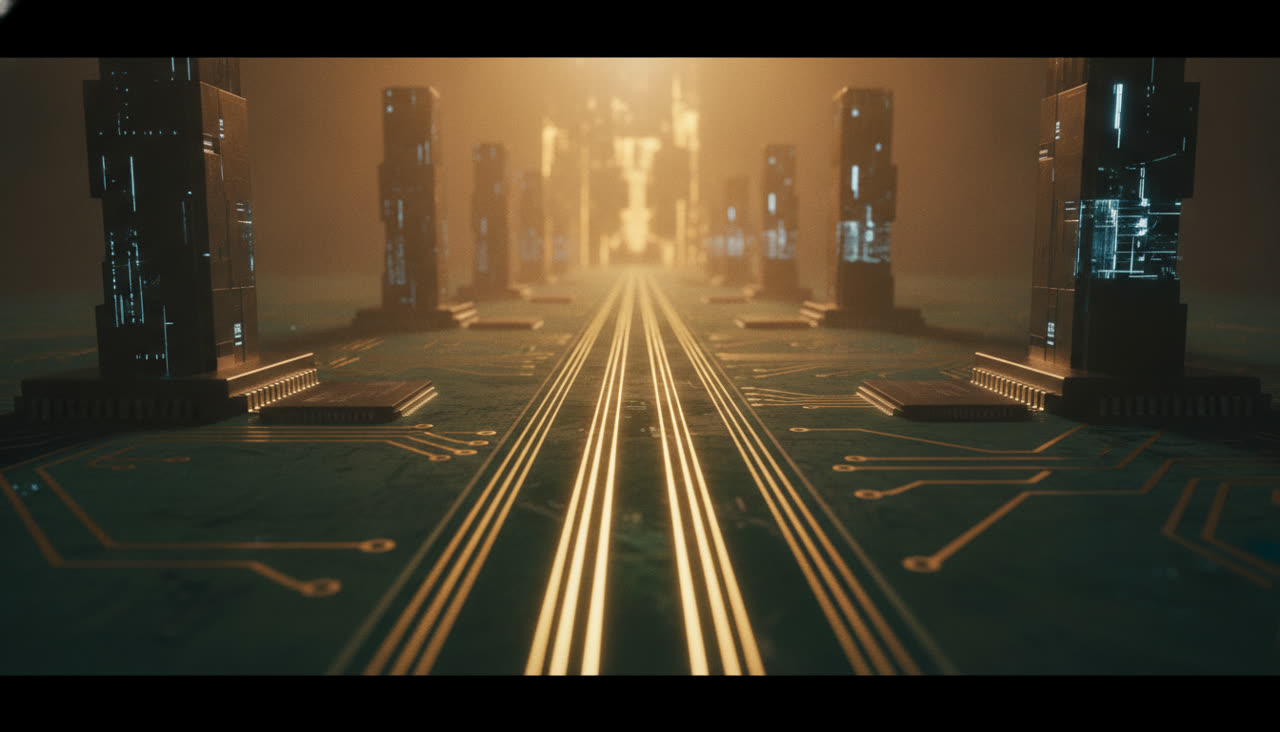
Glowing gold traces between blue-lit chip towers
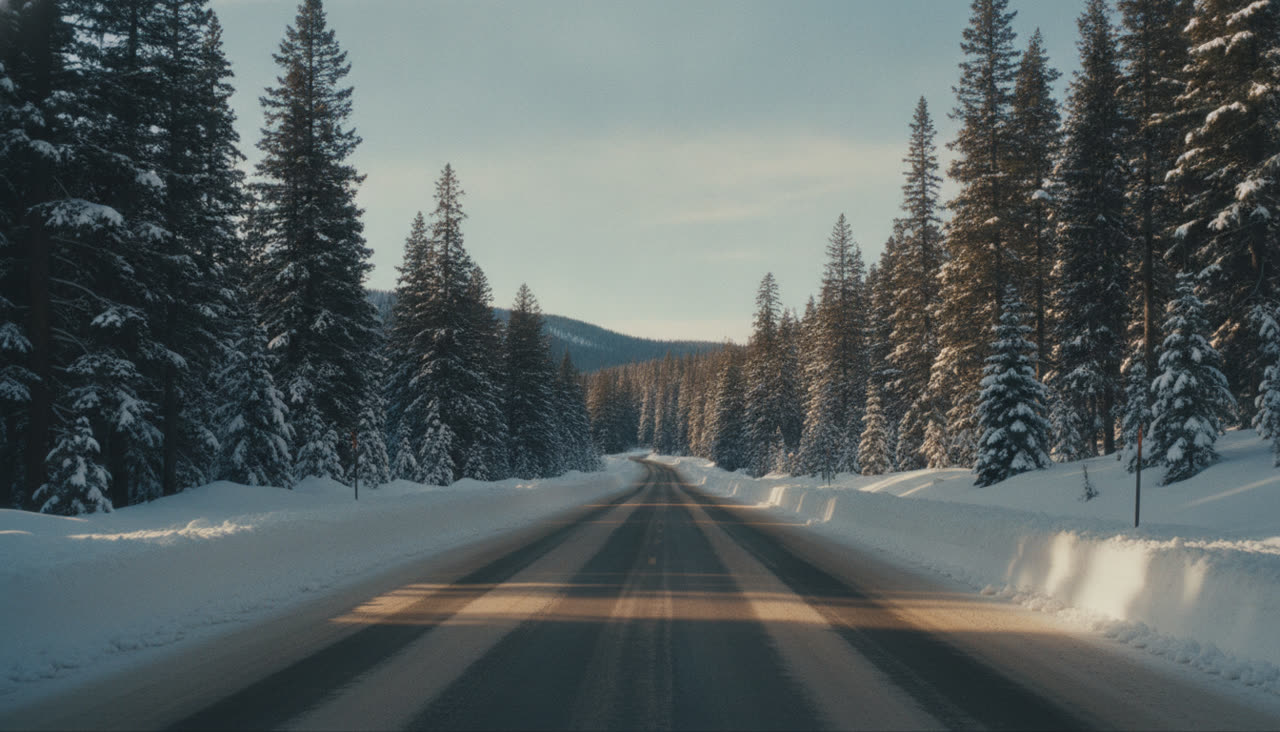
Snow banks, pine trees and a ski patroller behind you
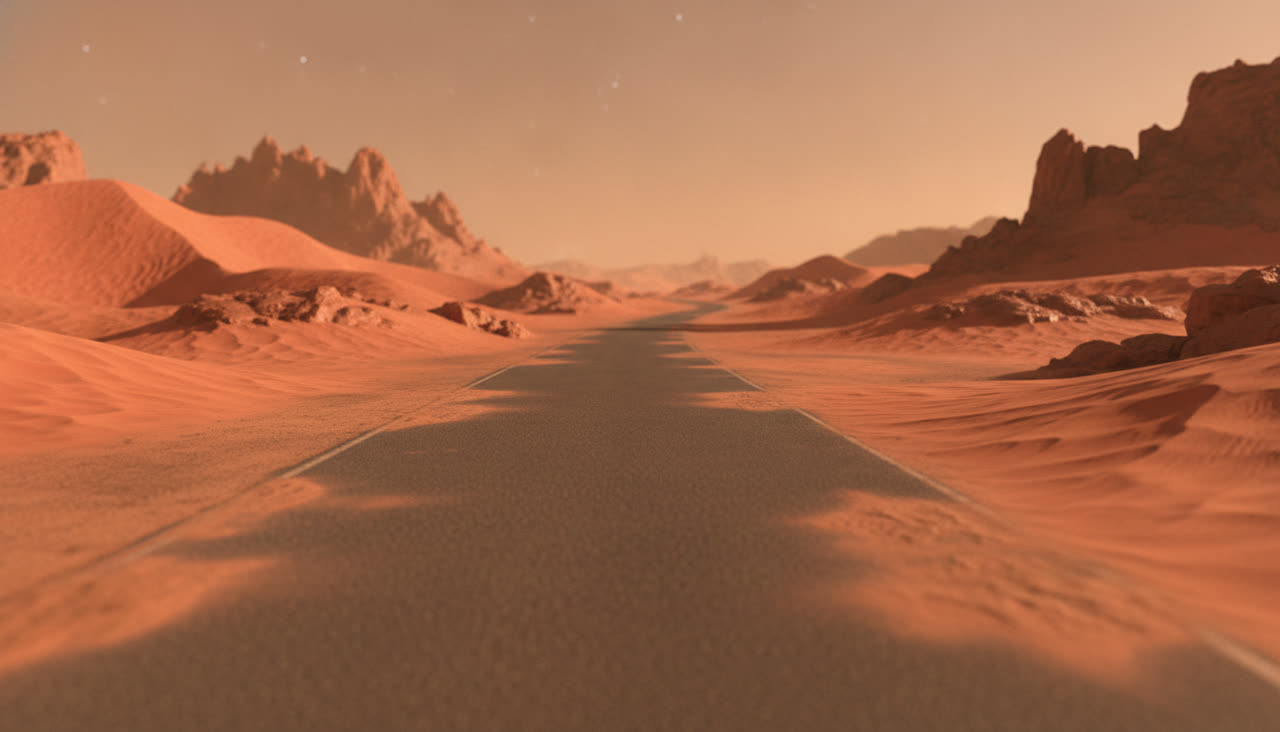
Red dunes under an orange sky, with an astronaut cop
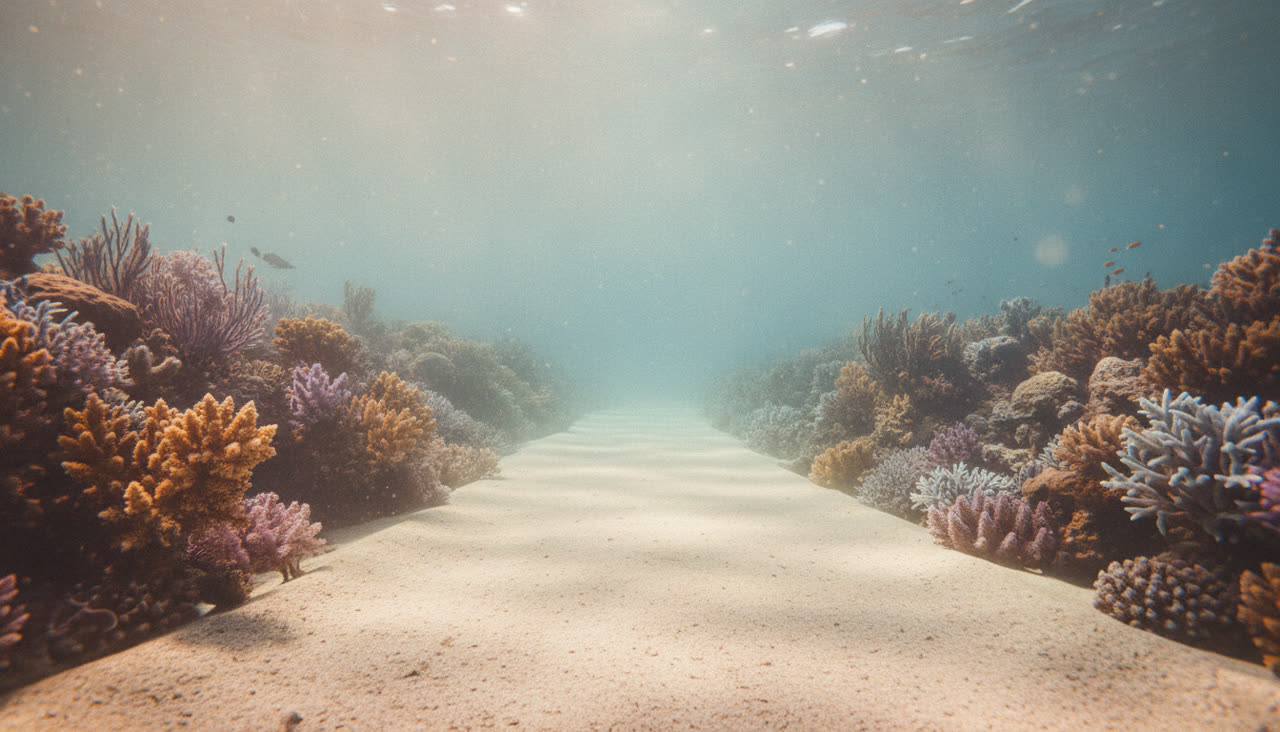
A sandy path between coral reefs, and a diver cop
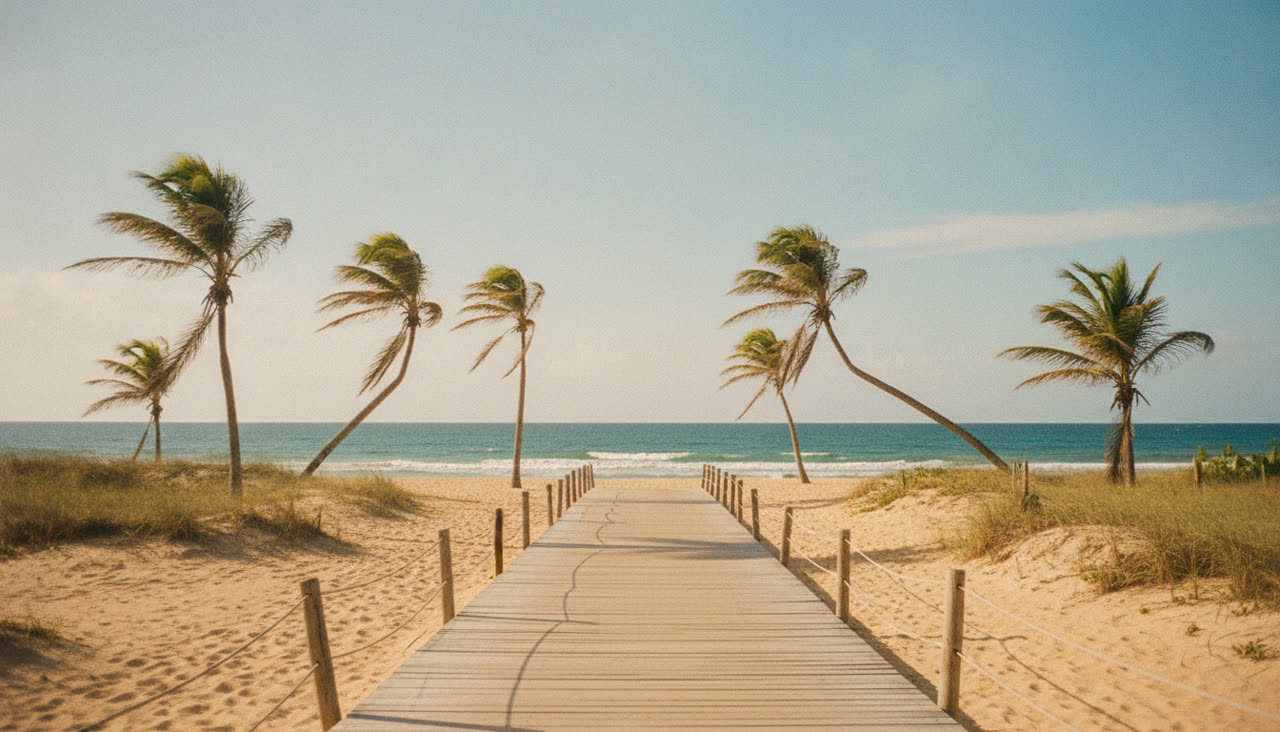
Palm trees, sand and a lifeguard on the hover-bike
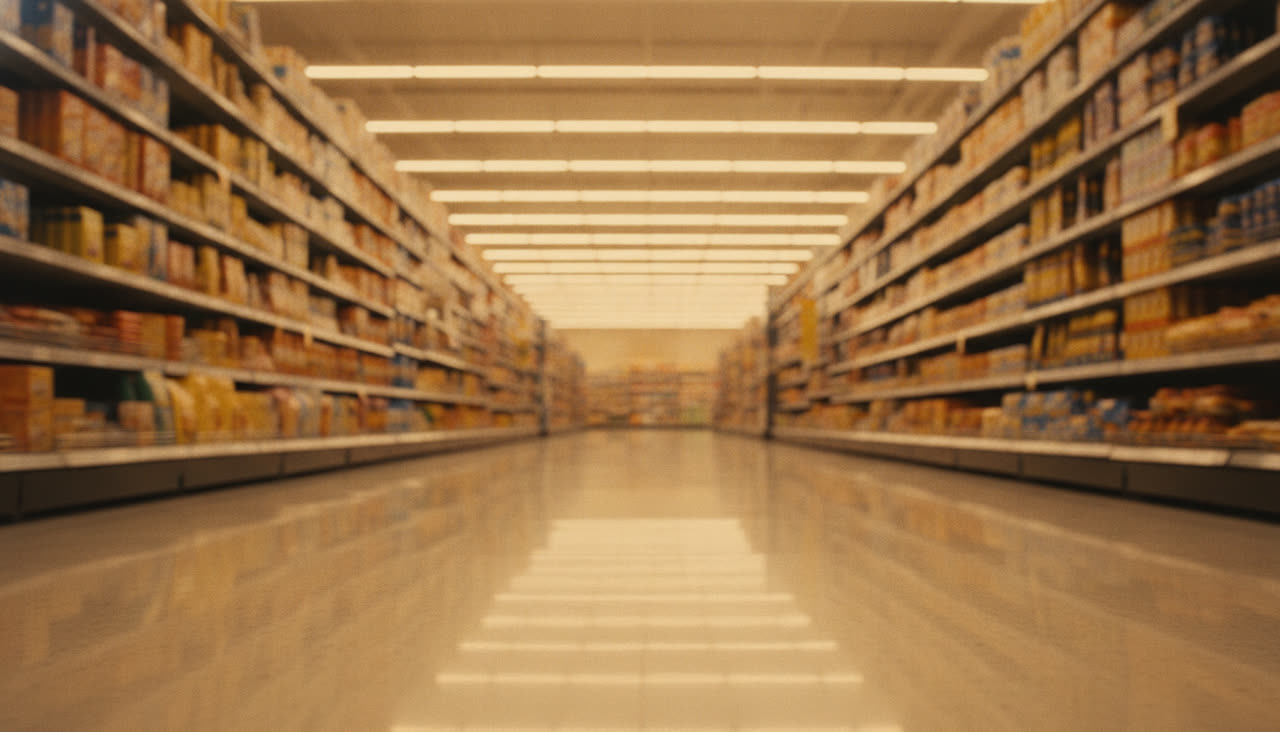
Strip lights, full shelves and a security guard
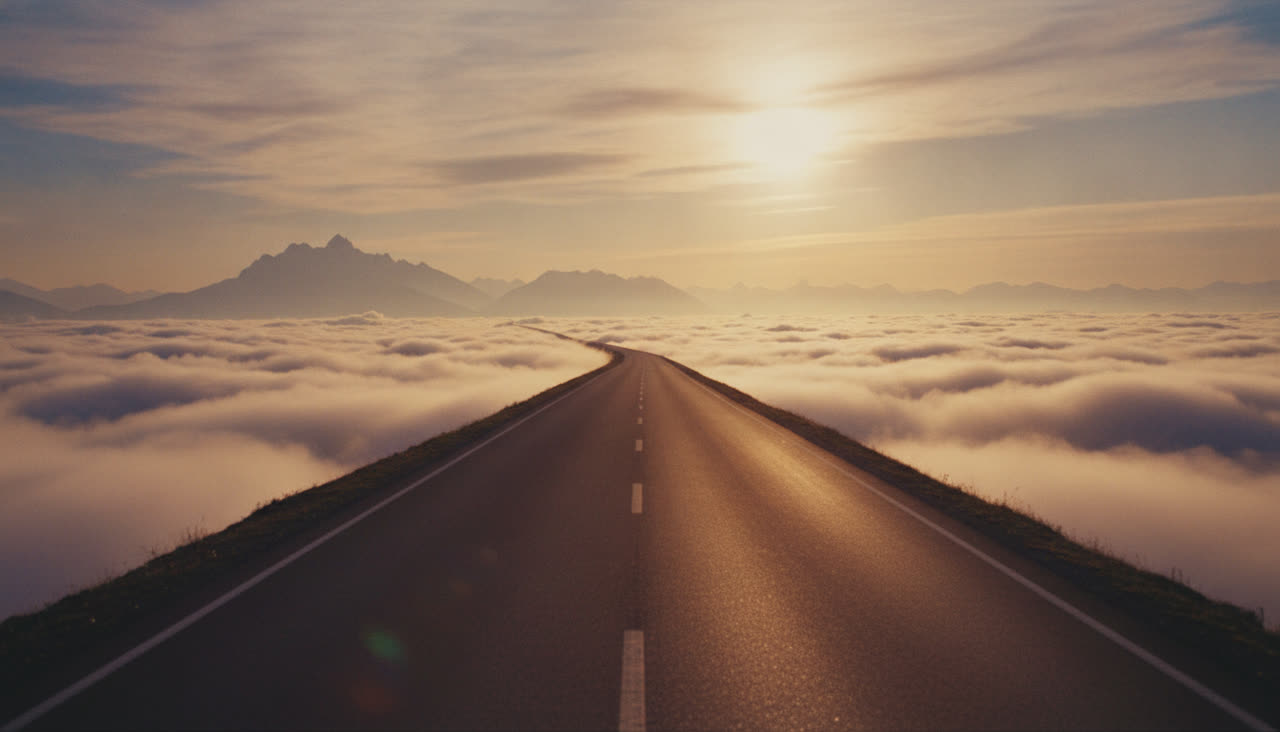
A road above the clouds at sunrise, with a sky guard
The overpass is the place from the original trend. The other eleven are ours; none of them uses anyone else's footage.
Everything about the output is chosen for short-form: 16:9 or vertical, clean, and carrying the trend's sound.
The ride, the cuts, the backflip and the getaway come from a clip we made ourselves, so the trend's rhythm is exact, and no frame of anyone else's video is used anywhere.
Your face goes on the rider from one photo. A second photo puts a friend on the hover-bike as the chaser.
Change the road, the light and the chaser's outfit without redoing anything: the performance stays, the place changes.
Leave the soundtrack on Trend sound and the track is already under the finished MP4; keep the scene sound only, or take a silent file and score it yourself.
By hand or in one click
You can build one by hand with a general AI video tool, or let this generator do the two hard parts: the performance and the sound.
In October 2026 TikTok filled with the same clip: a person crouched on a motorbike that is not there, sliding along a sunset overpass while a hover-bike rival swoops in. It is an AI template, not a film scene. Here is what it is, and how to put yourself in the ride.
We recast our own clip. The ride, the cuts, the flip and the sound stay; your face, your place and your chaser go in.
Pick the plan that matches your pace
Subscribers get +20% extra credits at the same price
Subscribers receive: 1,080
Subscribers receive: 3,600
Subscribers receive: 6,600
Subscribers receive: 14,400
Subscriptions renew until canceled. Credit packs are one-time and expire 180 days after grant. Refunds & Billing · Terms · Privacy Policy · Contact Us · Pricing
aiMakeVideo is an independent AI video platform and is not affiliated with the model providers.
Questions
Crazy Frog AI is the TikTok trend where a photo becomes a rider crouched on an invisible moped with a hover-bike rival swooping in, and the name of this generator for it. Upload one photo, pick a place, and it returns a 15 second video with your face on the rider and the trend's sound under it.
It puts your face on a rider crouched on an invisible moped while a hover-bike rival gives chase, the look of the Crazy Frog TikTok trend. You upload one photo, pick a place, and we recast our own 15 second clip with it; the trend's sound stays in.
A 15-second MP4 in 720p with no watermark, in 16:9 or vertical. You choose whether it carries the trend's sound, keeps only the sound of the place, or comes back silent.
A 15-second video is 650 credits at 720p. Credit packs start at $9.90. Credits are valid for 6 months. A failed video is refunded.
The hero, the hover-bike and every frame of the performance are ours: we generated the reference clip ourselves. The track under the video is the trend's sound.
It took off on TikTok in October 2026 as an AI template: you give it a photo and get back a person crouched on an invisible motorbike on a sunset overpass, with a hover-bike rival swooping in, usually posted over the well-known track. Creators posted their own versions within days.
Yes, that is the whole tool. One photo of an adult, facing the camera, with the whole face and hairstyle visible. Sunglasses, masks and heavy filters do not work.
The rider is the person in your photo: face, hair, clothes and colours all come from it, so there is no separate outfit switch. A clear, front-facing photo of an adult gives the closest match, and a full-body shot works best when you want the clothes in frame.
No. Every render runs on a paid AI model, so each video is paid for. An account is free, and you can look at all twelve places before you buy.
By default the trend's track is under the video, so your post sounds like the trend without you adding anything. You can also keep only the sound of the place (road, wind, engines, no music) or switch to No song for a silent MP4 to score yourself.
Usually a couple of minutes. You can close the tab; the finished video waits in Assets.
The video is returned to your balance automatically. If a finished video is clearly broken, write to us and see the refund policy.
No. Crazy Frog AI is an independent fan tool with no connection to the Crazy Frog character or its owners. The hero and the reference clip are characters and footage we generated ourselves; the track under the video is the trend's sound.
One, of the rider. A second photo is optional: upload someone else and they become the cop on the hover-bike instead of the AI one that fits the place.
Yes. Landscape 16:9 is the default, and vertical 9:16 is one click away for TikTok, Reels and Shorts.
No. The performance is a clip we generated ourselves, and your photo replaces the rider in it. The people, the place and the chaser change; the cuts, the camera, the flip and the sound stay.
Every tool turns your photos into a short vertical video. One credit balance works on all of them.
Crazy Frog AI is an independent fan tool. It is not affiliated with, endorsed by or sponsored by the Crazy Frog character or its owners, any music label, artist or platform. The hero and the reference clip are our own; the track under the video is the trend's sound.
One photo. Fifteen seconds on the invisible moped. Yours to post.
Make my video